
Size chart generator
Pick a garment, get a store-ready size chart — US, UK, EU and AU, body or garment measurements, inches and centimetres.
| Size | US | UK | EU | AU | Bust (in / cm) | Waist (in / cm) | Hip (in / cm) |
|---|---|---|---|---|---|---|---|
| XS | 0–2 | 6 | 34 | 6 | 32–33 in / 81.5–84 cm | 25–26 in / 63.5–66 cm | 35–36 in / 89–91.5 cm |
| S | 4–6 | 8–10 | 36–38 | 8–10 | 34–35 in / 86.5–89 cm | 27–28 in / 68.5–71 cm | 37–38 in / 94–96.5 cm |
| M | 8–10 | 12–14 | 40–42 | 12–14 | 36–37 in / 91.5–94 cm | 29–30 in / 73.5–76 cm | 39–40 in / 99–101.5 cm |
| L | 12–14 | 16–18 | 44–46 | 16–18 | 38–40 in / 96.5–101.5 cm | 32–34 in / 81.5–86.5 cm | 42–43 in / 106.5–109 cm |
| XL | 16–18 | 20–22 | 48–50 | 20–22 | 41–43 in / 104–109 cm | 36–38 in / 91.5–96.5 cm | 45–47 in / 114.5–119.5 cm |
Sizing is nominal and varies by brand and cut (vanity sizing is real). These charts follow ASTM body-measurement standards as a starting point — measure a real body or garment and confirm before you publish or produce. Informational, not fitting or legal advice. Pick men’s or kids, switch region or units, and toggle body ↔ finished-garment measurements in the generator.
A size chart generator builds a store-ready sizing table — you pick who it's for (women, men or kids), the garment class and your region (US, UK, EU or AU), and it fills in the measurements for every size, in inches and centimetres, switching between body measurements (what the shopper measures) and finished-garment measurements (what the brand specs). Adstronaut's is free and needs no signup: copy the chart as an HTML table for Shopify or WooCommerce, download it as a CSV, print a branded PDF, or embed the live widget with a shareable link. Defaults follow the ASTM D5585 (women), D6240 (men) and D6860 (kids) body-measurement standards — with the honest caveat that letter sizes vary by brand, so always publish real numbers, not just S–XL.
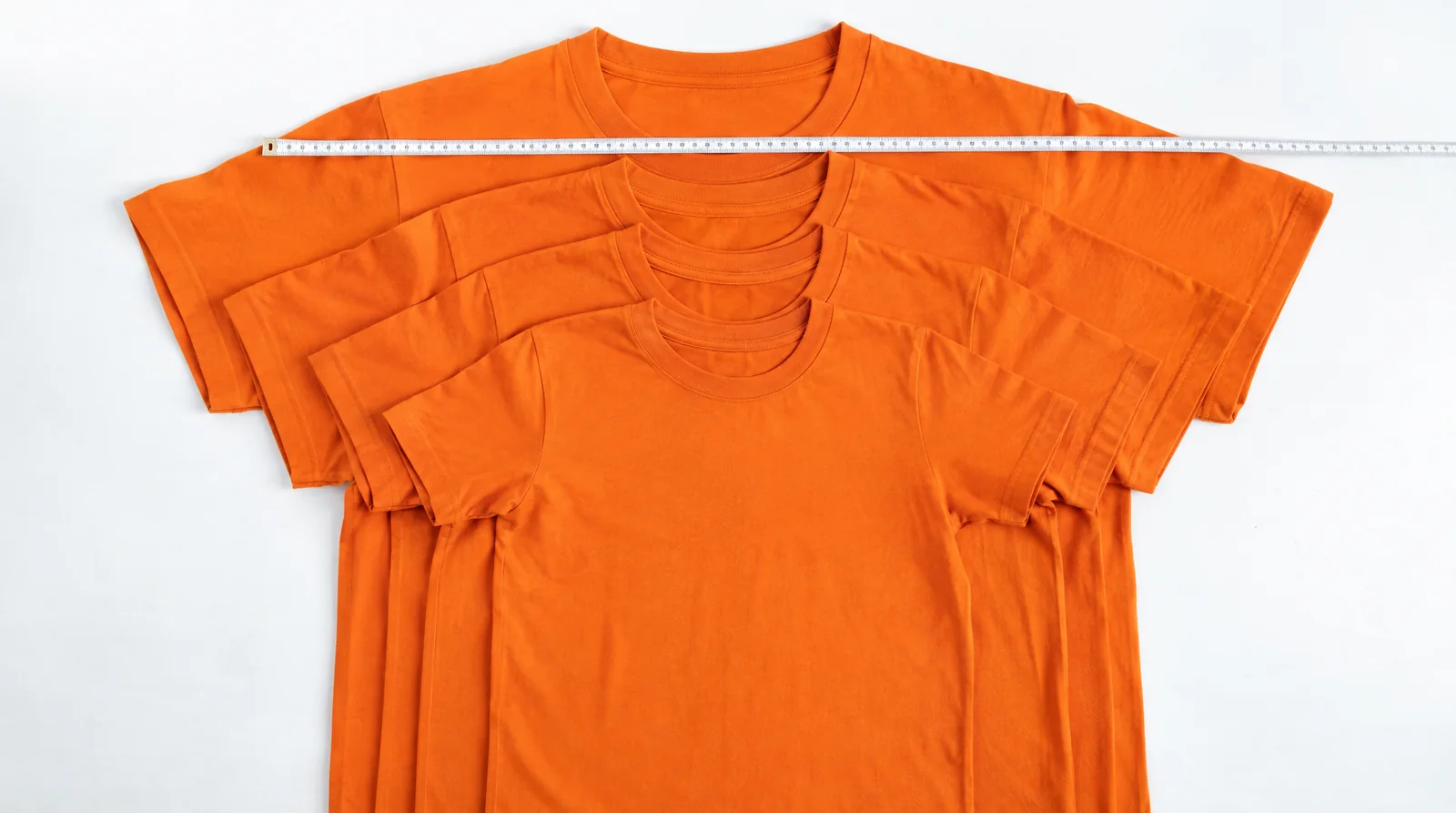
How to make a size chart in four steps
- 1
Pick who it’s for and the garment
Women, men or kids, then the garment class — tops, tees, dresses, bottoms, jeans, outerwear, knitwear, leggings. The chart fills instantly with standard measurements for that garment; the ease used in garment mode changes with it. - 2
Choose the size run and region
Letter sizes (XS–XL) or the numeric run (US 00–20, men’s chest 34–52, kids 2T–16), toggle individual sizes on or off, and set your primary market — US, UK, EU or AU. Every region column converts live; the one you pick leads the table and the exports. - 3
Set the fit and units
Body mode shows the bust/waist/hip a shopper measures to self-select. Finished-garment mode adds standard ease per garment class, with slim, regular and oversized presets. Show inches, centimetres, or both. - 4
Publish it
Copy as HTML table straight into a Shopify or WooCommerce product description, download the CSV for your team, print a branded PDF, or copy the embed code to run the live chart on your store with a link back to the tool.
Women's size conversion chart — US, UK, EU, AU
Nominal women’s tops and dresses conversion, aligned to ASTM D5585 body measurements. Letter sizes vary by brand — go by the bust/waist/hip numbers when between sizes.
| Size | US | UK | EU | AU | Bust (in) | Waist (in) | Hip (in) |
|---|---|---|---|---|---|---|---|
| XXS | 00 | 4 | 32 | 4 | 31–32 | 24–25 | 33–34 |
| XS | 0–2 | 6 | 34 | 6 | 32–33 | 25–26 | 35–36 |
| S | 4–6 | 8–10 | 36–38 | 8–10 | 34–35 | 27–28 | 37–38 |
| M | 8–10 | 12–14 | 40–42 | 12–14 | 36–37 | 29–30 | 39–40 |
| L | 12–14 | 16–18 | 44–46 | 16–18 | 38–40 | 32–34 | 42–43 |
| XL | 16–18 | 20–22 | 48–50 | 20–22 | 41–43 | 36–38 | 45–47 |
| XXL | 20 | 24 | 52 | 24 | 44–46 | 40–41 | 48–49 |
Rule of thumb: UK = US + 4; EU ≈ US + 32; AU = UK. Source: ASTM D5585-21 and published international conversion charts.
Men's size conversion chart — US, UK, EU
Nominal men’s tops conversion, aligned to ASTM D6240 chest measurements. US, UK and AU men’s sizes are the chest in inches; EU ≈ chest-in-inches + 10.
| Size | US/UK/AU (chest in) | EU | Chest (in) | Waist (in) | Neck (in) |
|---|---|---|---|---|---|
| XS | 32–34 | 42–44 | 32–34 | 26–28 | 13.5–14 |
| S | 34–36 | 44–46 | 35–37 | 28–30 | 14–14.5 |
| M | 38–40 | 48–50 | 38–40 | 32–34 | 15–15.5 |
| L | 42–44 | 52–54 | 42–44 | 36–38 | 16–16.5 |
| XL | 46–48 | 56–58 | 46–48 | 40–42 | 17–17.5 |
| XXL | 50–52 | 60–62 | 50–52 | 44–46 | 18–18.5 |
Source: ASTM D6240/D6240M-12(2021) and published men’s conversion charts. Men’s bottoms are labelled by waist inches everywhere; EU trouser sizes ≈ waist-in + 16.
The chart is one field of the listing. The same product still needs its color, fabric, fit and occasion tagged — Adstronaut extracts 13 listing attributes from one photo and exports them to Excel.
Tag your products →Body vs finished-garment measurements — publish the right one
Body measurements describe the person: the bust, waist and hip a shopper tapes on themselves to pick a size. This is what belongs on a product page, because the shopper knows their own numbers.
Finished-garment measurements describe the flat garment on the table — what a factory sews to and QA checks. The two differ by ease: a woven blouse carries about 4 inches of bust ease over the body; a jacket 6–7 for layering; leggings run negative (compression). The generator converts between the two per garment class, and the slim/regular/oversized presets shift that ease the way a fit comment on a spec sheet would.
Use body mode for your store's size guide, garment mode when you brief a manufacturer — and if you're going to production, those same graded measurements belong in a tech pack as points of measure.
Kids size chart — age, height, US/EU conversion
Kids sizes grade by height, not by girth — the size number roughly tracks age, and EU labels are the height in centimetres (EN 13402). Basis: ASTM D6860 (girls), D6458 (boys) and D4910 (toddlers).
| US size | EU (height cm) | UK/AU | Age (yr) | Height (in) | Chest (in) | Waist (in) |
|---|---|---|---|---|---|---|
| 2T | 92 | 2 | 2 | 33–35 | 21 | 20.5 |
| 3T | 98 | 3 | 3 | 36–38 | 22 | 21 |
| 4T | 104 | 4 | 4 | 39–41 | 23 | 21.5 |
| 5 | 110 | 5 | 5 | 42–44 | 24 | 22 |
| 6 | 116 | 6 | 6 | 45–47 | 25 | 22.5 |
| 7 | 122 | 7 | 7 | 48–49 | 26 | 23 |
| 8 | 128 | 8 | 8 | 50–52 | 27 | 23.5 |
| 10 | 140 | 10 | 10 | 53–54 | 28.5 | 24.5 |
| 12 | 152 | 12 | 12 | 55–57 | 30 | 25.5 |
| 14 | 164 | 14 | 14 | 58–60 | 32 | 26.5 |
| 16 | 170 | 16 | 16 | 61–63 | 33.5 | 27 |
When a child is between sizes, size up by height — kids grow into length faster than girth. The generator’s find-my-size uses height for kids.
How to measure for a size chart
Why letter sizes lie — publish real numbers
A US size 8 is a 36¼-inch bust in the ASTM standard, but one brand's 8 is another's 6. This is vanity sizing, and it's the single biggest driver of size-related returns.
The fix is not a better letter — it's numbers. Publish the actual bust, waist and hip (or the finished-garment measurements) for every size, in both inches and centimetres, next to the letter. A shopper with a 37-inch bust knows to pick your M whatever you call it.
That's why this generator leads with measurements, converts all four regions at once, and shows both units in one cell. The chart is the first step of a listing, not the whole listing — once it's live, tag every product attribute and shoot the product from every angle for the same item.
Taking it to a factory? The size chart's measurements come from your tech pack — the graded points of measure a manufacturer sews to. Adstronaut builds the full pack from one garment photo.
Generate a tech pack →Free size chart tools, honestly compared
What you get free here versus the common options. We can't match Kiwi Sizing's in-cart AI fit-finder — but everything below is free with no app install.
Use Adstronaut’s free generator if…
- ✓You want HTML, CSV, print/PDF and an embed from one tool
- ✓You sell across regions and need US/UK/EU/AU in one chart
- ✓You need both body-measurement and finished-garment modes with real ease presets
- ✓You want a chart live on your store in under a minute, no signup
- ✓You’re price-sensitive and Kiwi Sizing’s paid tiers are overkill
Consider a paid app (e.g. Kiwi Sizing) if…
- ✓You need an AI in-cart size recommender trained on returns data
- ✓You want per-variant charts auto-assigned across a large catalog
- ✓You need built-in return-rate analytics tied to sizing
- ✓You’re deep in the Shopify app ecosystem and want native support
Genlook and White Cotton are also free but single-mode; the differentiator here is the bundled combination — dual mode, four regions, dual units and four export paths.
Size chart generator — questions answered
Is the size chart generator really free?
Yes. Building the chart, switching regions and units, the body ↔ garment modes, the HTML copy, the CSV download, the print/PDF and the embed are all free with no signup. It’s a free tool built by Adstronaut AI, a fashion-design platform.
How do I add a size chart to my Shopify store?
Build the chart, click Copy as HTML table, and paste it into your product description (or a size-guide section/metafield) in the Shopify editor — it’s a plain HTML table with inline styles, no app install. Prefer a live widget? Use Embed instead: the iframe snippet renders the interactive chart and includes a small "Powered by Adstronaut" link beside it.
What’s the difference between body and garment measurements?
Body measurements describe the person — the bust, waist and hip a shopper measures to pick a size. Finished-garment measurements describe the flat garment — body plus ease — which is what a factory and QA read. The tool converts between them per garment class using standard ease allowances, with slim, regular and oversized fit presets; toggle the mode in the Fit group.
Which size standards do the default charts follow?
Women’s charts follow ASTM D5585 (misses body measurements, sizes 00–20), men’s follow ASTM D6240 (chest 34–52), and kids follow ASTM D6860/D6458/D4910 graded by age and height. Measurement landmarks follow ASTM D5219 and ISO 8559-1. The US/UK/EU/AU conversions are nominal and vary by brand — always confirm against a real sample.
How accurate are US to UK to EU to AU conversions?
They’re accurate as nominal mappings: women’s UK = US + 4, EU ≈ US + 32, AU = UK; men’s US/UK/AU sizes are the chest in inches with EU ≈ chest + 10; kids EU labels are height in centimetres. Real fit varies by brand because of vanity sizing — that’s why the tool shows the underlying measurements next to every label. The numbers are the truth; the letters are shorthand.
Can I make a size chart for kids?
Yes — pick Kids and the chart grades by age and height band (2T–16), with EU height-in-cm labels. Kids sizing is height-governed, so the find-my-size helper asks for height rather than bust/waist/hip.
What do the slim, regular and oversized presets change?
They shift the ease applied in finished-garment mode: slim trims about 1.5 inches of girth ease, oversized adds about 3, on bust/chest, waist and hip. Ease values are common pattern-making practice, not a standard — treat them as a starting point and confirm against a sewn sample before production.
Can shoppers use it to find their size?
Yes. The Find my size panel takes two or three body measurements (height for kids) and recommends a size, flags when you’re between two sizes ("size up for comfort, down for a fitted look"), and highlights the matching row. It runs entirely in the browser — nothing is stored or sent — and it works inside the embedded widget too.
One listing needs more than a size chart
You made the size chart. Adstronaut also tags every product attribute, shoots the product from every angle, and builds the tech pack — for the same listing, from the same photo.
Tag your productsMore free tools and features
Sources and further reading
- ASTM D5585-21 — Body Measurements for Adult Female Misses, Sizes 00–20 — women’s body-measurement standard
- ASTM D6240/D6240M-12(2021) — Body Measurements for Mature Men, Chest 34–52 — men’s body-measurement standard
- ASTM D6860/D6860M-16 — Body Measurements for Girls, Sizes 2 to 20 — kids body-measurement basis (with D6458 boys, D4910 toddlers)
- ISO 8559-1:2017 — Size designation of clothes, anthropometric definitions — international measurement-landmark companion
- U.S. standard clothing size (Wikipedia) — numeric size tables and international conversions
- Clothing sizes — international systems overview — SizeUK / SizeUSA national sizing-survey context; sizes drift from surveys over time