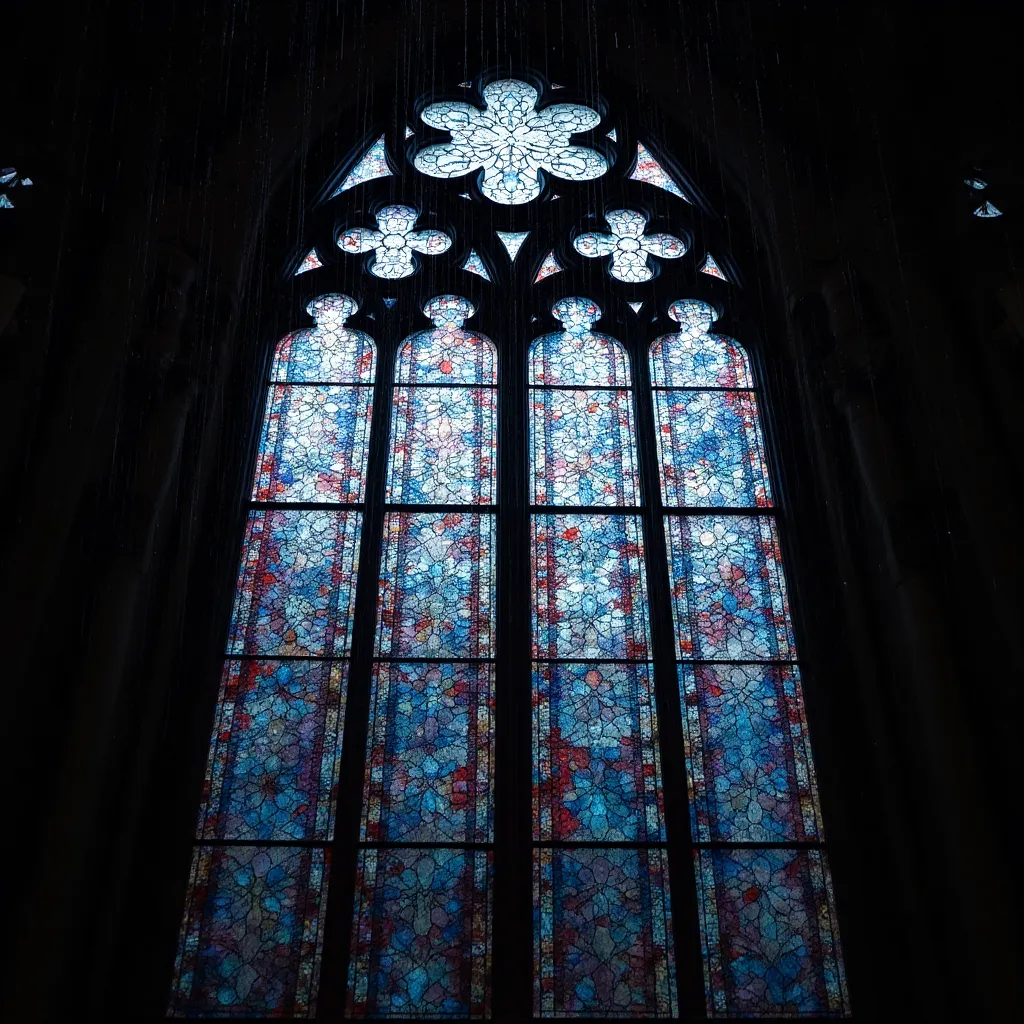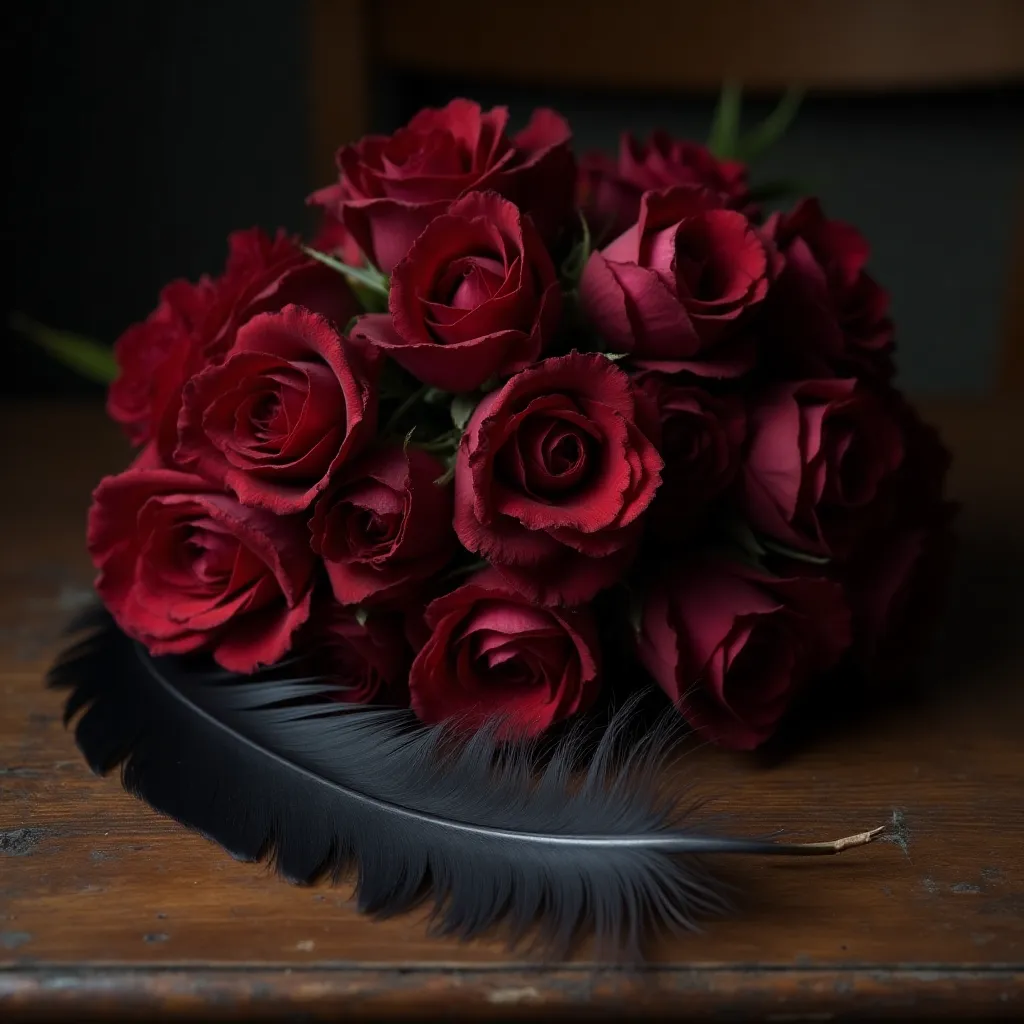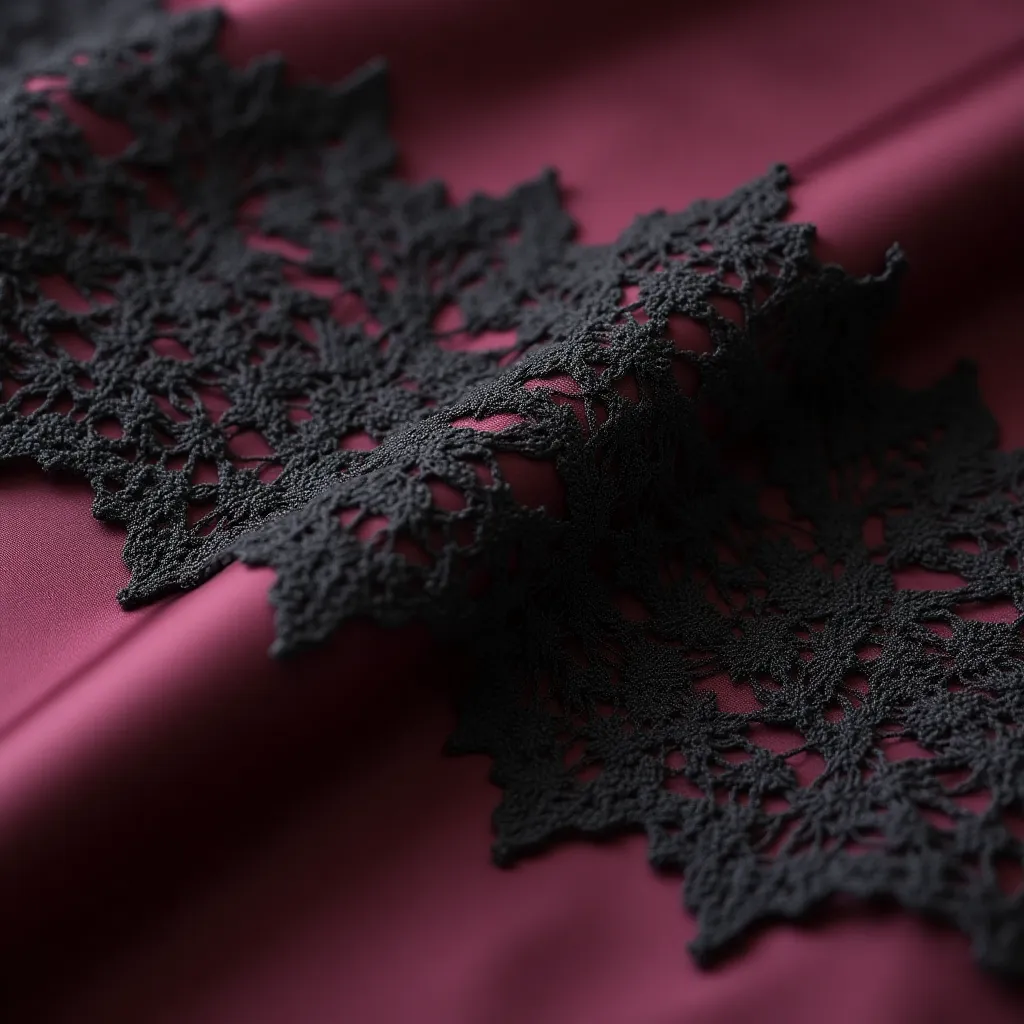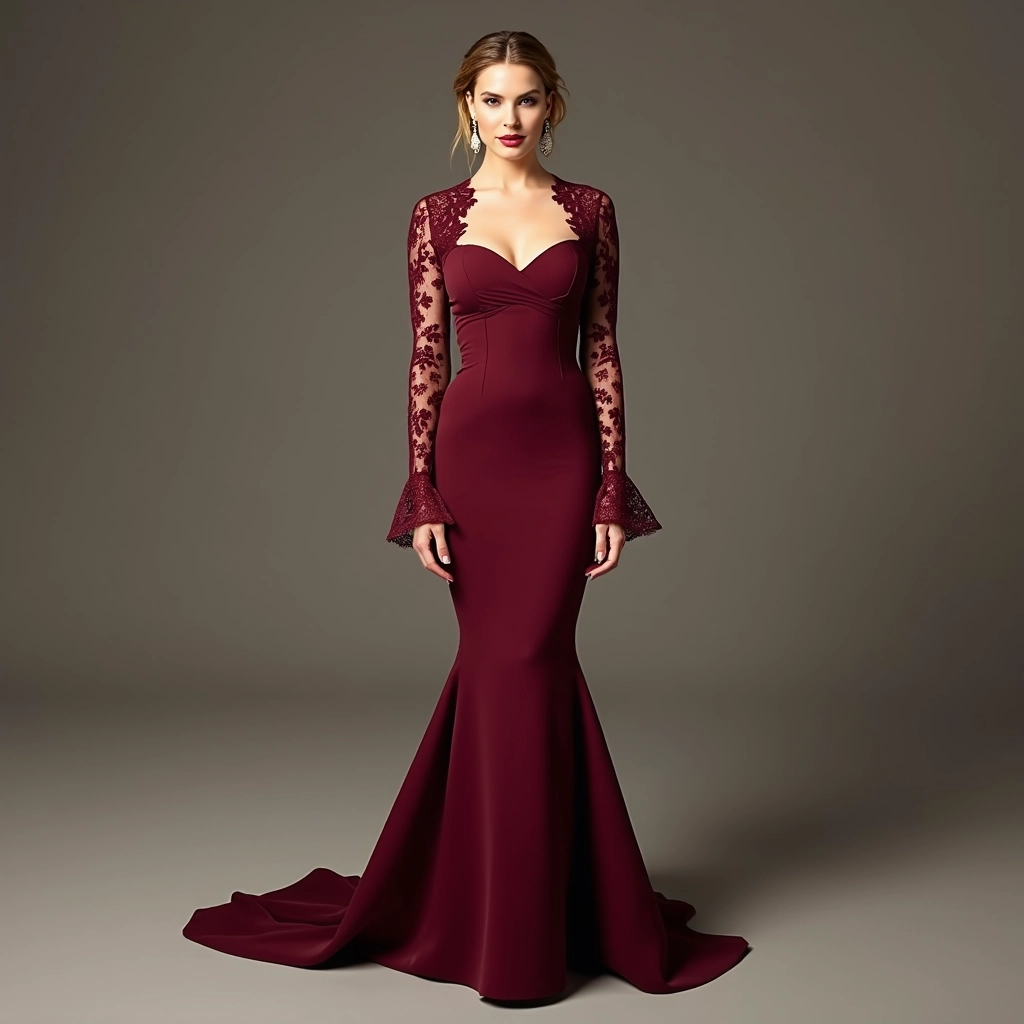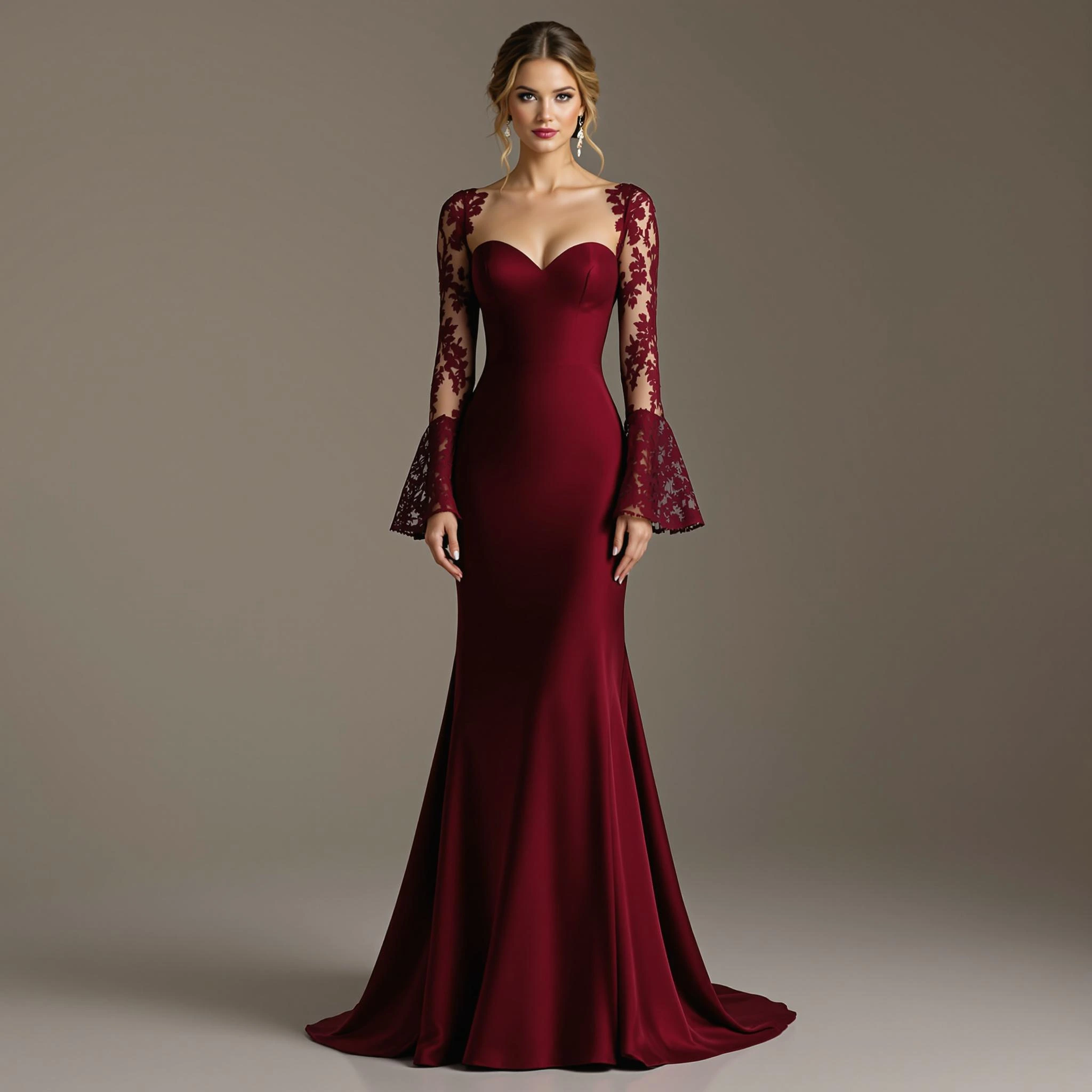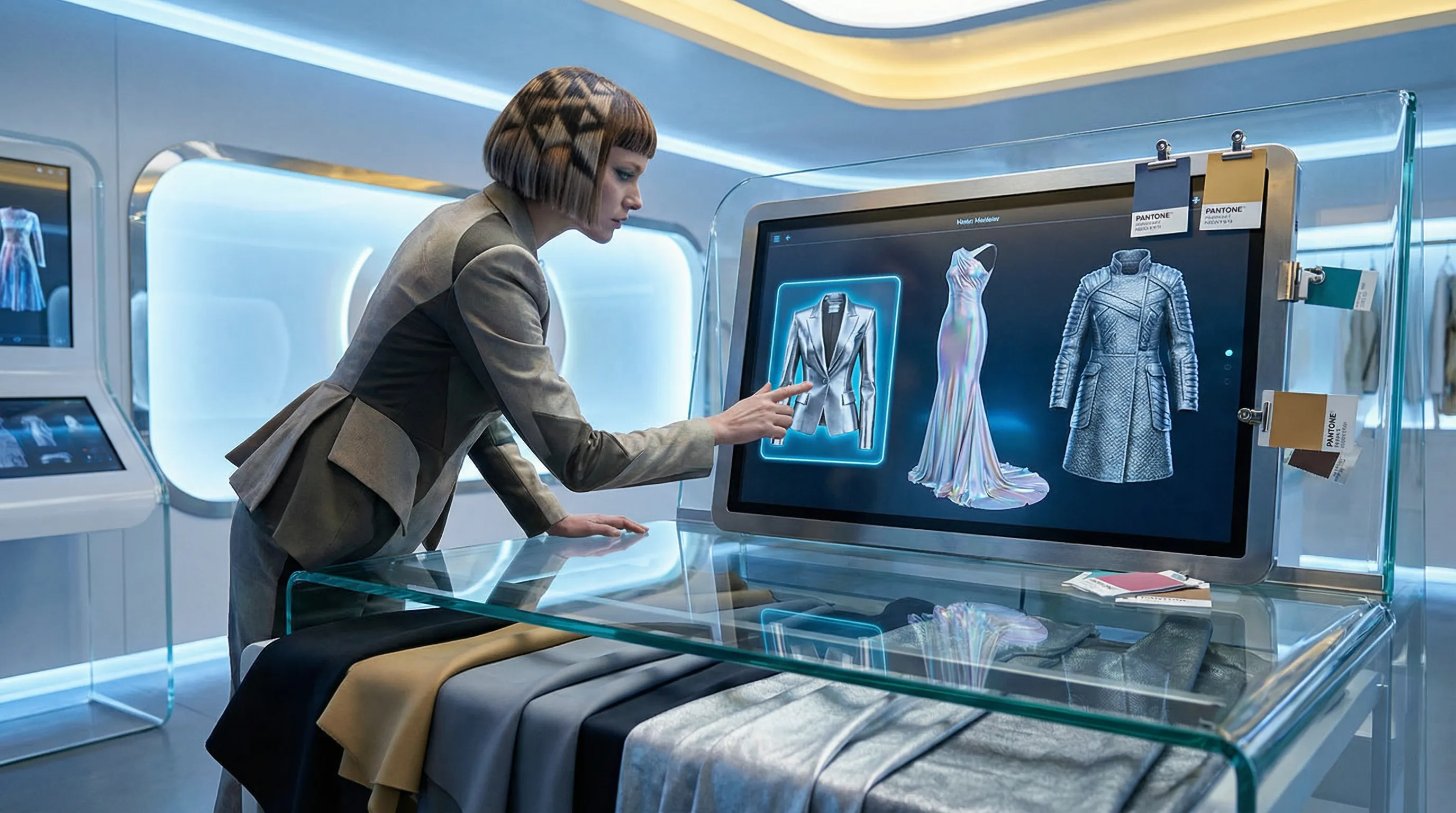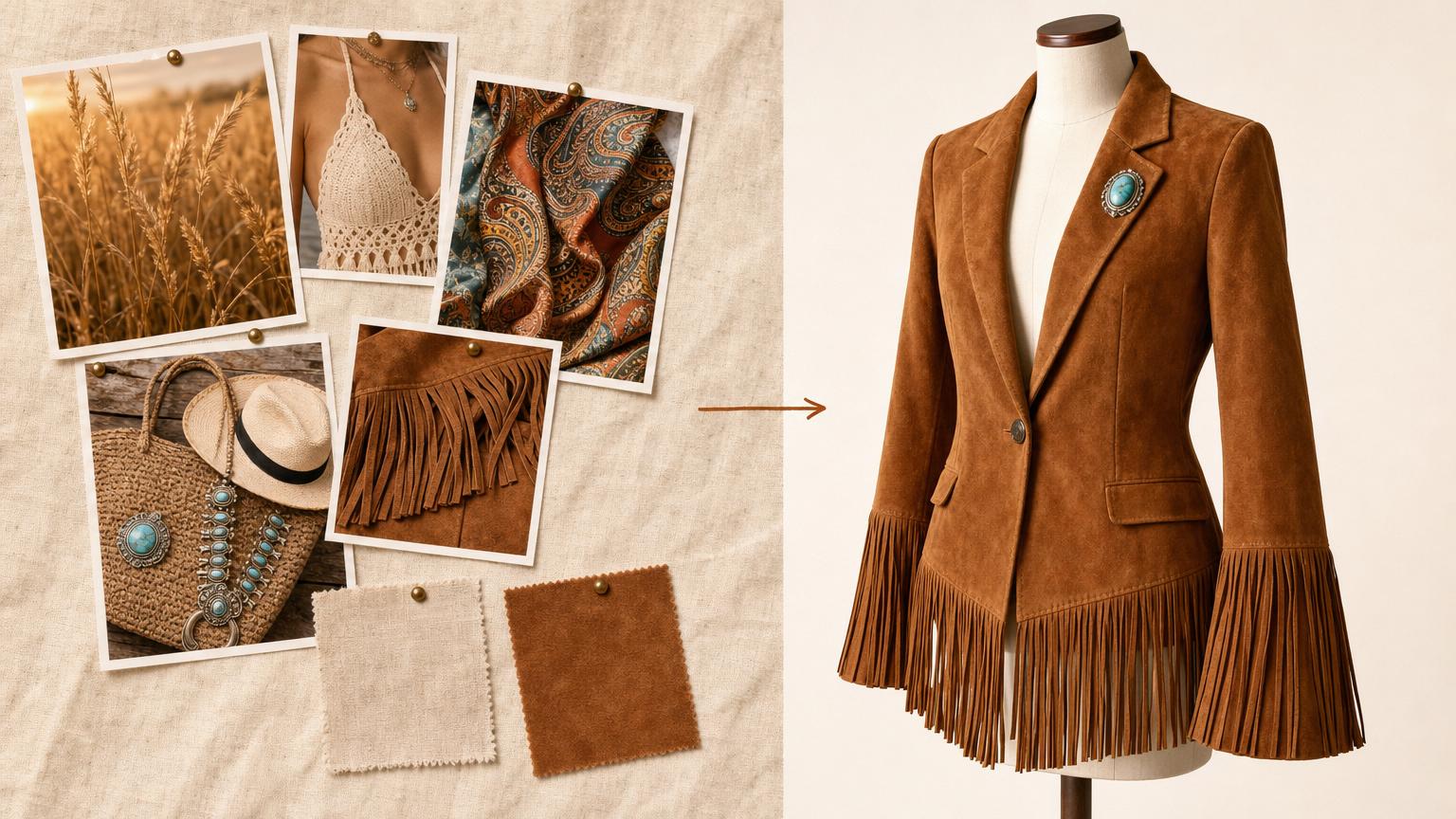
Moodboard in. Production-ready concept out.
Translating a Pinterest moodboard into an actual sellable garment used to mean two to three weeks of sketching, agency back-and-forth, and concept revisions.
Adstronaut absorbs that loop. Drop in your inspiration images, add a short text direction, and the AI returns four distinct illustrations of the concept in under a minute — silhouette, color story, material direction, and proportion all coherent across the four variations.
Pick the one closest to your vision and render it as a 2K photoreal product image on a mannequin.
Built for indie founders staring at a blank Figma, design consultants pitching new collection directions to clients, and small brands developing their first capsule without a sketching agency on retainer.
Start a Free Concept
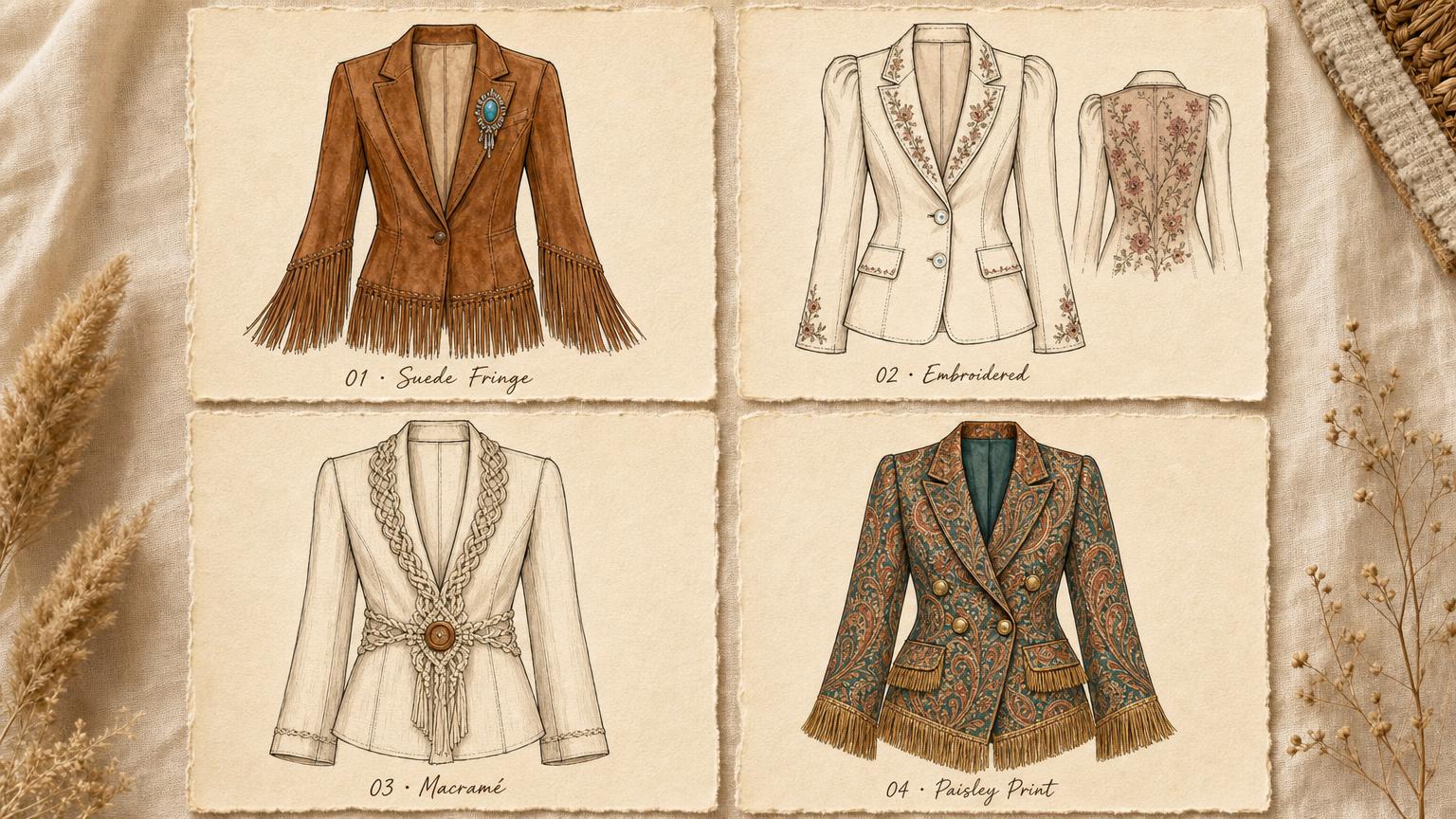
Four illustrations from a single moodboard. Pick the winner.
Every moodboard contains four or five different garment directions inside it — a strong silhouette, a fabric story, a color palette, a detail language.
Adstronaut explores all of them in parallel. From a single moodboard plus your text direction, the AI generates four illustration variations as a clean grid. You compare them side-by-side and pick the one that captures what you actually want.
The other three become next season's starting points.
Critical for designers who'd rather react to options than generate from nothing, and for brands running concept reviews where stakeholders need to see multiple directions before signing off.
Try the Illustration Grid
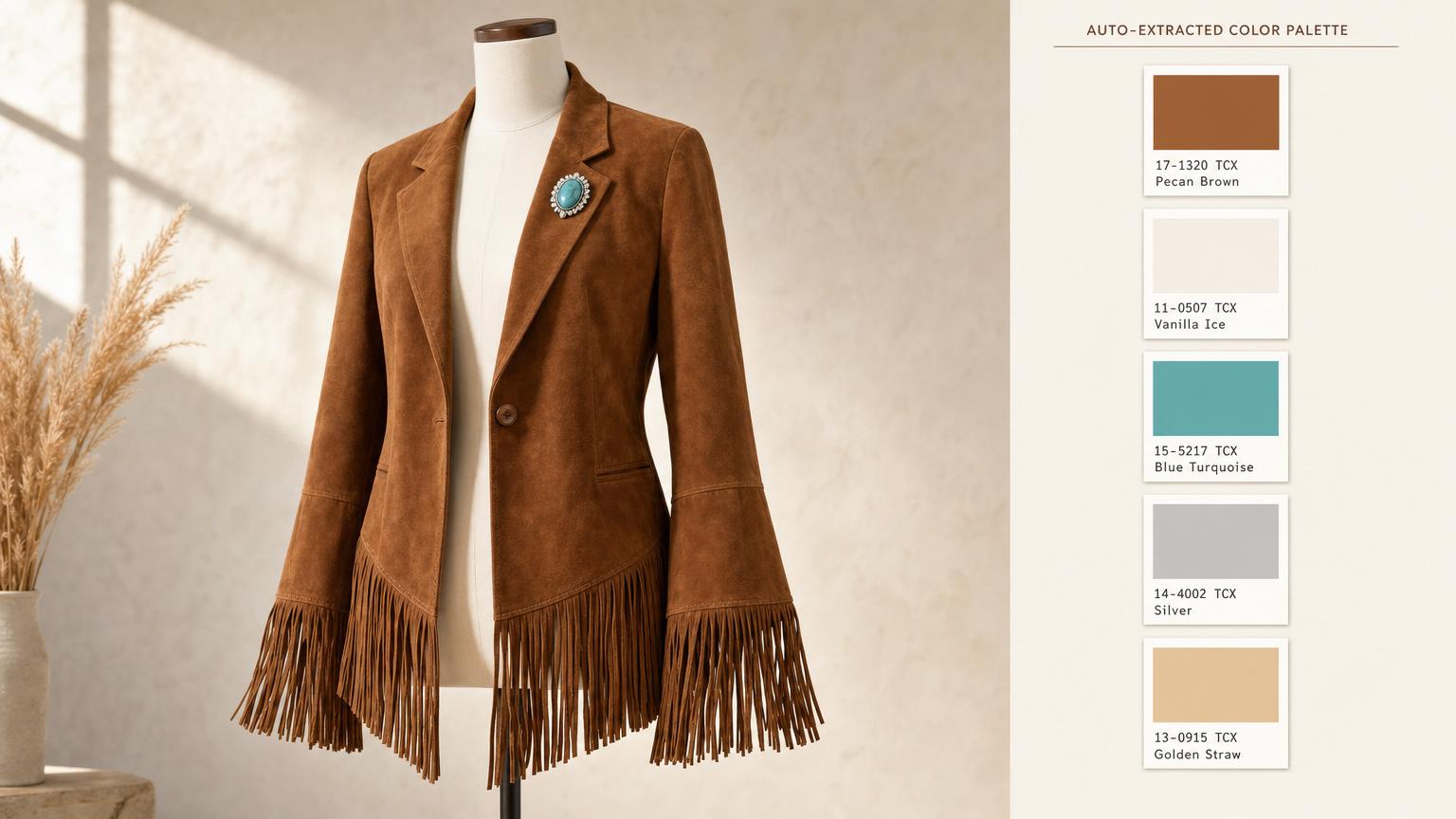
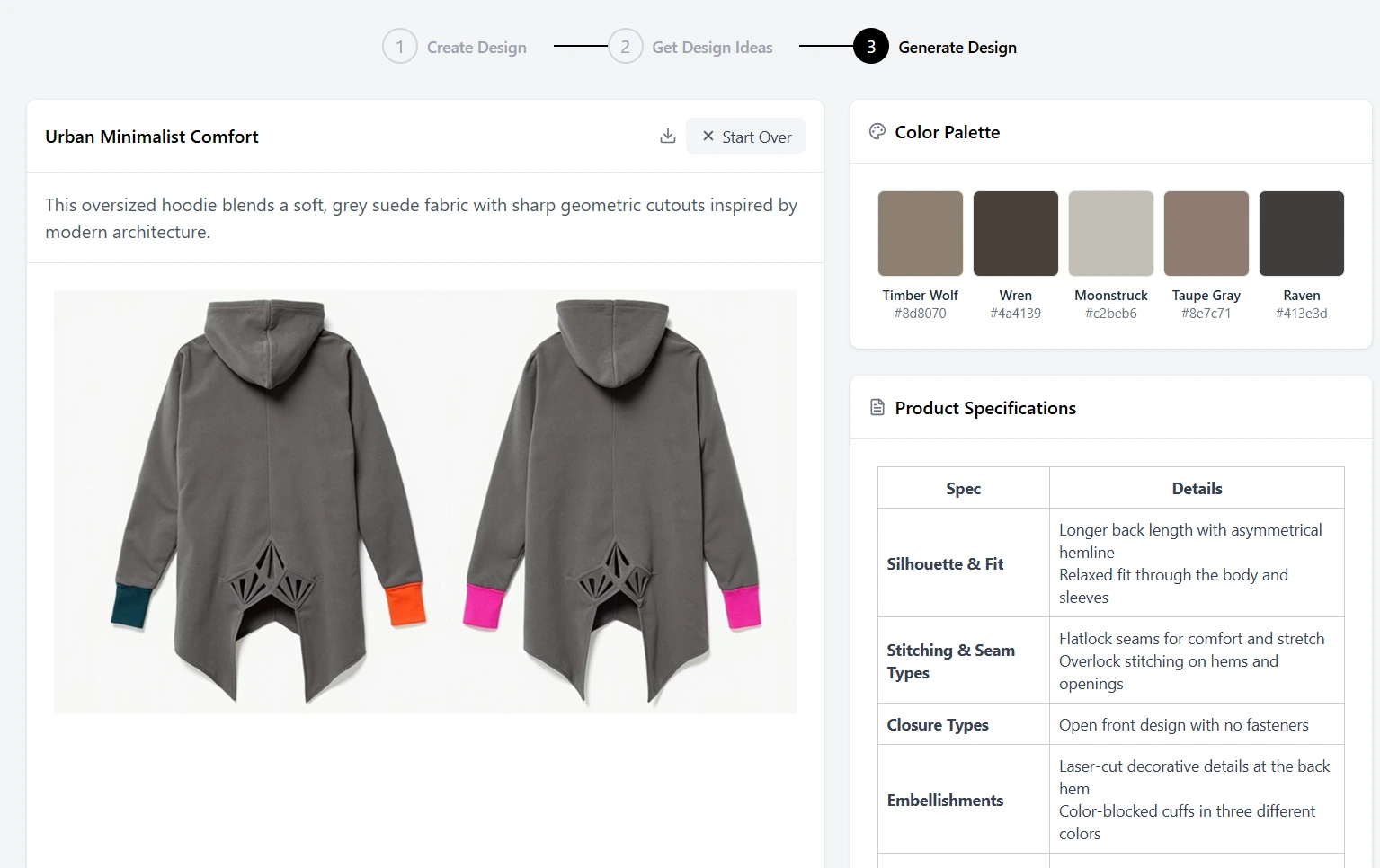
Photoreal render + auto-extracted Pantone palette.
The rendered output isn't just a pretty image — it's a production starting point.
Every render ships with an auto-extracted 5-color Pantone palette pulled directly from the design, ready to hand to your dye house or merchandising team.
The render itself is 2K resolution, commercially licensed, and shown on a clean mannequin in a studio setting. Use it to brief your factory, build a line sheet, anchor a lookbook, or render the actual product photography in AI Photoshoots.
The Pantone palette flows straight into the Color Changer for testing alternate colorways.
See the Render Output
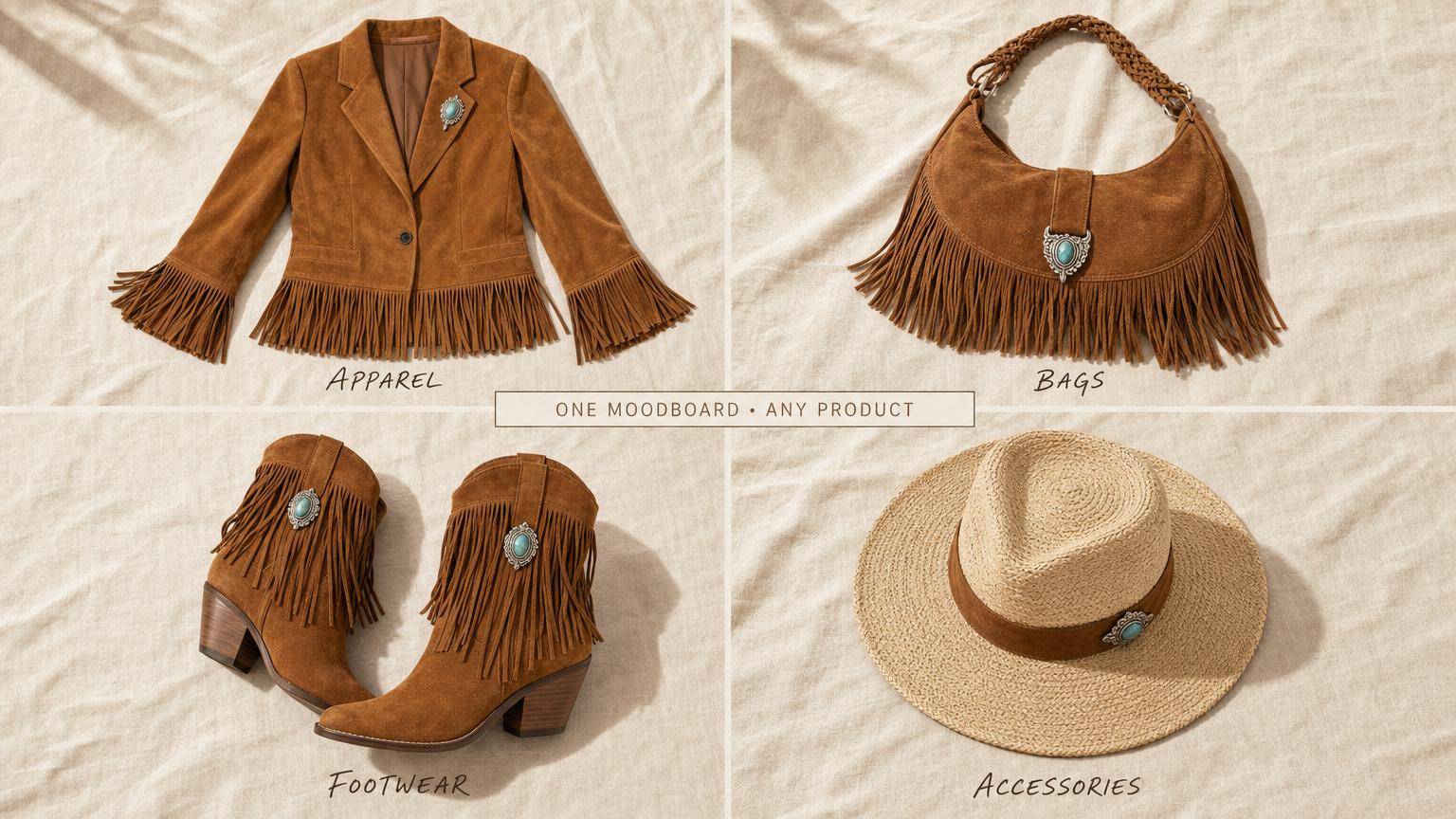
Not just garments. Design any product class.
Adstronaut isn't apparel-only. The same moodboard and the same color/material DNA carry across apparel, bags, footwear, and accessories.
Build the blazer, then build the handbag that pairs with it, then build the boots that finish the look. Each product class has its own dedicated render path.
Every render ships with the same auto-extracted Pantone palette so the whole capsule reads as one collection. One concept, a full coordinated capsule.
Build Your First Capsule
Trusted by designers and founders concepting today.
"I generated my entire SS26 concept deck in one weekend. Four illustrations per direction, picked my favorites, rendered the finals, exported the Pantone palettes — done. The same work used to take three weeks with a freelance sketching agency. My factory got clean tech packs the following Monday."
— Isabella Q., Apparel Designer
"As a new menswear brand, we needed to develop 12 concepts before we could pitch to our first wholesale buyer. The AI Designer let us visualize the full collection in a weekend. Cohesive aesthetic across every piece because we anchored each one to the same moodboard."
— Leo M., Founder of a Menswear Startup
"Concept meetings used to be 90 minutes of arguing about mood. Now we review four photoreal options per direction, vote in five minutes, and move on. Our internal design cycle is roughly 40% shorter and stakeholders sign off faster because they're reacting to imagery, not text descriptions."
— Jessica T., Head of Product
AI Designer questions, answered straight.
Real questions from indie streetwear founders, first-time fashion designers, and design consultants pitching client concepts.
Do I need design skills to use this tool?
No. The AI Designer is built for founders who can't sketch, can't use Illustrator, and have never opened a fashion-design CAD program. If you can describe what you want in a sentence and pick four images that feel right, you can generate a production-ready concept. The illustrations and final render are AI-generated; you're the curator.
What kind of inspiration images can I use?
Anything that inspires you. Existing garment photos, fabric textures, color palettes, architecture, art, nature, vintage finds, runway photos, Pinterest tears, screenshots from WGSN, your phone camera roll. Up to 14 images total. The AI extracts the common aesthetic thread — color story, silhouette family, material feel, mood — and applies it to a new garment design.
What if I don't have inspiration images?
Use one of three built-in preset moodboards — Bohemian Summer (warm earth tones, flowing silhouettes, natural fibers), Gothic Charm (deep blacks, structured tailoring, dramatic details), Urban Minimalist (neutrals, clean lines, technical fabrics) — or hit the Surprise Me button for a random mix. You can also use just a text prompt with zero images.
How many concepts do I get per generation?
Four illustration variations per moodboard + prompt combination, returned as a single grid. Pick the one you want to render into a final 2K photoreal image. The other three illustrations stay saved as future starting points — you can render any of them later with no need to re-build the moodboard.
How much does the whole process cost?
Five credits to generate the four-illustration grid. Then five credits to render your chosen illustration into a photoreal final design. Total: ten credits per finished concept (roughly $2 on most plans). For comparison, a freelance fashion sketcher charges $50–$200 per concept sketch and a full concept-rendering agency runs $500–$2,000 per direction.
What do I actually get with the final render?
A 2K photoreal mannequin render of your design, commercially licensed for production briefs, line sheets, lookbooks, and ad creative. Plus an auto-extracted 5-color Pantone palette ready to brief your dye house. Plus one-click handoffs to Color Changer, Photoshoots, Variations, and Tech Pack with the image URL prefilled — no re-uploading.
Do I own the designs I generate?
Yes. You own the final design concepts you generate and you're free to use them for commercial purposes, including production, marketing, line sheets, and wholesale, per our Terms of Service.
Can I generate multiple renders from the same moodboard?
Yes — render any of the four illustration variations into a photoreal final image. Each render is five credits. The moodboard, your text direction, and the four illustrations stay saved as a project so you can come back and render alternates without rebuilding the moodboard.
How long does the AI take to generate?
The four-illustration grid takes 30 to 60 seconds. The final 2K photoreal render takes another 60 to 90 seconds. Total time from "I have a moodboard" to "I have a finished render with a Pantone palette" is typically two to three minutes.
Will the design be unique to me?
Yes. Every generation is unique to your specific moodboard + text direction combination. Same moodboard with a different prompt produces a different concept; same prompt with a different moodboard produces a different concept. The AI doesn't reuse outputs across users.