From design concept to launch assets.
See how the same garment moves through design, technical specifications, material options, photography and product listings.
01 · IDEA — AI Designer
Develop a design from your references.
Start with inspiration images, a sketch or a written brief. Compare design concepts and turn your chosen direction into a photorealistic garment image.
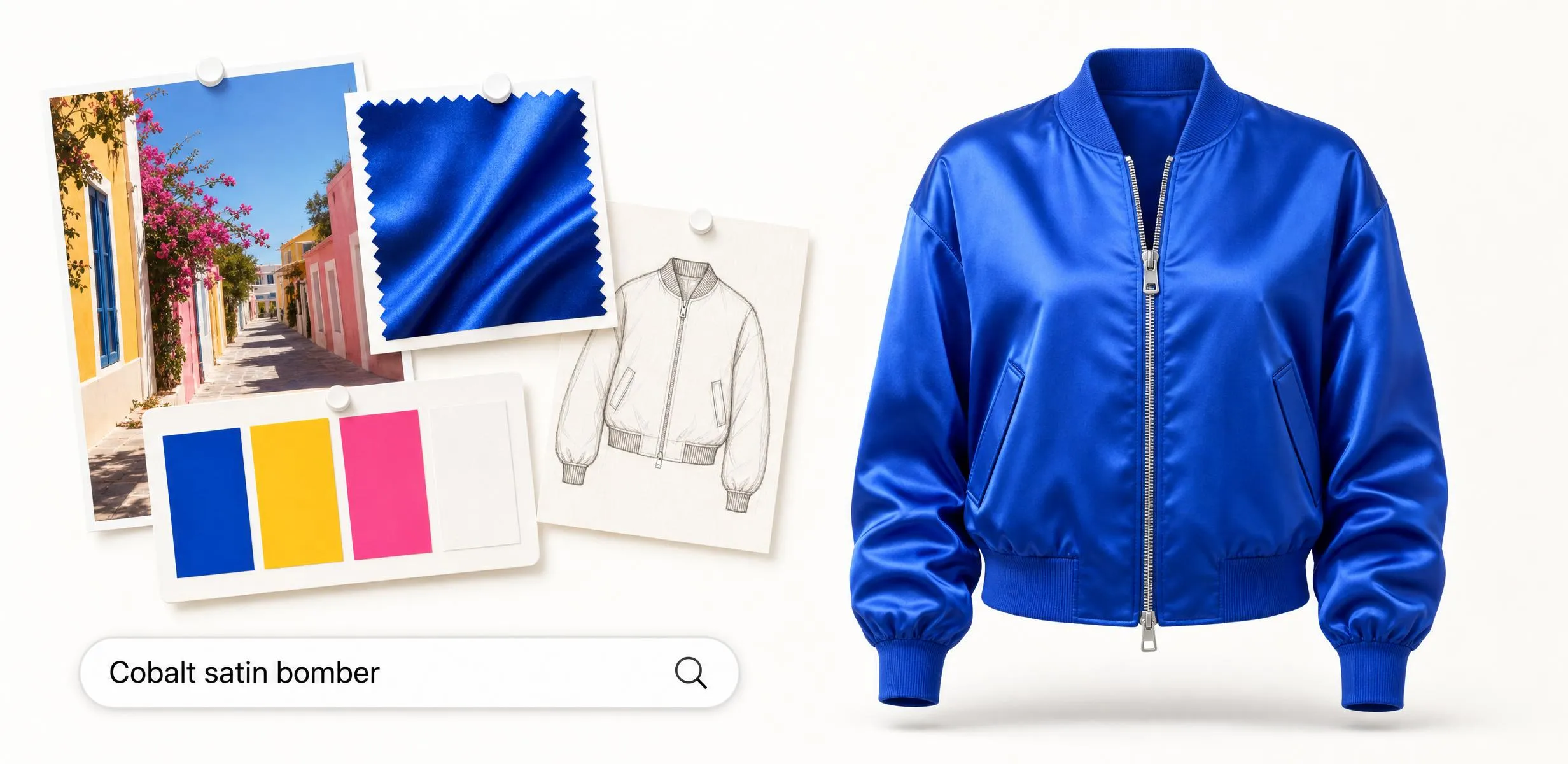
MOODBOARD → CONCEPT IN MINUTES
02 · DESIGN — Design Variations · Garment Editor · Color Changer
Compare design variations.
Compare sleeve shapes, closures, lengths and fits. Use text instructions to edit details, and preview different colorways before choosing a design.
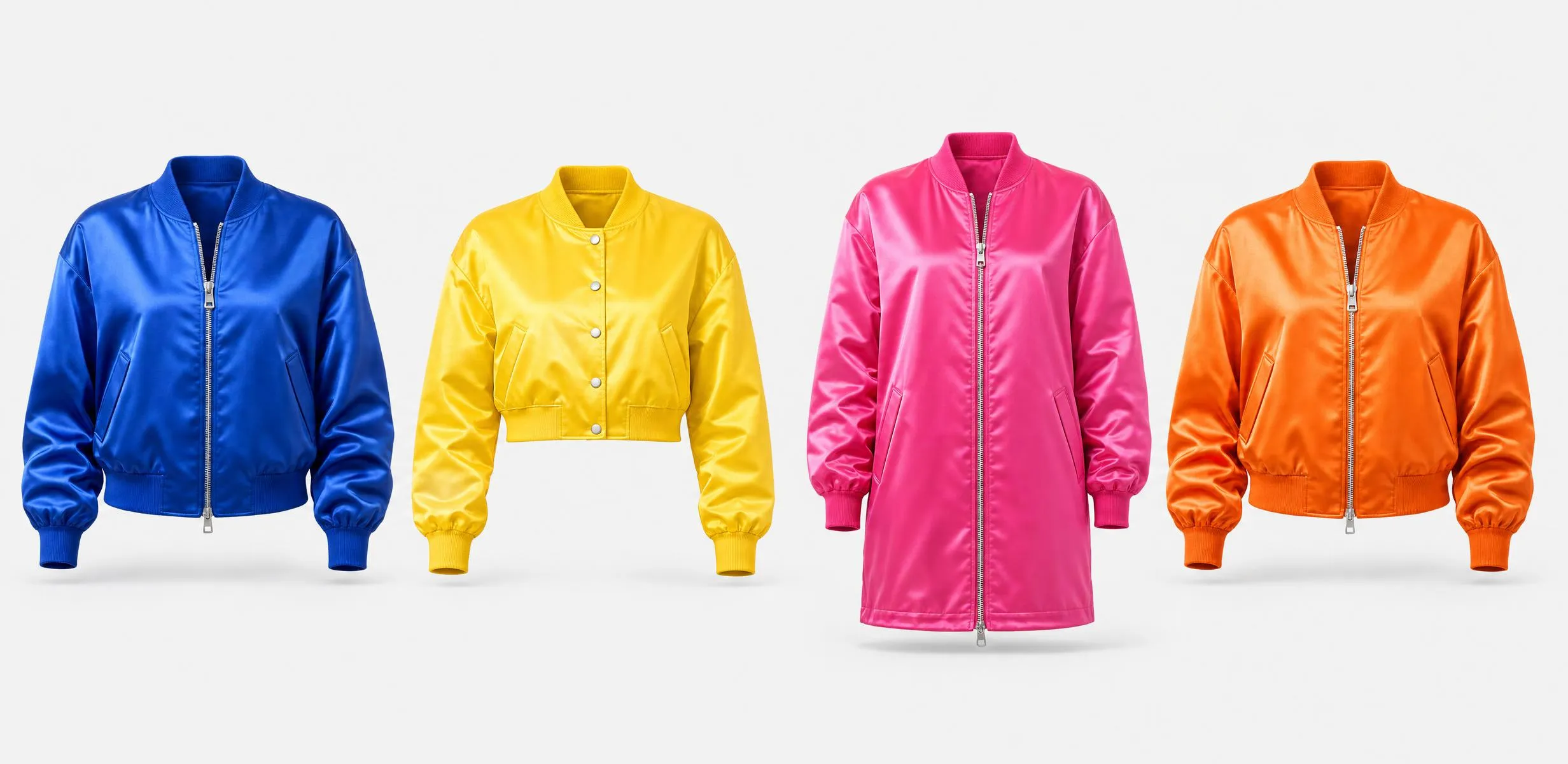
EXPLORE SLEEVES, SILHOUETTES, COLOR & DETAIL
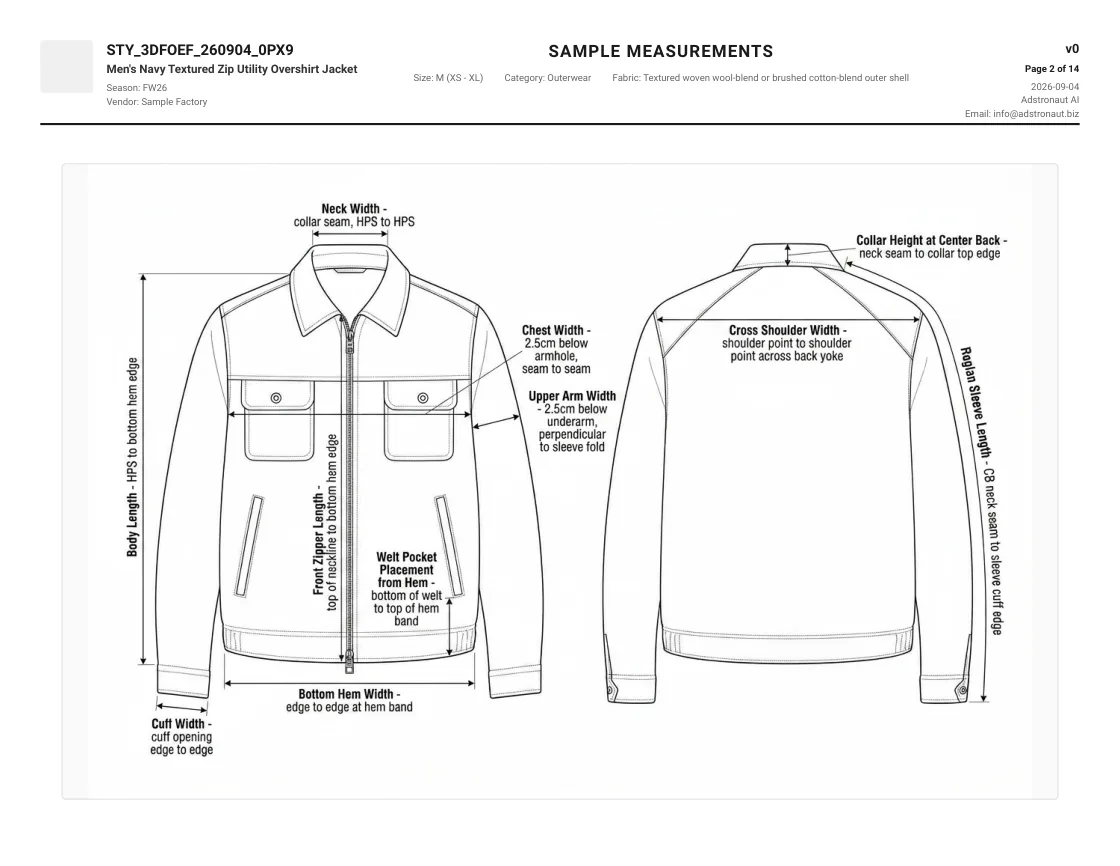
03 · TECH PACK — Tech Pack Generator
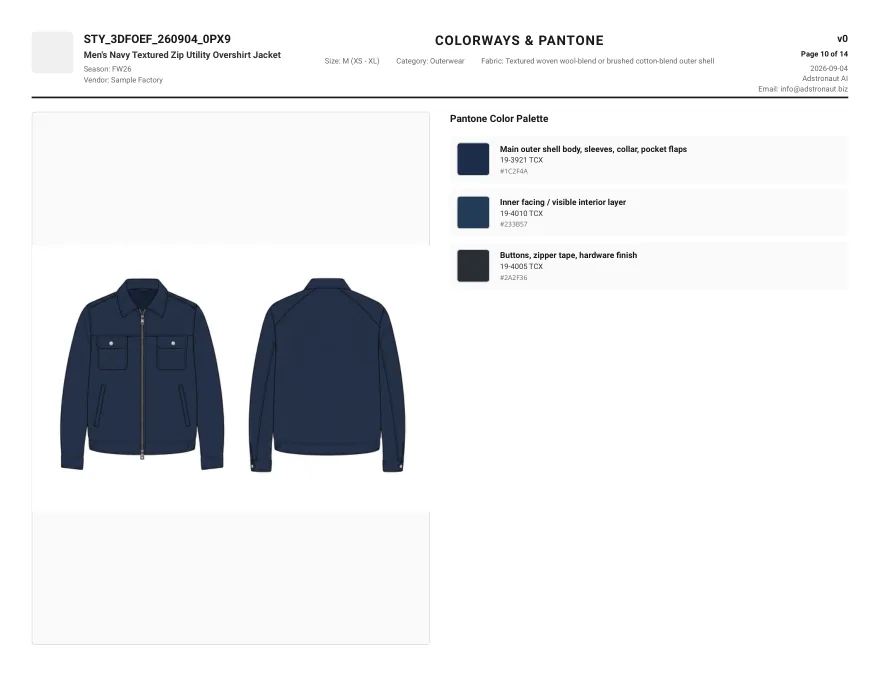
Create an editable tech pack.
Turn your garment photos into technical flats, graded measurements, a bill of materials and construction notes. Review the details, edit in place, and export for your factory.
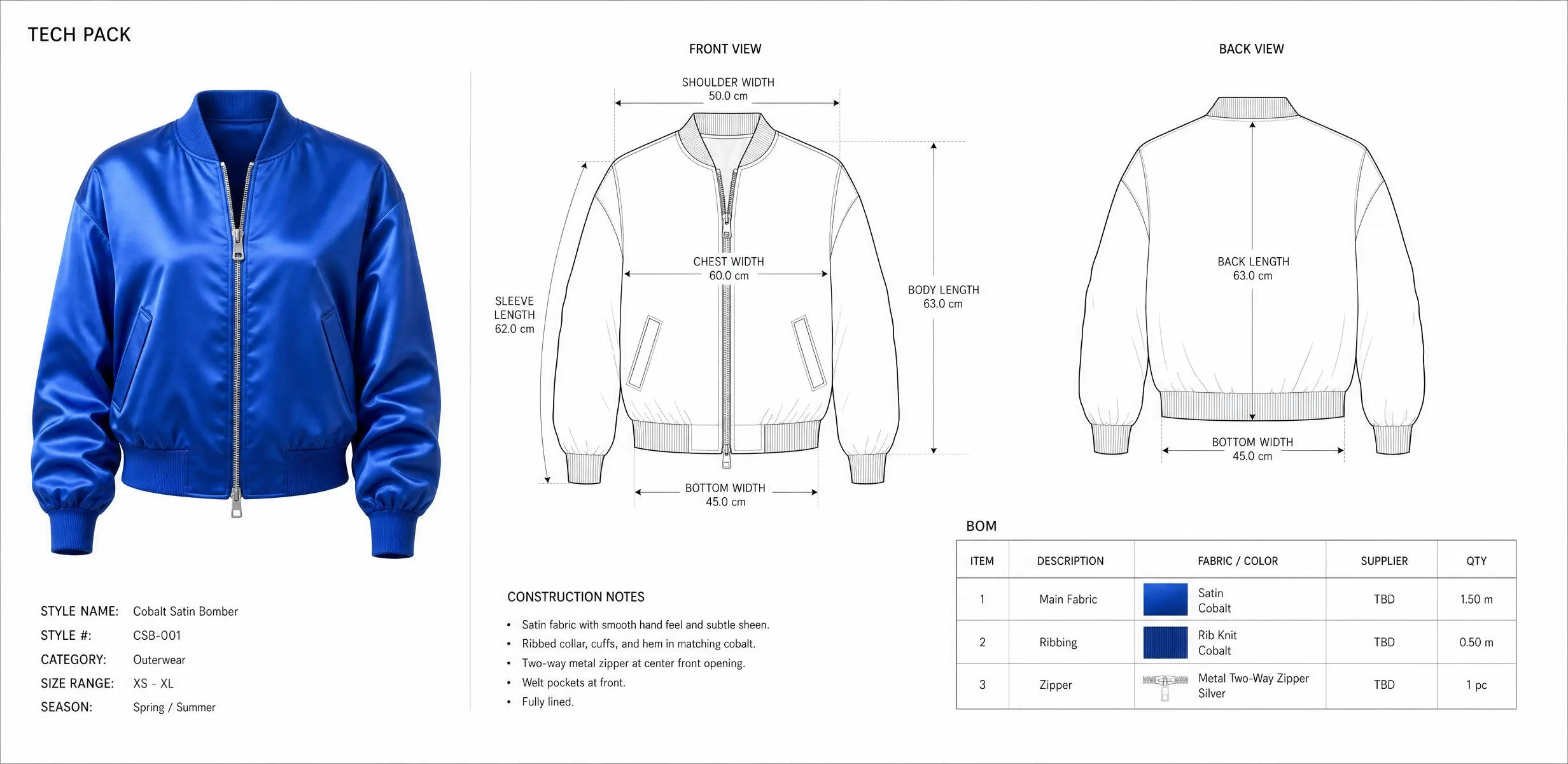
PHOTO → TECH PACK IN 3–5 MINUTES
Generate a tech pack →
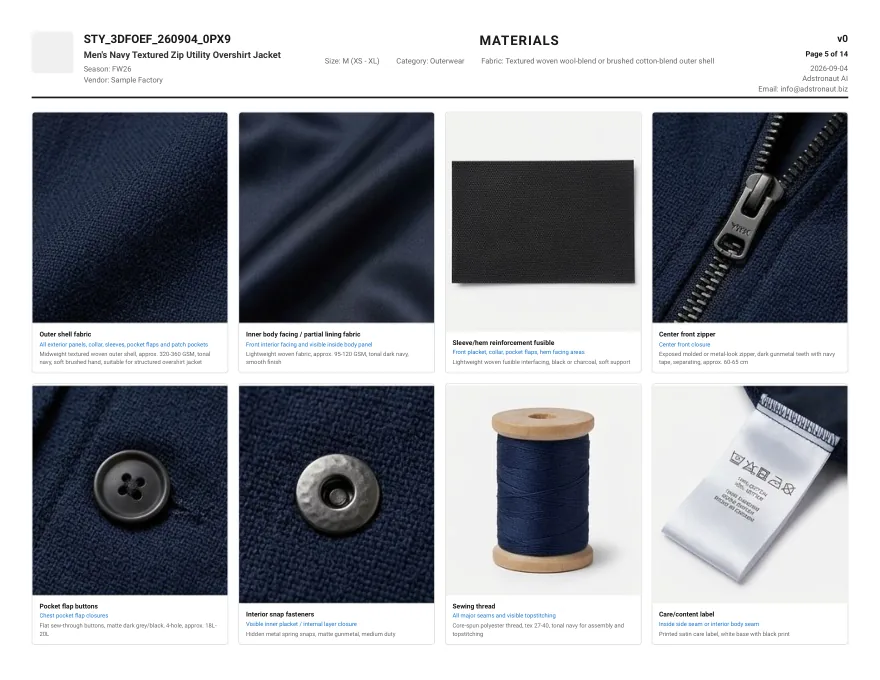
04 · MATERIALS — Fabric Swapper · Color Changer
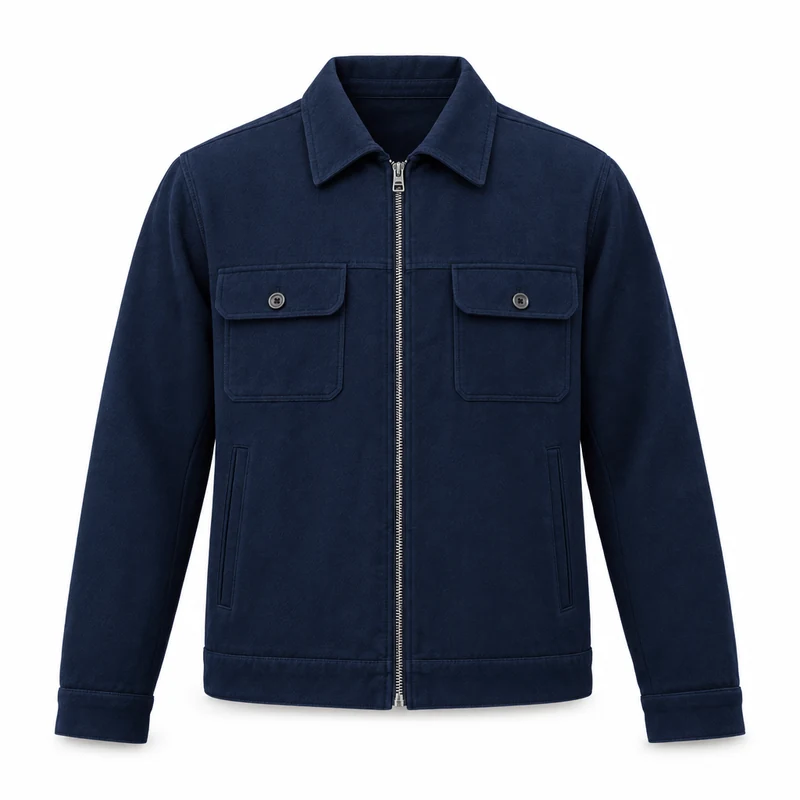
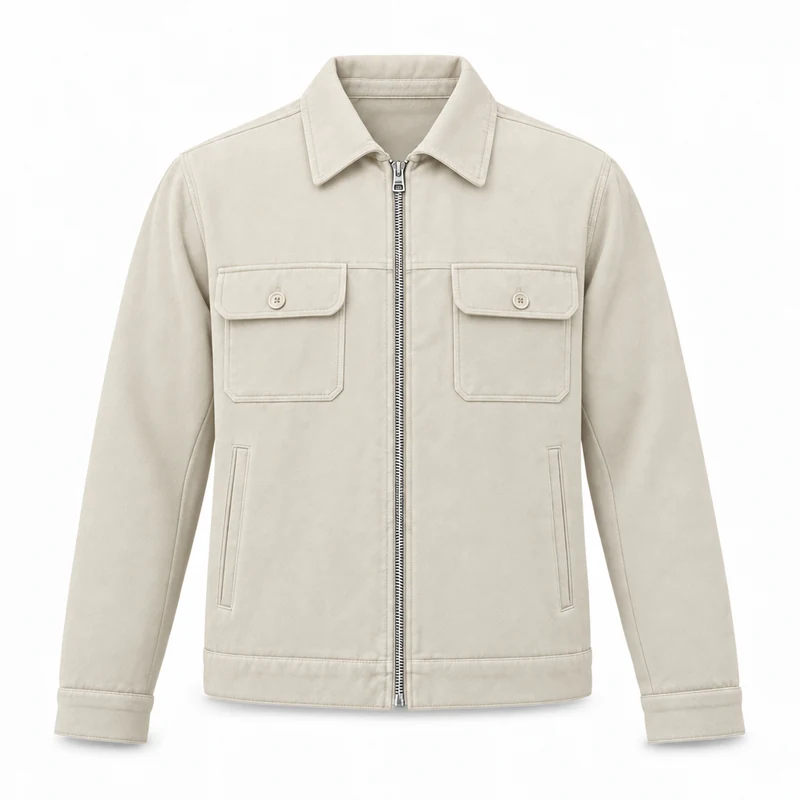
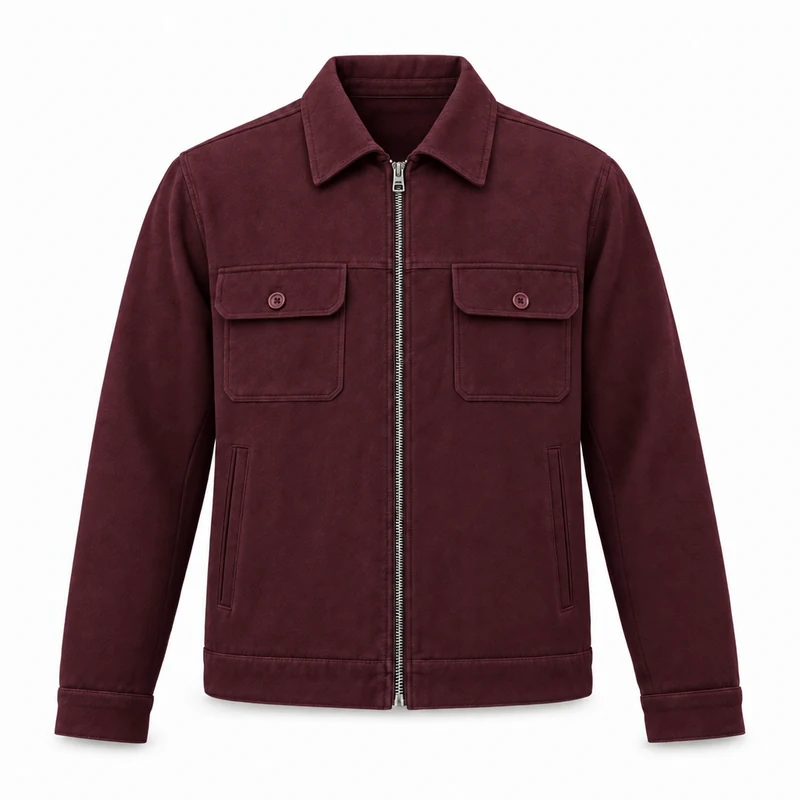
Compare fabrics and colorways.
See your design in a different fabric or colorway. Compare the options on screen before choosing what to sample.
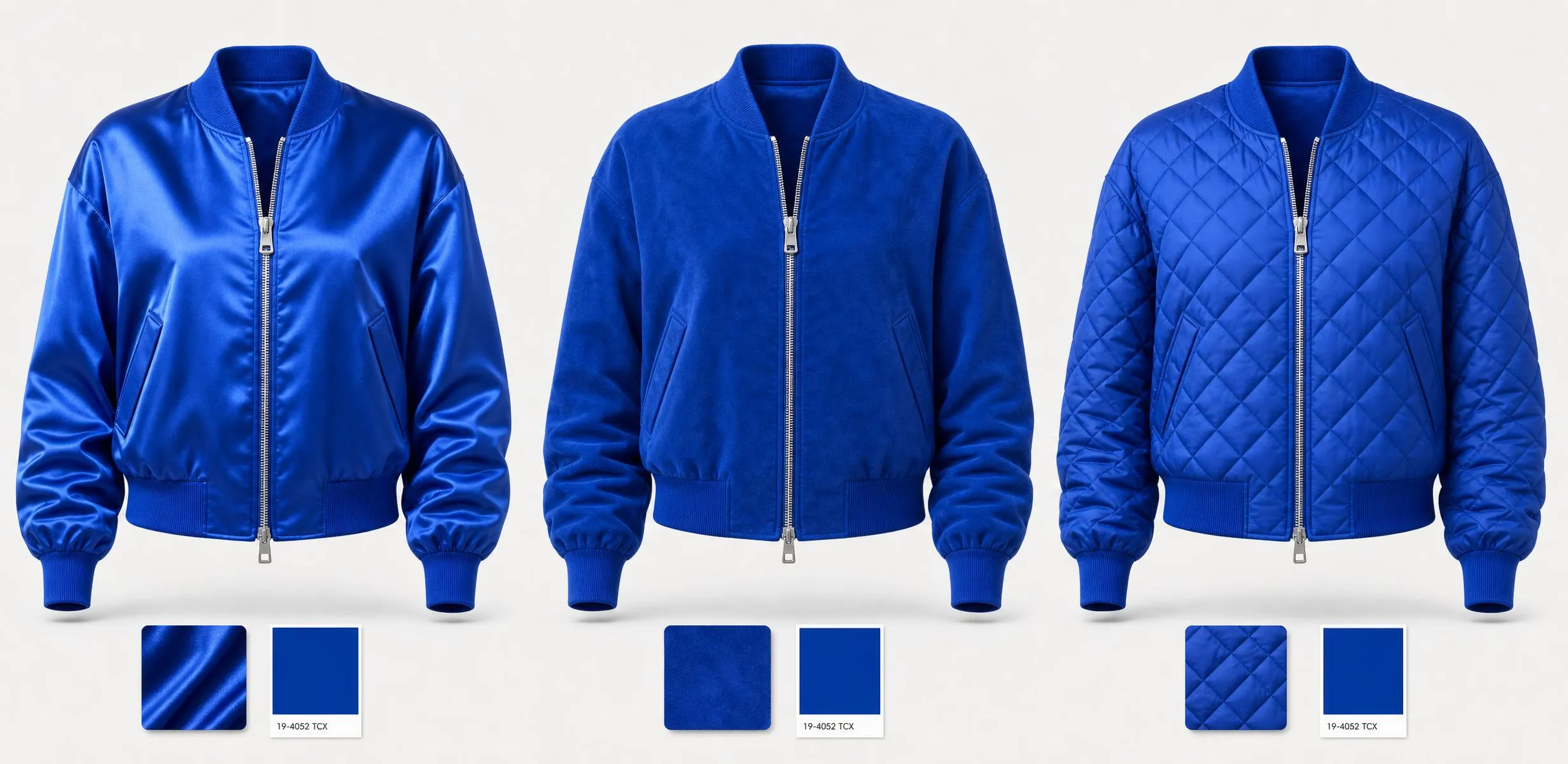
EXPLORE MATERIALS & COLORWAYS ON YOUR DESIGN
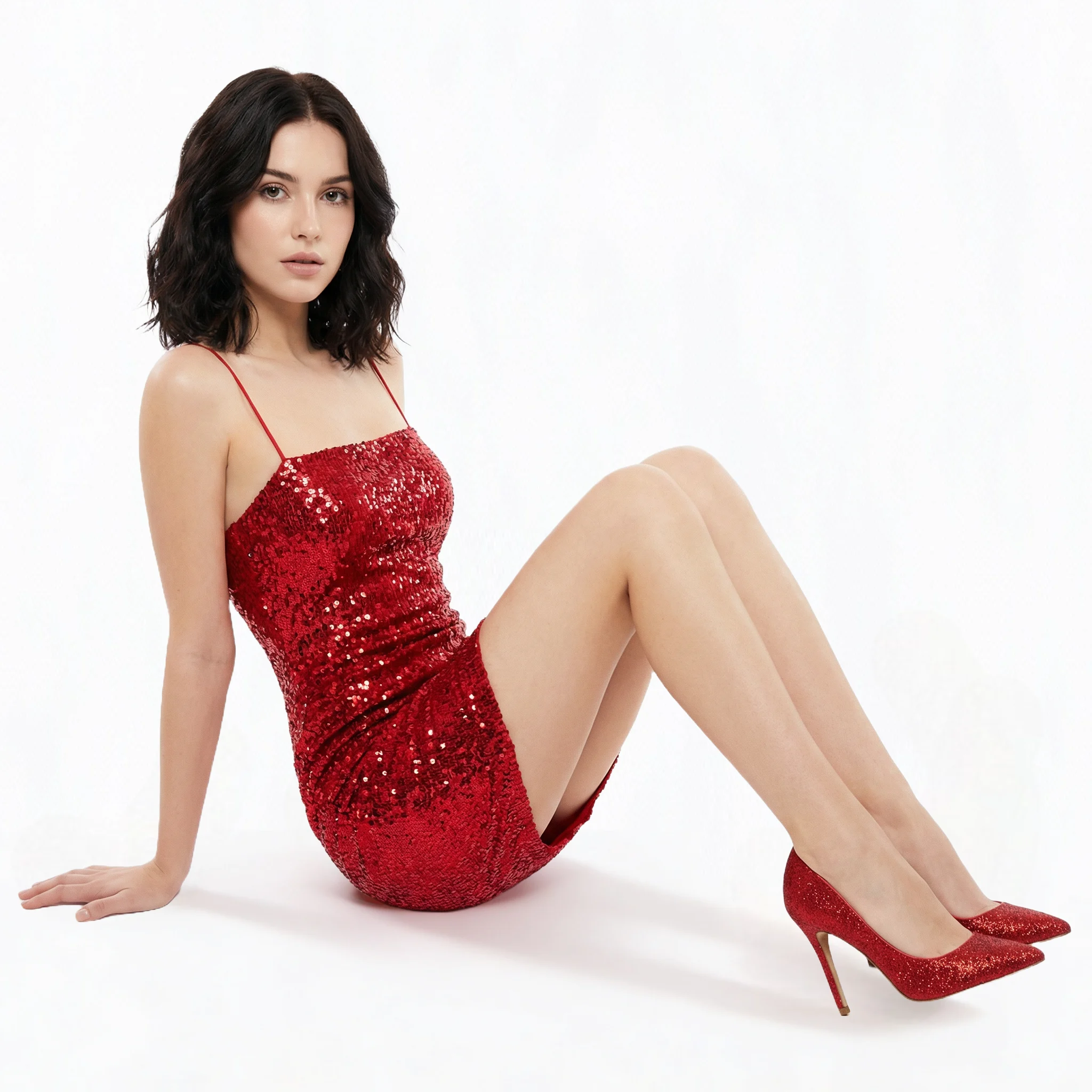
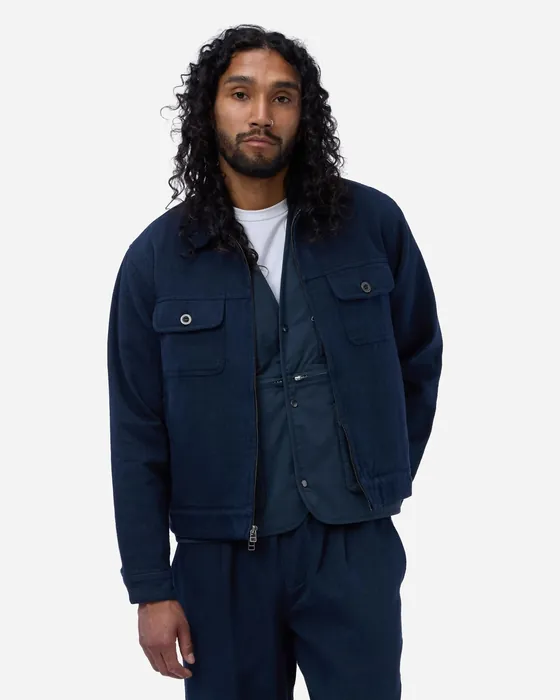
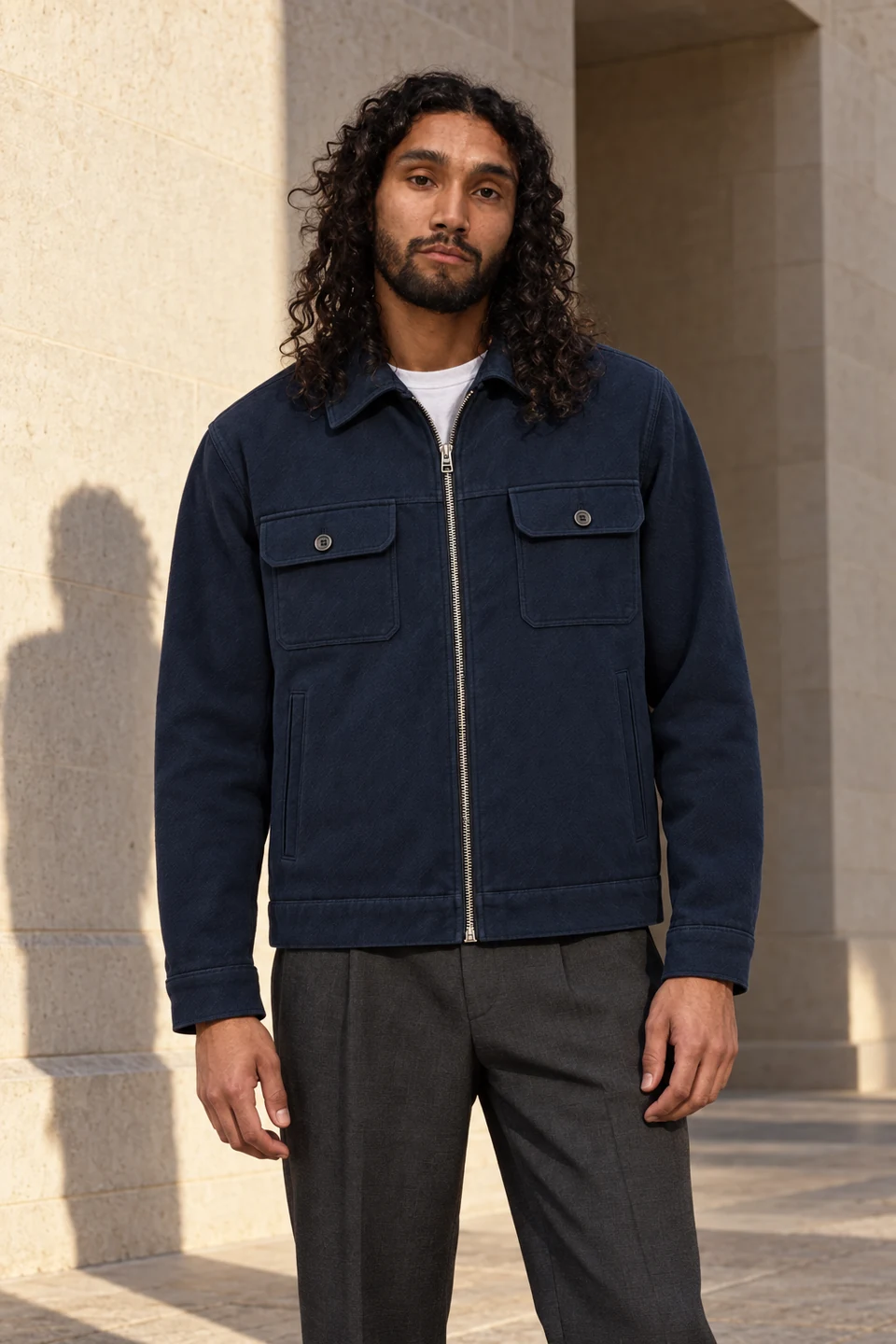
05 · PHOTOS — AI Photoshoots · Lookbook Creator
Create product and campaign photos.
Choose a model, pose and background for on-model images. Generate the front, side and detail views your product pages need.
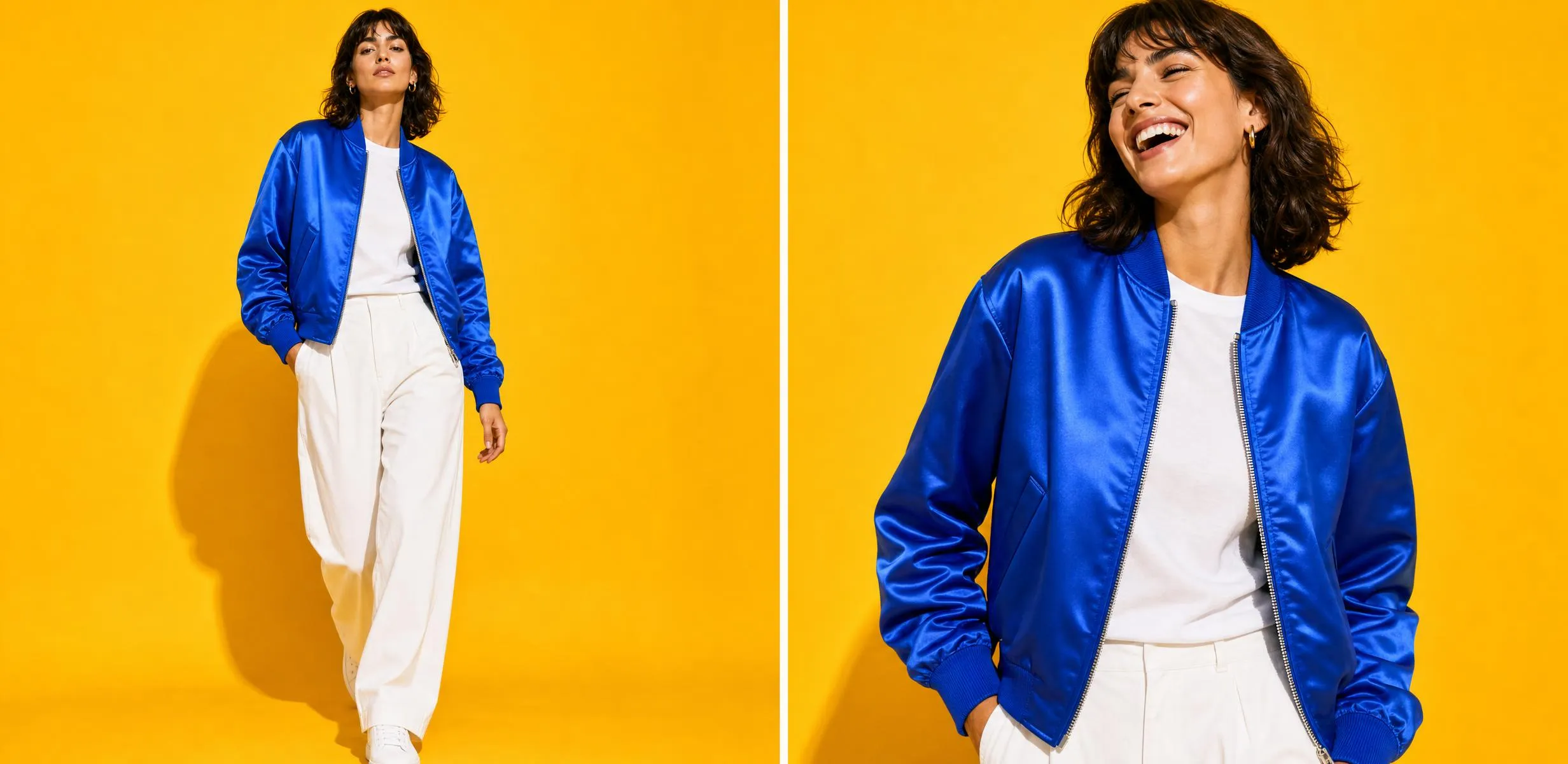
YOUR GARMENT. YOUR MODEL. YOUR SCENE.
06 · LISTINGS — Product Tagger
Prepare your product listings.
Create titles, descriptions and catalog attributes in bulk. Edit the details, then export a spreadsheet for your store or marketplace.
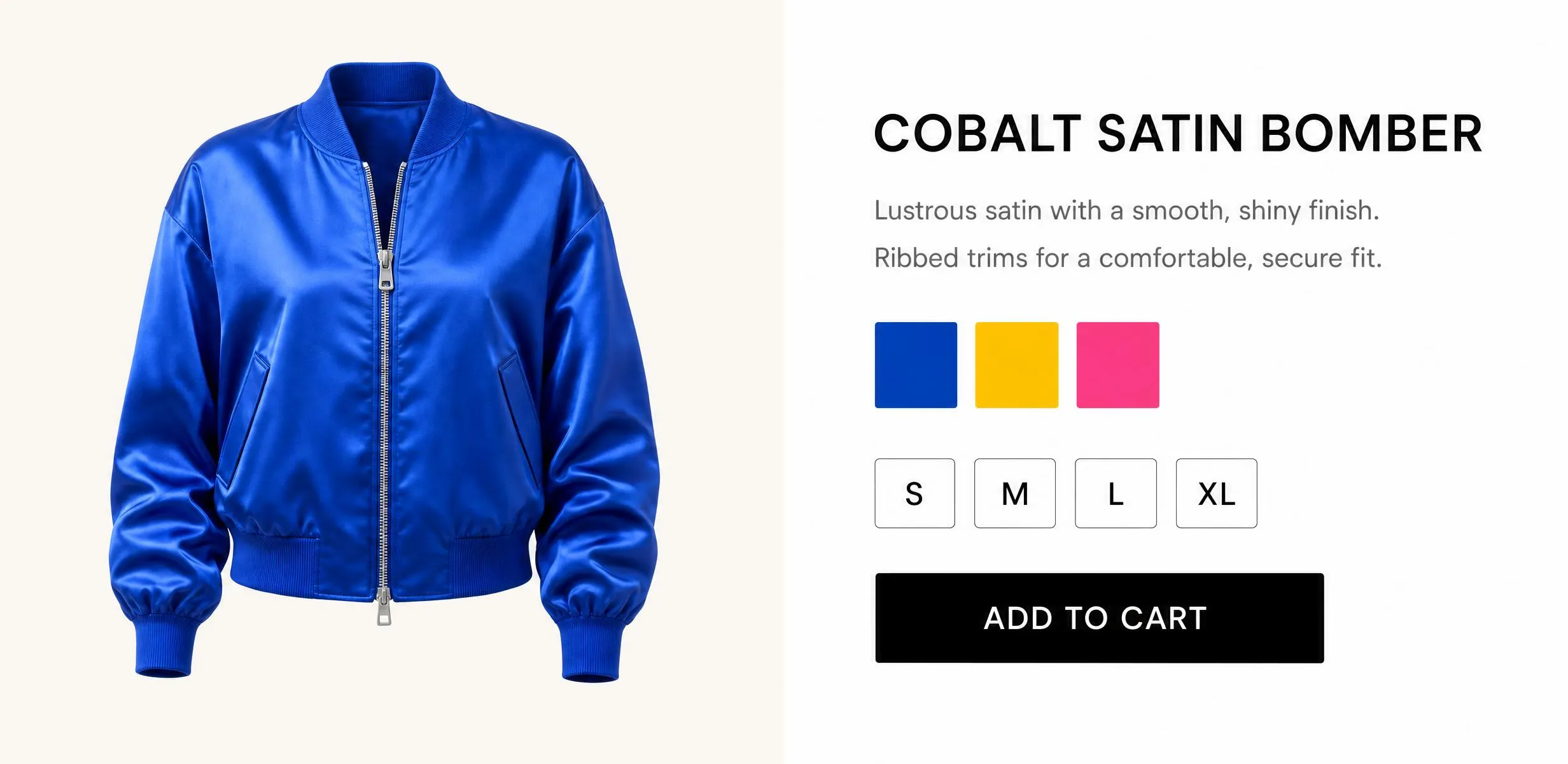
13 ATTRIBUTES · EXCEL & CSV EXPORT
BEFORE YOU START
Questions about Adstronaut
Do I have to use all the tools?
No. Start with the task you need: a design, a tech pack or product photos. Each tool works on its own, and you can explore another whenever it helps.
What do I need to get started?
For design, bring inspiration images, a sketch or a written brief. For a tech pack or photoshoot, bring a clear product photo. A front and back reference gives the tech pack generator more detail to work with.
Can I try it for free?
Yes. Start with free credits to explore the tools. Your first tech pack is a watermarked preview with core sections visible. Paid plans unlock the complete pack and clean exports; the Plans page shows what is included.
Can I change the results?
Yes. Edit the measurements, materials and construction details in a tech pack before exporting. For designs and imagery, use garment editing, colorways and fabric tools to explore a new direction.
Who is Adstronaut for?
Independent designers, growing brands and larger fashion teams can use Adstronaut for design development, tech packs and product imagery. Start with one task or work across a collection. For a larger team or a specific workflow, book a call to discuss your requirements.