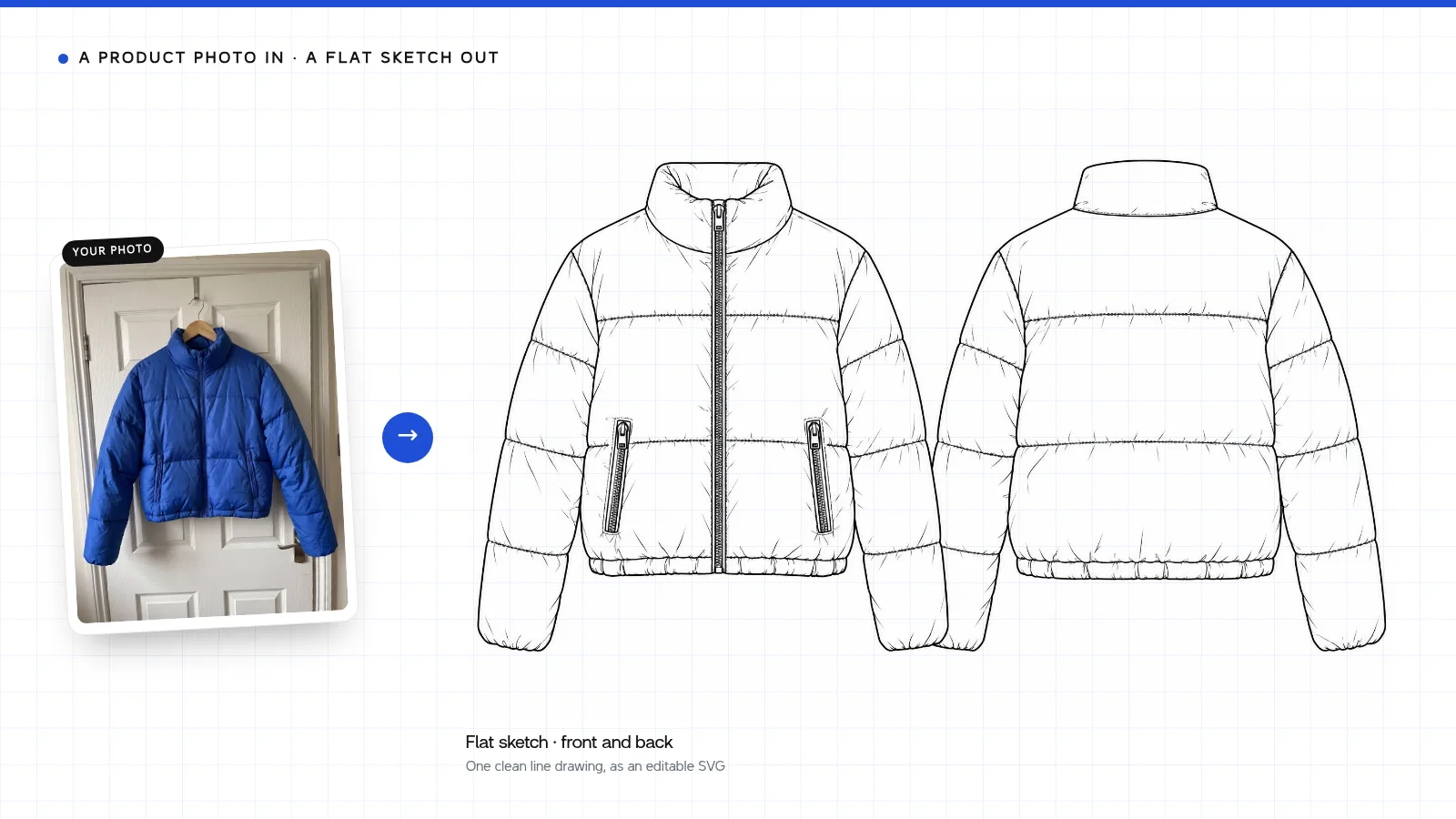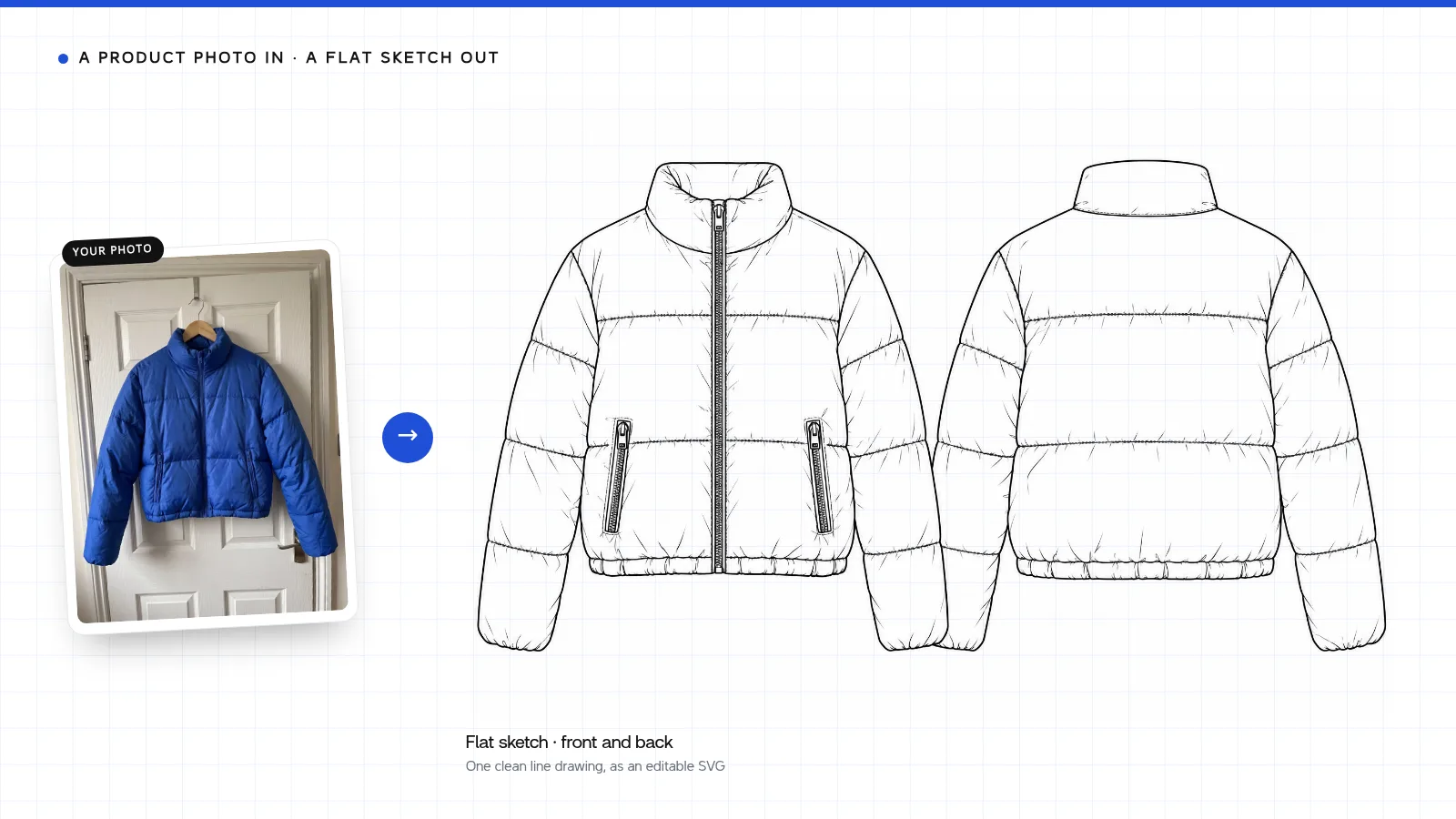
A photo in. A drawing your factory can read out.
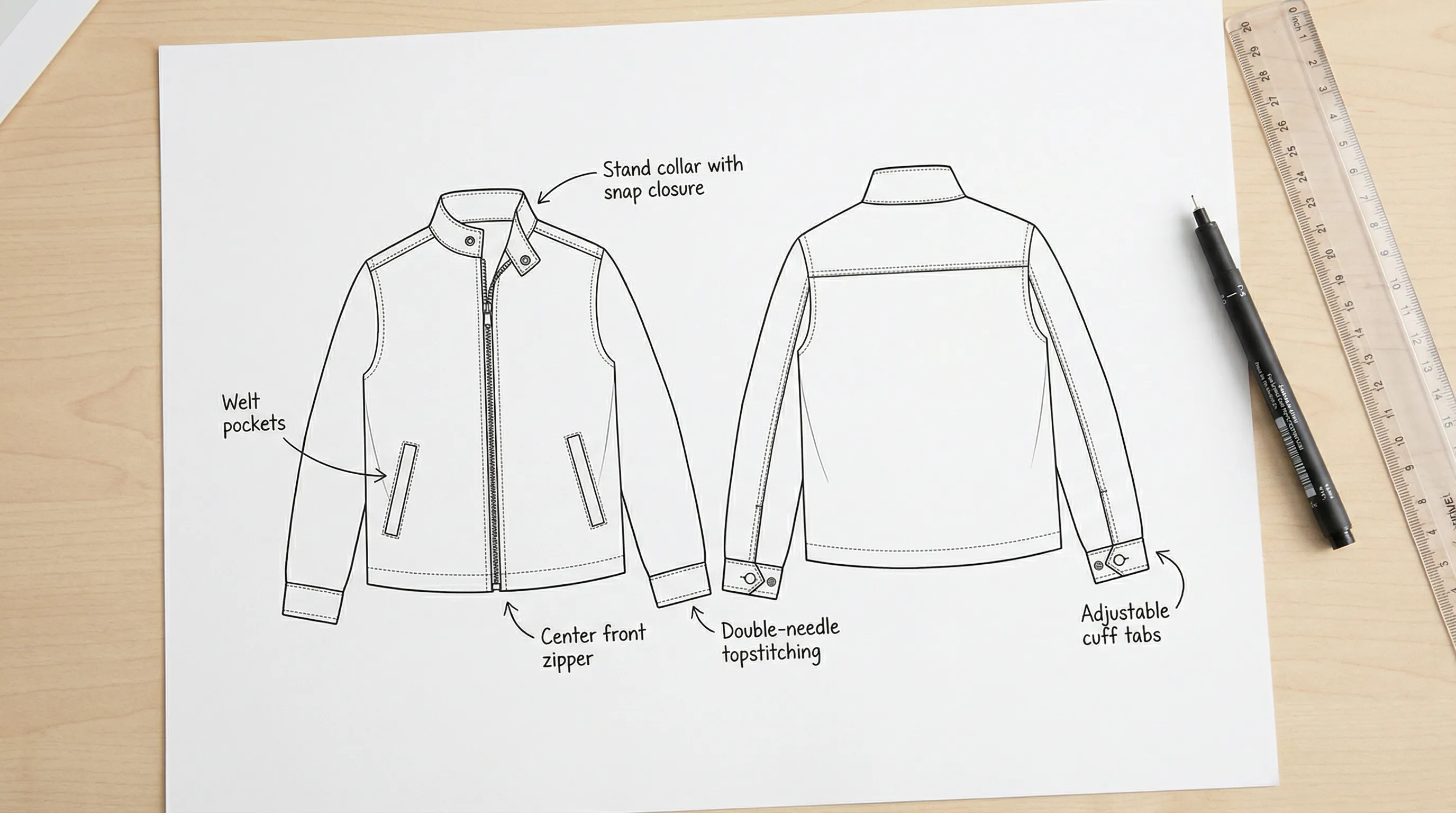
A photo shows what a product looks like. A flat sketch shows how it is built: every seam, panel, pocket and trim, laid flat in plain black line.
Factories work from the second one. Drawing it by hand in Illustrator takes hours and a skill most founders do not have.
Adstronaut AI draws it from your photo in about a minute. If you have no photo of the back, the back is worked out from the photos you do have.
Create a sketch
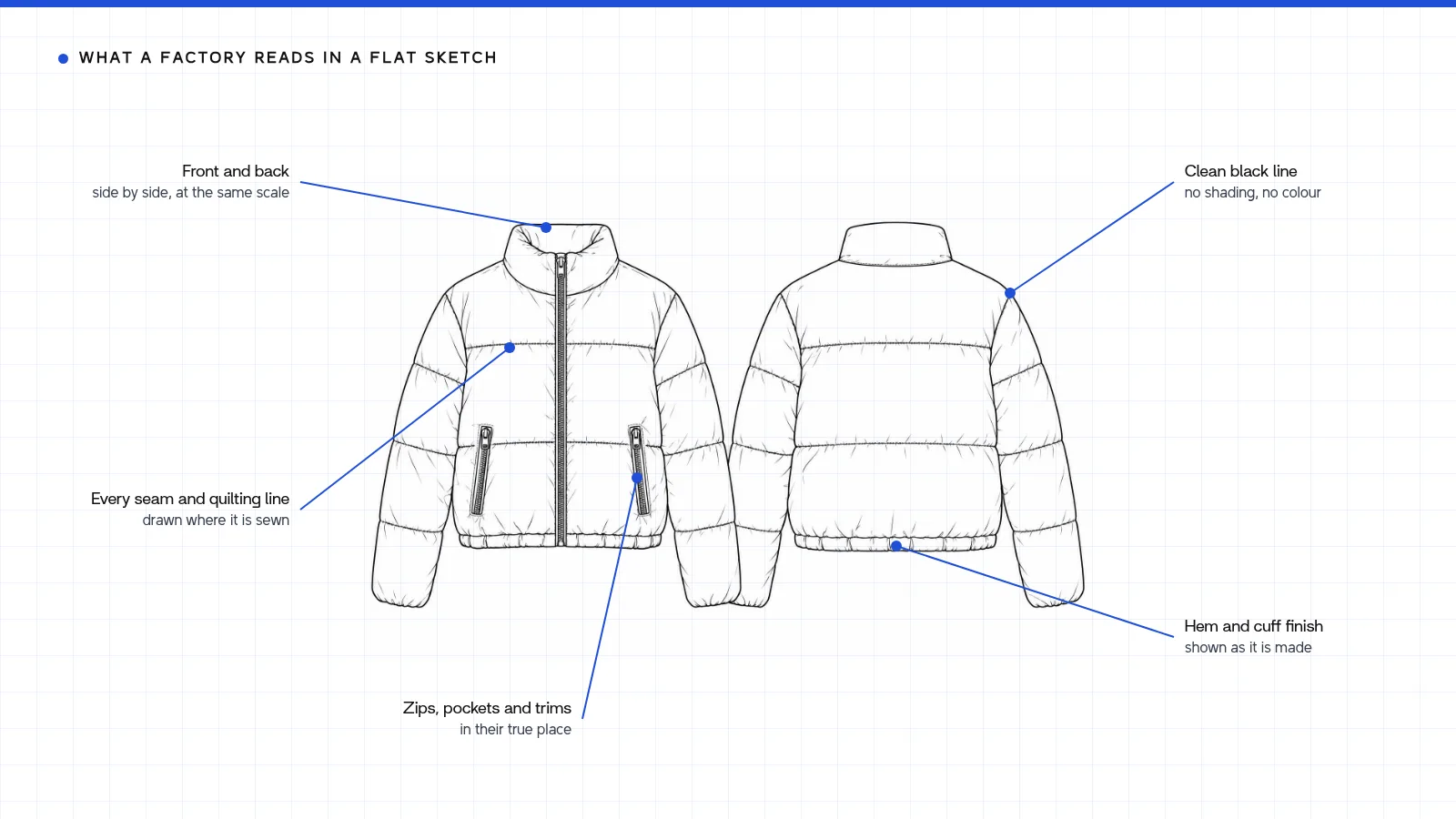
Every seam where it is sewn.
A good flat is not a pretty drawing. It is an accurate one.
The sketch keeps your product's proportions and puts each quilting line, zip, pocket and hem band where it sits on the real thing, front and back at the same scale.
That is the drawing a tech pack is built around, and the one a pattern maker points at when they have a question.
See a sketch of your product
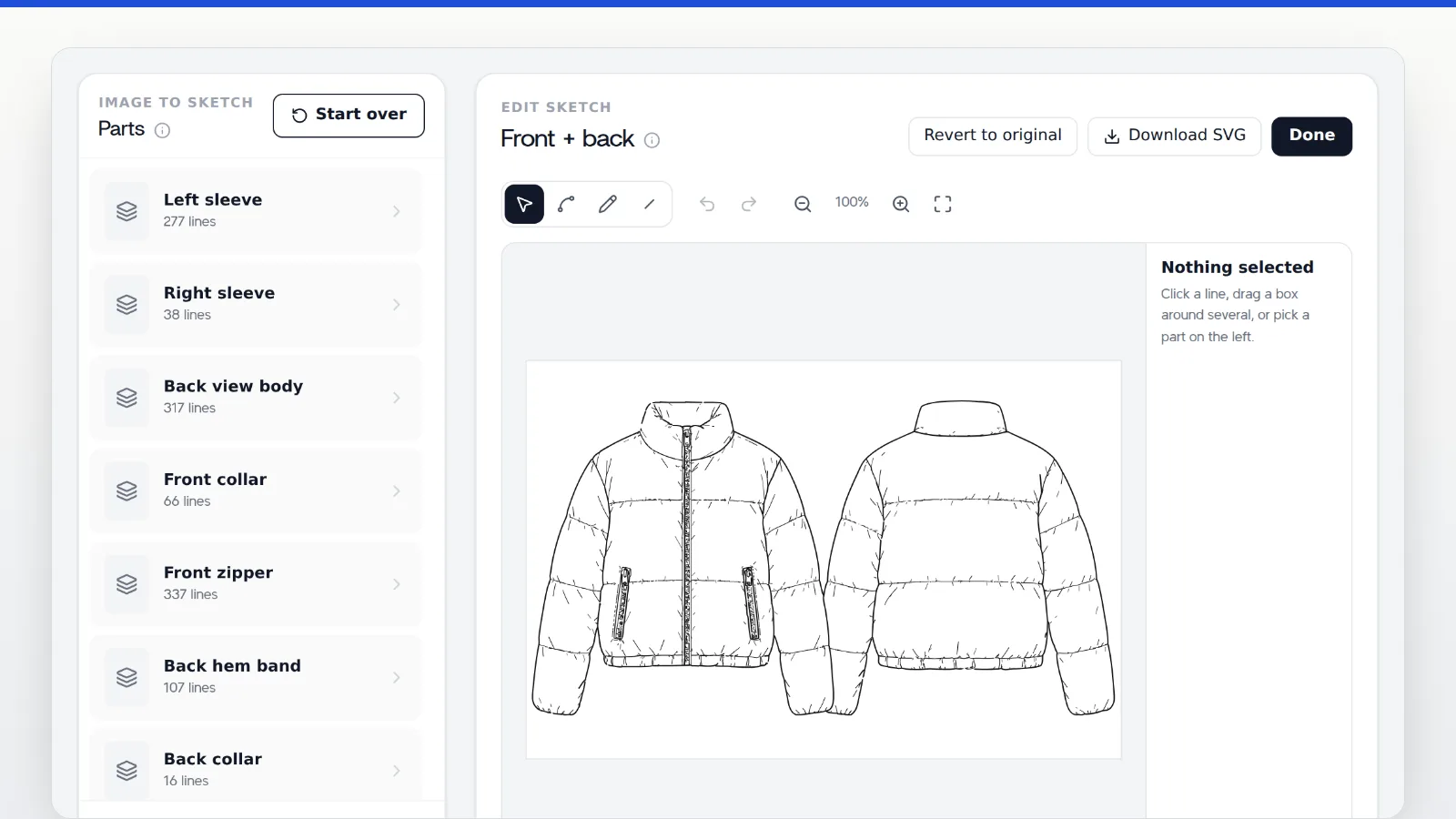
Edit it like a vector file, because it is one.
On paid plans the sketch is also traced into an SVG, with its lines grouped into named parts: left sleeve, front collar, front zipper, hem band.
Open the editor to select a part, move it, reshape a curve with its points, or draw a new line. Every change saves on its own.
Or download the SVG and carry on in Illustrator, Figma or Inkscape.
Open the editor
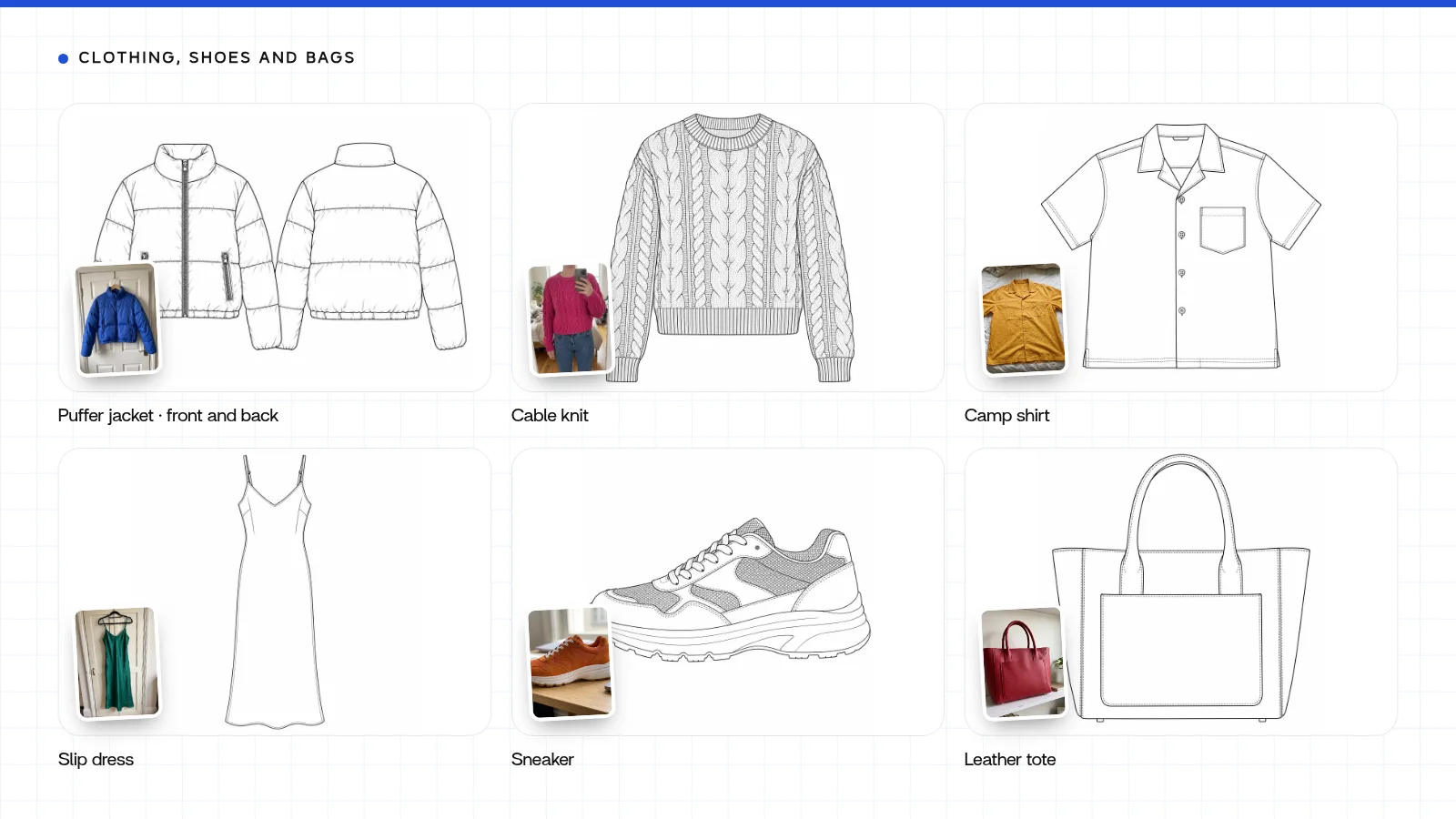
Shoes and bags, not only clothing.
Most flat sketch guides stop at T-shirts.
Image to Sketch draws whatever the product is: a sneaker from the side with its overlays and sole, a tote with its handles and pocket, a cable knit with its cables.
Each kind of product gets the views that make sense for it.
Try your product
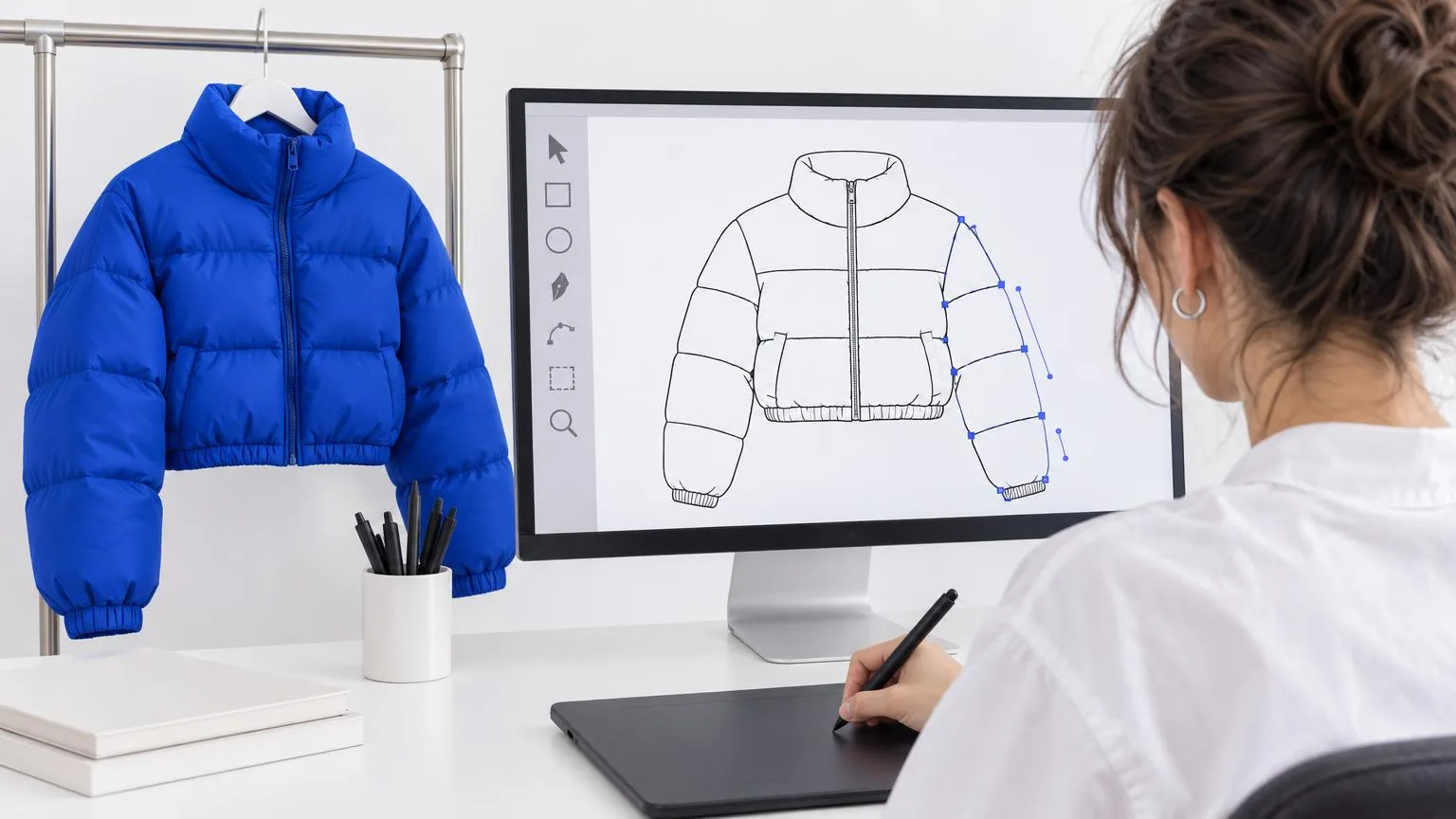
Replaces hours in Illustrator, or a week with a freelancer.
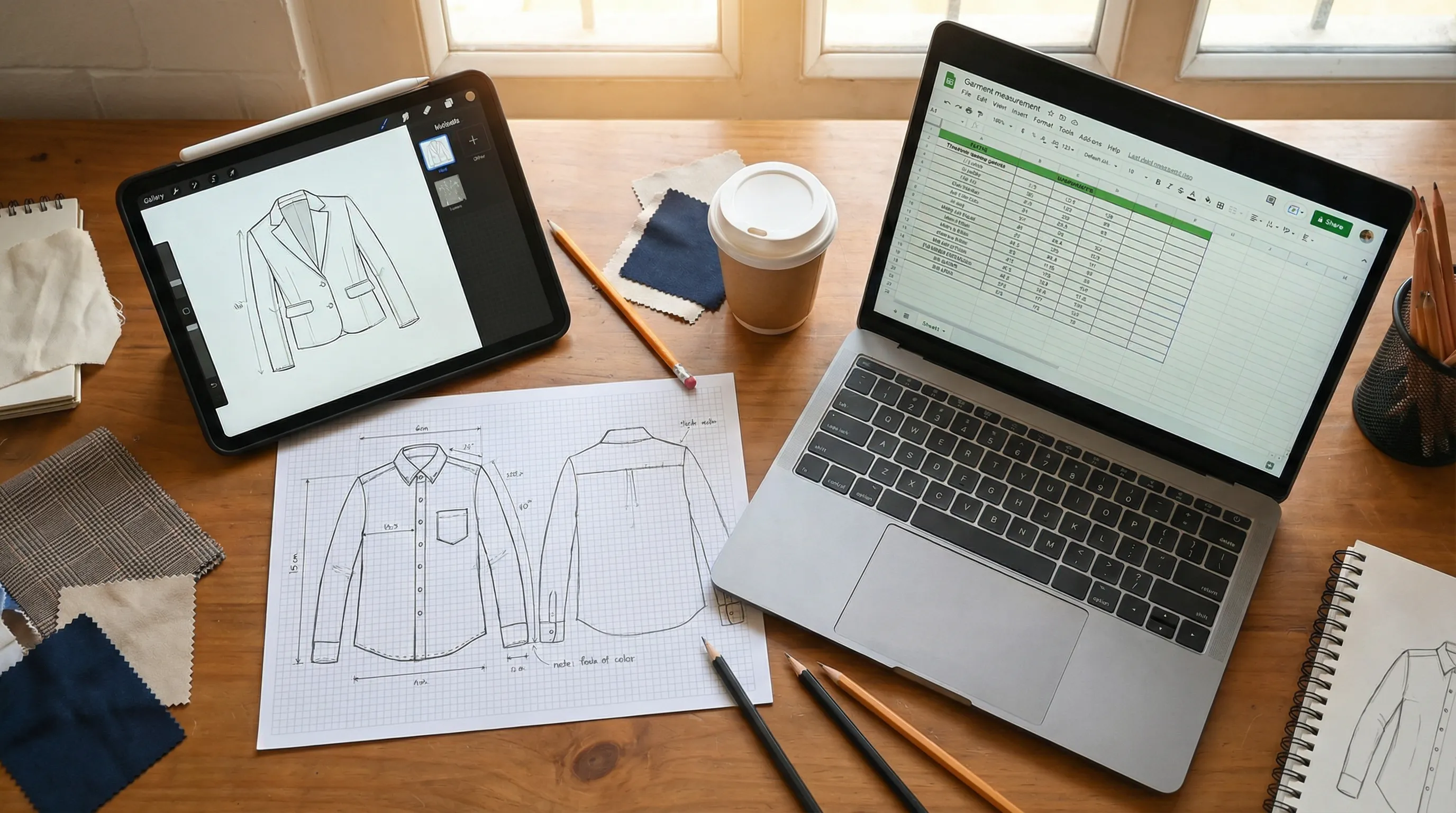
The traditional route is the pen tool: place a point, pull a curve, repeat a few hundred times, then mirror it for the back.
The other route is to pay someone. Freelance listings run from about $30 for a single front view to $120 or more for a front and back, with a turnaround of a day to a week.
A sketch here is 2 credits and about a minute. Then turn it into a product image with Sketch to Image.
Read the guide
Three ways to get a flat sketch
The same front and back drawing of one style, made three ways.
| Adstronaut AI | Draw it in Illustrator | Hire a freelancer |
|---|
| What you need | A photo of the product | Illustrator and practice with the pen tool | A brief, reference photos and a few messages back and forth |
| Cost | 2 credits, about $0.25 to $0.46 on paid plans | A subscription and your hours | About $30 for one view to $120 or more for front and back |
| Time | About a minute | 2 to 4 hours a flat for a fluent user | A day to a week |
| File you get | JPEG; an editable SVG on paid plans | An Illustrator file | Usually an Illustrator file or a PDF |
| Changes | Edit the lines in your browser, or draw it again from another photo | Redraw by hand | Another round with the freelancer |
| Shoes and bags | Yes | Yes, if you can draw them | Depends on the freelancer |
Illustrator hours as set out on our Illustrator comparison pages. Freelance prices and turnaround from public listings on PeoplePerHour and Contra. Adstronaut AI plans and other prices checked 24 November 2026.
Read what a flat sketch is, see why Illustrator is slow for tech packs, or follow the full guide to getting a flat sketch from a photo.
Photo to sketch questions, answered straight.
What founders and designers ask before they stop tracing photos by hand.
Can AI turn a photo into a technical flat sketch?
Yes. Upload a photo of the product and Adstronaut AI draws it as a flat sketch: a clean black line drawing with the seams, panels, pockets and trims in place, with no shading or colour. A sketch takes about a minute and can hold the front, back and side on one sheet.
Is this the same as a pencil sketch filter?
No. A photo-to-sketch filter traces the picture, shadows and creases included. A flat sketch is a technical drawing of the product laid flat, the kind a factory reads. Image to Sketch draws the second kind, for fashion products only.
Do I need a photo of the back?
No, but it helps. With a photo of the back, the back view is drawn from it. Without one, the back is worked out from the photos you have, so check it against the real product. You can upload up to four photos of one product.
Can I edit the flat sketch afterwards?
On paid plans, yes. The sketch is traced into an SVG whose lines are grouped into named parts. In the editor you can select and move a part, reshape a curve with its points, draw new lines and undo. You can also download the SVG and open it in Illustrator, Figma or Inkscape.
What file do I get?
A JPEG of the sketch on every plan, and an SVG as well on paid plans. An SVG is a vector file: it stays sharp at any size and every line can be edited, which is what most factories and tech pack templates expect.
Do I need to know how to draw?
No. That is the point of it. Drawing a flat by hand means learning the pen tool in Illustrator, which takes most people weeks to get comfortable with. Here you need a photo. If you can draw, the editor lets you correct any line.
Is a flat sketch enough to send to a factory?
Not on its own. A factory also needs measurements, materials and construction notes. The flat sketch is the drawing those sit around. From the result screen you can carry the sketch straight into a tech pack, which adds the rest.
Does it work for shoes, bags and accessories?
Yes. Each kind of product is drawn with the views that suit it: a shoe from the side, a bag from the front. The same two credits a sketch apply.
What does it cost?
Two credits a sketch, whichever views it holds. On paid plans that works out at about $0.25 to $0.46. New accounts can try it free; the free plan gives the JPEG, and the SVG and editor come with paid plans.