
Illustrator is too slow for tech packs — here's how to fix it
Updated June 10, 2026
Adobe Illustrator is slow for tech packs because every flat sketch is drawn by hand with the pen tool — 2–4 hours per style for most designers — and the bill of materials and measurements live in a separate Excel file with no automation. You can compress it (symbol libraries, croquis templates, a plugin that tests 43% faster), or remove it: generate the whole pack from one garment photo in 3–5 minutes for $3–6.
Why Illustrator is slow for tech packs
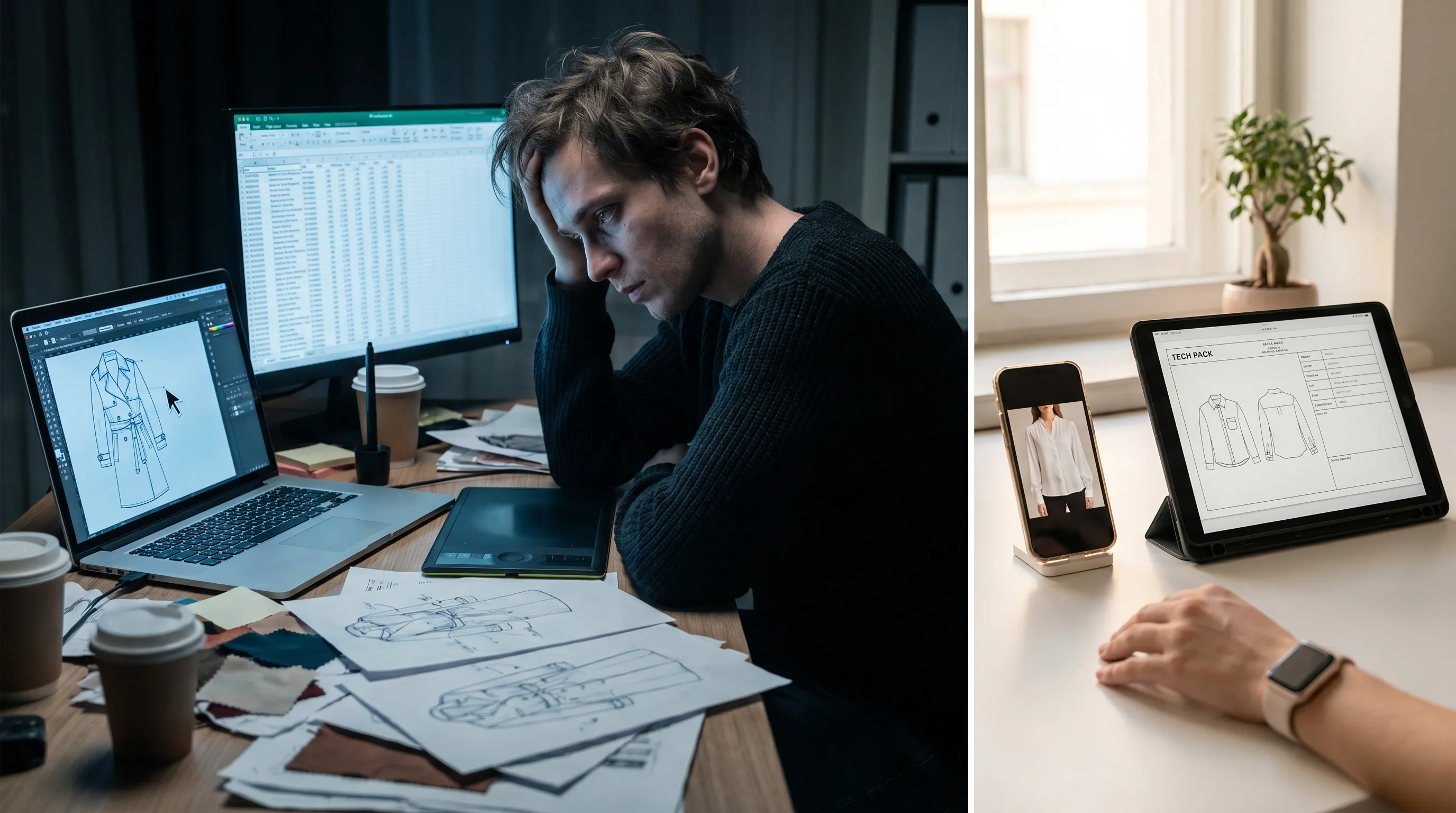
The bottleneck isn't Illustrator's performance — it's the manual work the workflow demands. Every technical flat is drawn point by point with the pen tool. A clean front-and-back flat for a moderately complex garment takes 2–4 hours for most designers; even fast professionals spend 30–45 minutes per flat (Successful Fashion Designer). Illustrator has no garment intelligence — it doesn't know what a hoodie or a set-in sleeve is, so you trace every seam, topstitch line, and hardware callout yourself.
The second drag is the Excel handoff. Illustrator draws pictures; it doesn't build spec tables. After the flat, you leave the app entirely to type the BOM, the graded points of measure, and tolerances by hand — then assemble both halves into a PDF. Nothing links sketch to spec: change a measurement and nothing updates. End to end, a full pack runs 6–10 hours per style (Tech Pack Wizard's timed benchmark). For a 10-piece drop, that's a full work-week of tracing and typing before a single sample is cut.
The slowness, quantified
The plugin route compresses the work; the generation route removes it.
Speed it up inside Illustrator (the honest tips first)
If you're staying in Illustrator, three levers genuinely help. Build a Symbols and Graphic Styles library: save every recurring element — pockets, zippers, drawcords, ribbing, topstitch brushes — and drop them in instead of redrawing; this is where most per-style savings live (Tech Pack Wizard's symbols guide). Start from croquis and page templates so proportions and layout never restart from zero. Add a plugin: Tech Pack Wizard runs inside Illustrator with live-mirror symmetry, one-click croquis, and grade-rule calculations — its own timed test built a pack 43% faster (about 17 versus 30 minutes on an abbreviated job).
The honest ceiling: these compress the work but don't remove it. You still draw the first flat by hand, still maintain the library, and still need Illustrator skill — the 2–4 hour drawing step survives every optimization, because it is the workflow. That's the difference between a faster horse and the car.
The structural fix: generate the pack from a photo
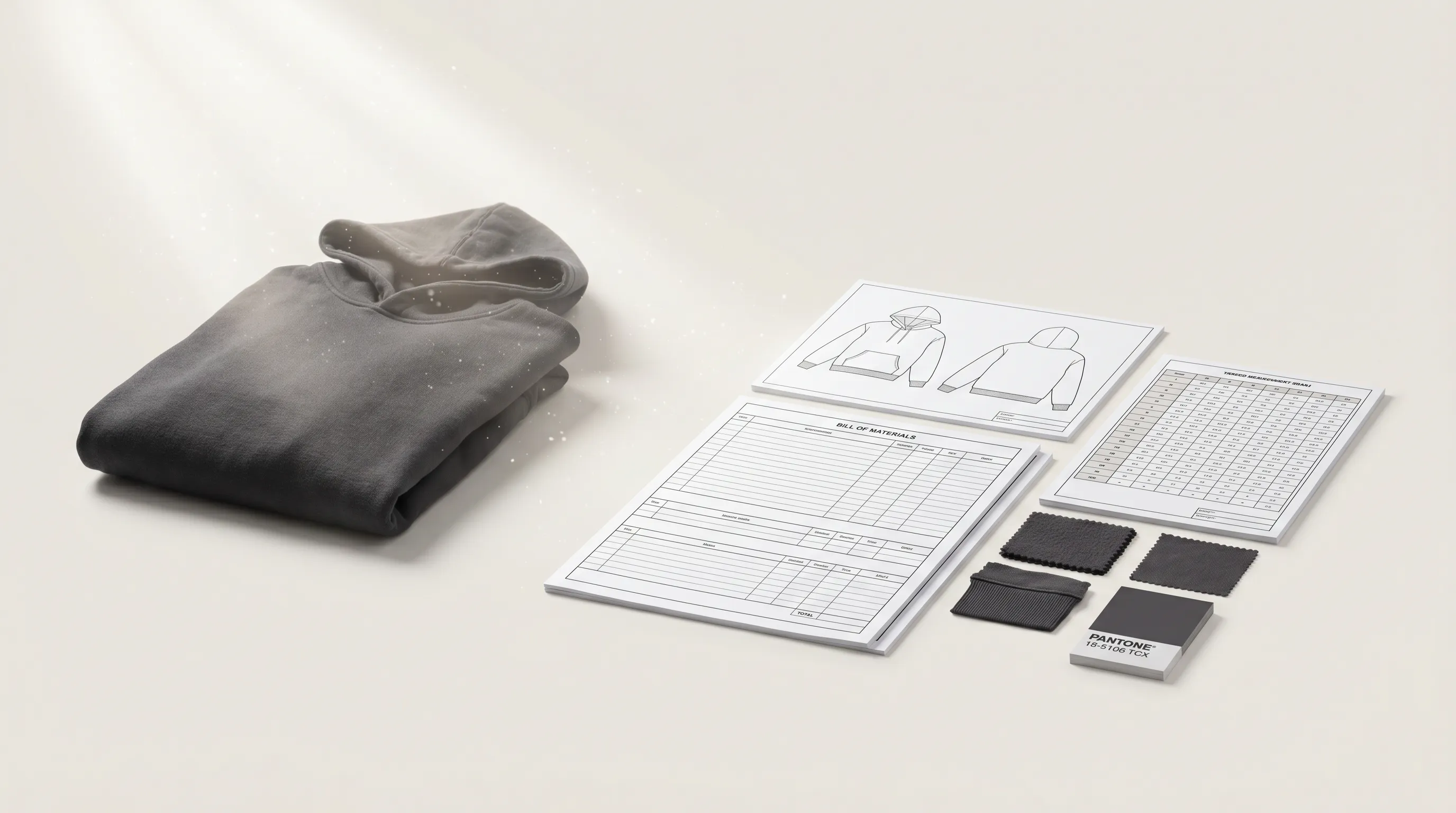
The deeper fix is to skip the drawing step entirely. Adstronaut's AI Tech Pack Generator inverts the workflow: instead of tracing a flat and typing a spec, you upload one garment photo — flat-lay, mannequin shot, digital mockup, or clean sketch — and it returns the annotated flat sketch, the structured bill of materials, the graded measurement table with tolerances, construction notes, and Pantone colorways in 3–5 minutes.
There's no pen tool and no Excel handoff: flat, BOM, and POMs live in one editable document in the browser. You spend the remaining 10–15 minutes on what only you know — real supplier names, exact sample measurements, custom artwork — then export the print-ready PDF. At 25 credits ($3–6 per pack on plans from $29/month, first pack free as a watermarked preview), it removes the single slowest step in the Illustrator workflow and the skill barrier behind it. The full head-to-head — including when Illustrator still wins — is at Illustrator vs Adstronaut.
The slow steps, in Illustrator vs generated
| Task | In Illustrator + Excel | With Adstronaut |
|---|---|---|
| Flat sketch (front/back) | Drawn by hand with the pen tool — 2–4 hrs/style | Generated from your photo, annotated |
| Bill of materials | Typed by hand in a separate Excel file | Auto-filled as a structured BOM you edit |
| Graded measurements (POMs) | Typed into a spec table; grading applied manually | Auto-generated and graded with tolerances |
| Construction callouts | Drawn and labeled manually per flat | Generated with class-specific stitch and seam notes |
| Assembly into a PDF | Compiled manually from artboards + spreadsheet | One print-ready PDF, automatic (Excel/CSV on Pro) |
| Total per style | 6–10 hours of hands-on work | 3–5 min generate + 10–15 min review |
Per-flat timing per Successful Fashion Designer; full-workflow benchmark per Tech Pack Wizard.
Try the faster workflow on one real style
- 1
Pick the style you were about to trace
Photograph the sample front-on in even light, or use the mockup you'd have drawn from. JPG/PNG/WEBP. - 2
Generate and clock it
Upload to the Tech Pack Generator — first pack free. Time the 3–5 minute draft against your usual pen-tool session. - 3
Review like a technical designer
Check seam lines on the flat, fill real suppliers into the BOM, tune POMs to your sample's measurements. This 10–15 minutes is where your expertise still earns. - 4
Keep Illustrator for the exceptions
Bespoke placement art and brand-specific flats stay in Illustrator. Everything else ships from the generated draft — that's the hybrid most switching brands land on.
Who this fix is for
Indie and first-time founders who never learned Illustrator and lose evenings fighting the pen tool for a single flat — for you, generation isn't a speedup, it's the difference between shipping and not. Production leads and small-brand designers doing 10–50 styles a year, where 6–10 hours per style is the real bottleneck between design approval and factory handoff. Freelance designers who want to quote more styles per week without cloning themselves.
It matters least to studios whose bespoke vector craft is the brand — though even there, the hybrid (generate the draft, hand-tune one flat) usually wins. If your slowness is broader than Illustrator — the whole document takes too long regardless of tool — the tech-pack-takes-too-long fix covers templates and freelancers too, and the Illustrator alternatives roundup maps the full tool landscape.
Frequently asked questions
Why does drawing a tech pack flat in Illustrator take so long?
Because every flat is traced anchor point by anchor point with the pen tool, and Illustrator has no garment intelligence — it can't infer a seam, a placket, or a sleeve. A clean front-and-back flat takes 2–4 hours for most designers, 30–45 minutes for fast professionals. No template or plugin removes the drawing itself; they only speed up its components.
How can I speed up flats without leaving Illustrator?
Three real levers: build a Symbols and Graphic Styles library of recurring elements (pockets, zippers, ribbing) so you place instead of redraw; start from croquis body blocks and a pre-built page template; and add a plugin like Tech Pack Wizard, whose own timed test ran 43% faster than plain Illustrator + Excel. Expect compression, not removal — the first flat is still hand-drawn.
Is the slow part Illustrator or the Excel handoff?
Both, in sequence. The flat is the single slowest step (2–4 hours), and then the BOM and graded measurements are typed into a separate Excel file with no link to the sketch — a measurement change updates nothing. The two halves are then manually assembled into a PDF. End to end: 6–10 hours per style.
What does Adobe Illustrator cost for tech-pack work?
The single-app plan is $22.99/month billed annually or $34.49 month-to-month. The subscription is the small cost — the real expense is labor: at $25–$75/hour, the 6–10 hours per pack carries $150–$750 of designer time, which repeats for every style.
What's the fastest way to produce a tech pack?
Generation from a photo. Adstronaut returns the flat sketch, structured BOM, graded measurements with tolerances, construction notes, and Pantone colorways in 3–5 minutes for $3–6 per pack; with a 10–15 minute review you're exporting a factory-ready PDF in under 30 minutes per style — a 12–20× reduction in hands-on time.
Do I still need Illustrator if I generate packs?
Mostly no. The generated pack covers flats, BOM, measurements, and construction without any vector software. Studios keep one Illustrator seat for bespoke placement art or brand-specific flats and hand-tune only those — the hybrid that preserves craft where it matters and deletes the hours everywhere else.
Will a factory accept a pack I didn't draw in Illustrator?
Yes. Factories evaluate completeness — clear flats with construction callouts, an itemized BOM, graded POMs with tolerances — not the authoring tool. The export is a standard print-ready PDF (Excel/CSV on Pro). Teams that switched report first-sample revision rounds falling from about three per style to one.
How long does the generated route take end to end?
Eight to twenty minutes per style: 3–5 minutes of generation plus 10–15 minutes reviewing supplier names, sample measurements, and any custom details before export. Across a 10-style drop, that converts a 60–100 hour Illustrator + Excel week into a single afternoon.
Stop tracing flats by hand
Skip the 2–4 hours per flat and the Excel handoff. Upload one garment photo and get a factory-ready tech pack in minutes — $3–6 per pack, first one free.
Try the AI Tech Pack GeneratorKeep going
Sources and further reading
- Successful Fashion Designer — drawing flats — 2–4 hrs/flat typical; 30–45 min for professionals
- Tech Pack Wizard — timed comparison — 43% faster with plugin: ~17 vs 30 min on the same job; 6–10 hr full-pack baseline
- Tech Pack Wizard — symbols & graphic styles — symbol-library workflow for faster flats
- Adobe Illustrator — pricing — $22.99/mo annual, $34.49/mo monthly (2026)