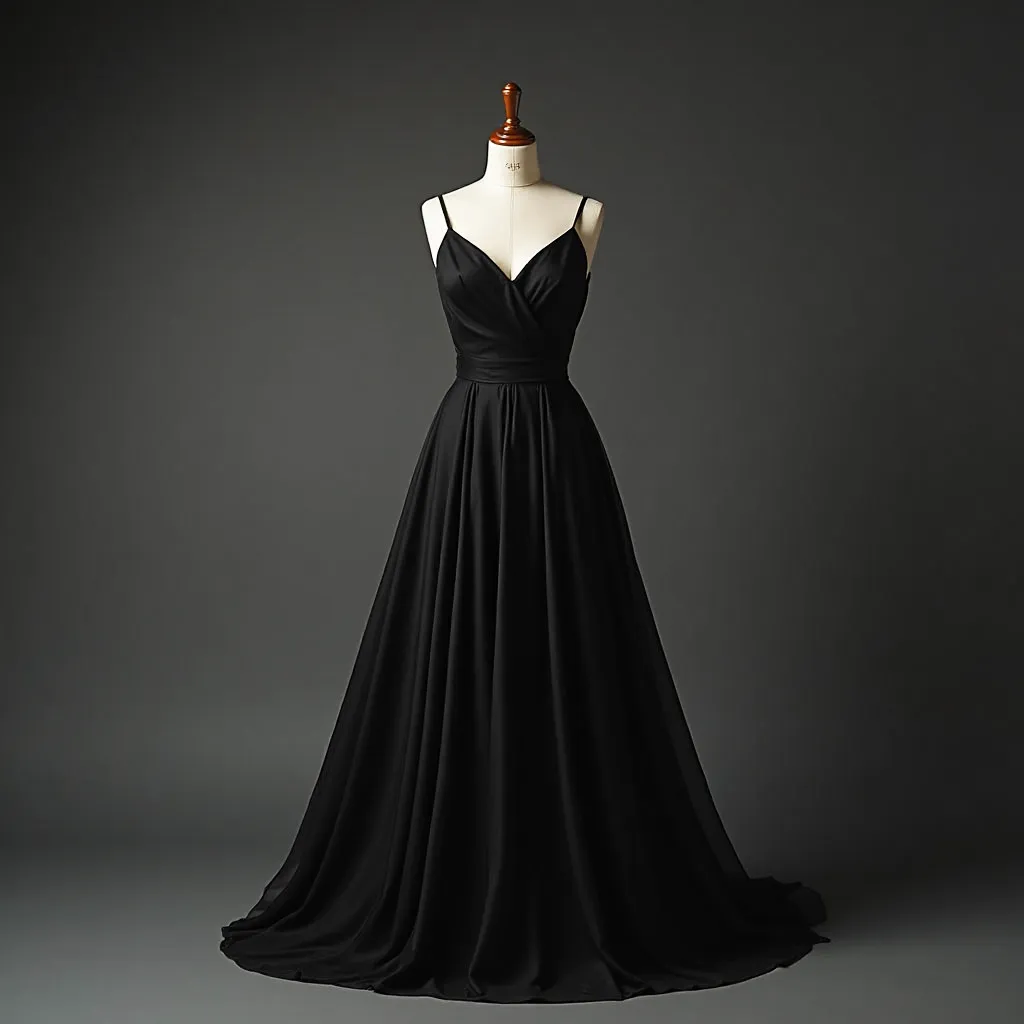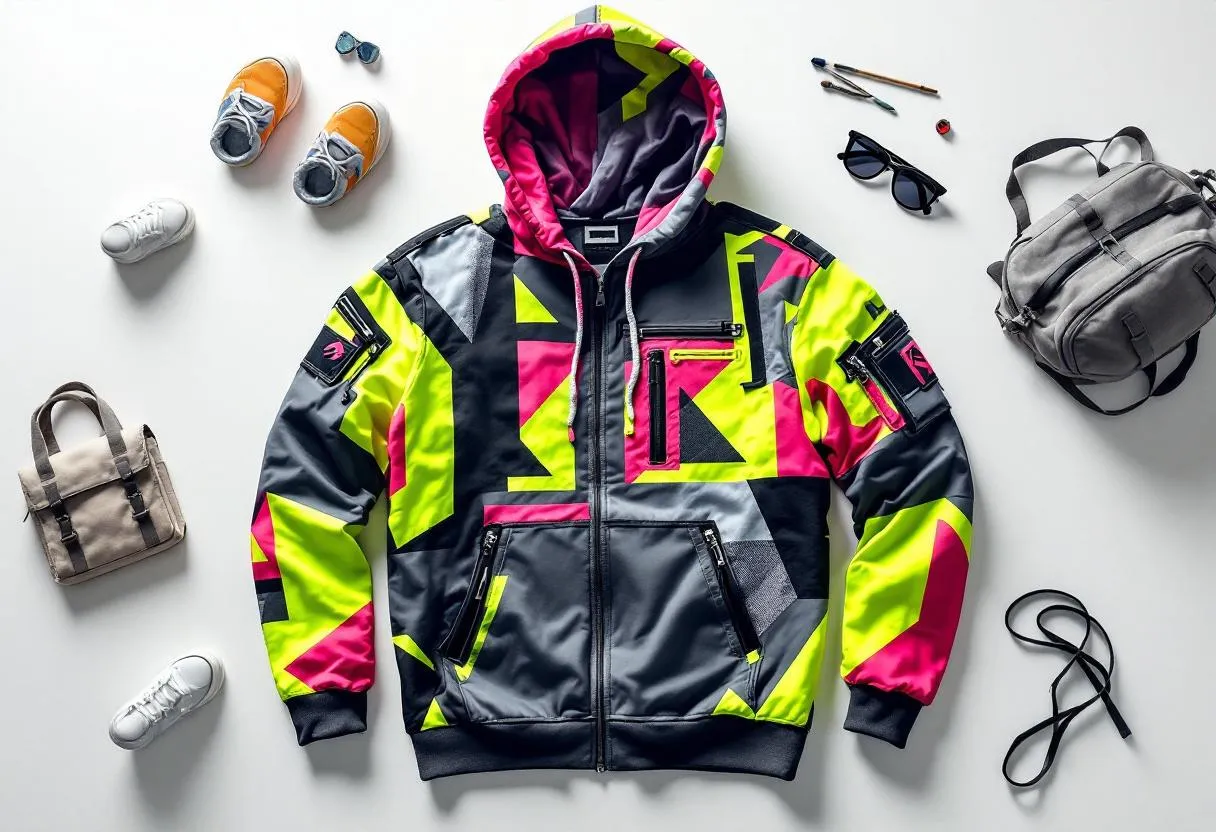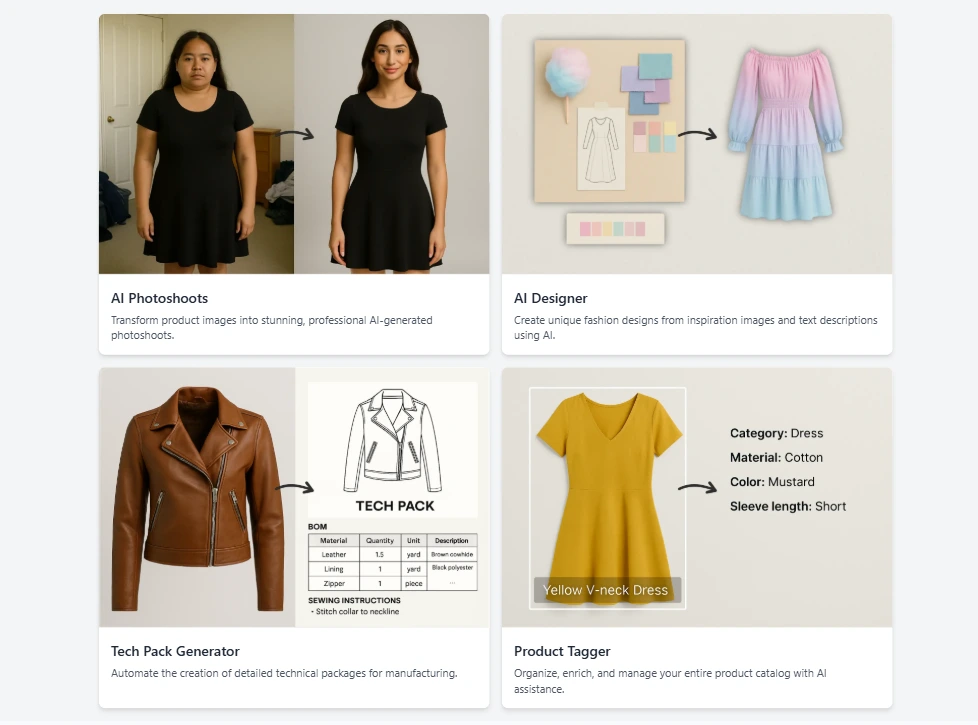
Product photos in. Listing-ready catalog out.
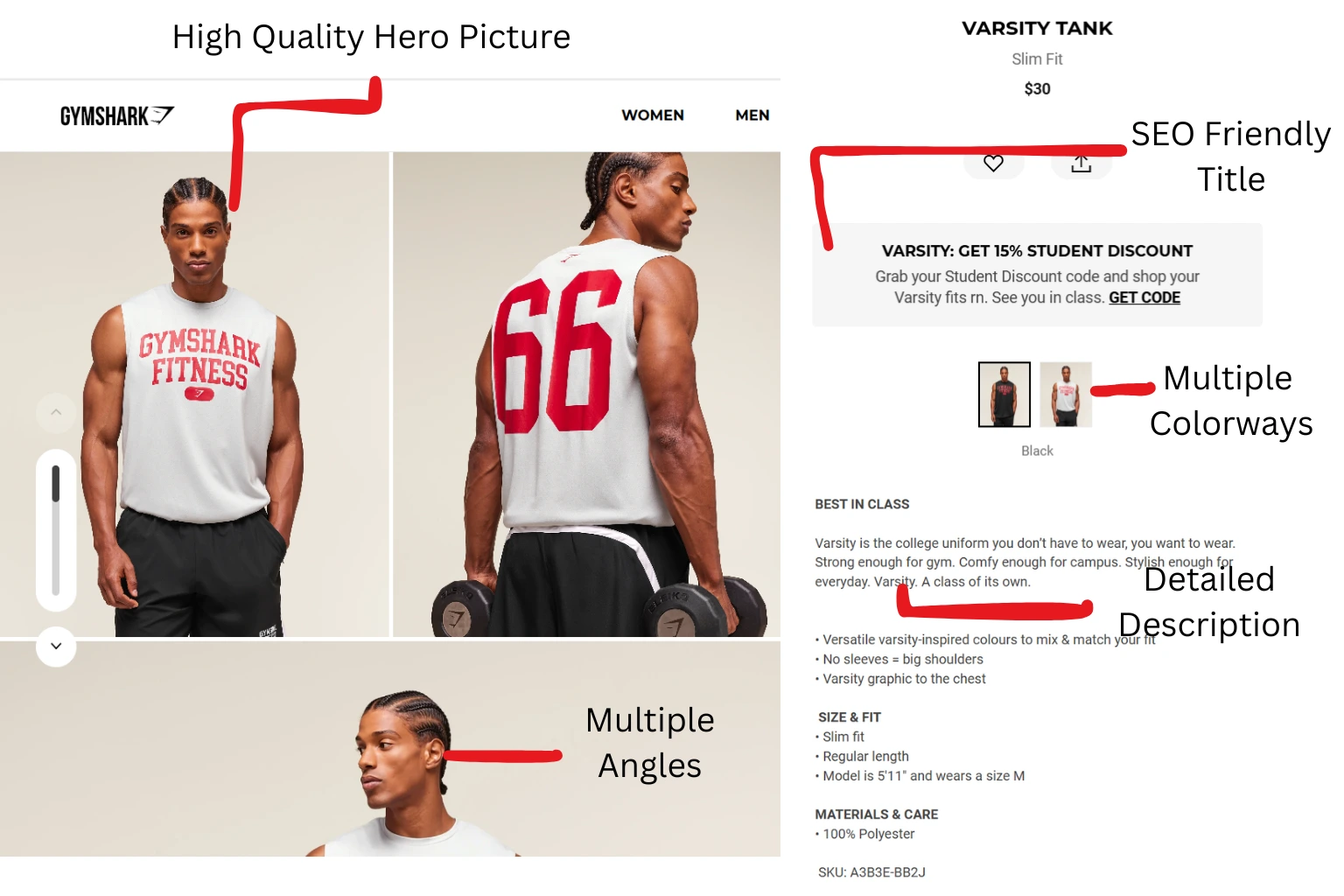
Writing product titles and descriptions manually averages 5 to 15 minutes per SKU. A 50-product drop runs 4 to 12 hours of focused copywriting — and the attribute taxonomy still ends up inconsistent because three different people wrote it on three different days.
Adstronaut absorbs the loop. Upload up to 50 product photos at once, the AI processes them in parallel batches of 5, and returns the complete tagged catalog in 2 to 4 minutes.
Every product gets the same attribute structure, the same writing voice, the same SEO-friendly title pattern.
Built for Shopify store owners cataloging seasonal collections, marketplace sellers listing across multiple platforms, and operations teams keeping product data consistent across thousands of SKUs.
Tag a Free Product
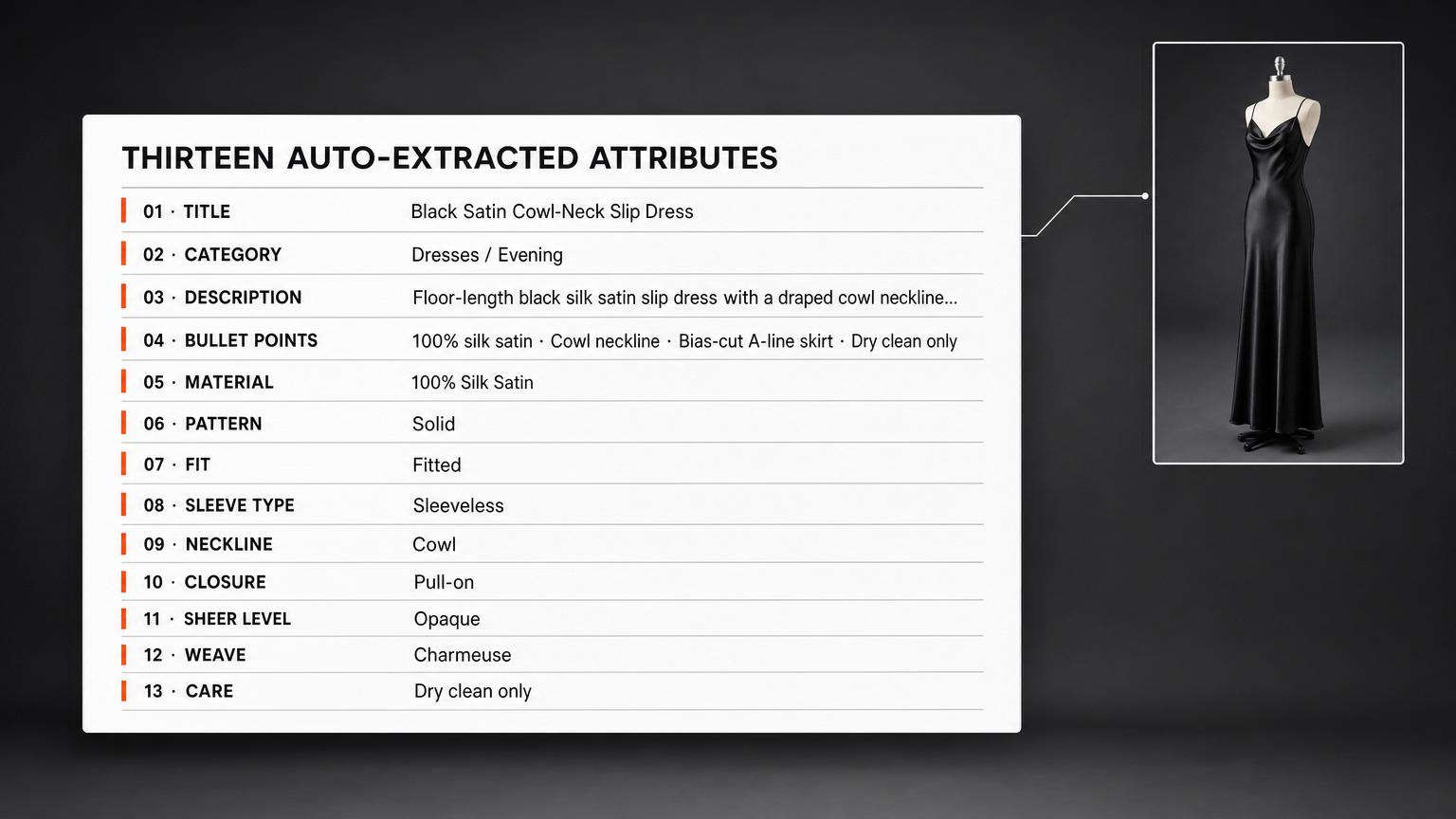
Thirteen attributes per product. Auto-filled by AI.
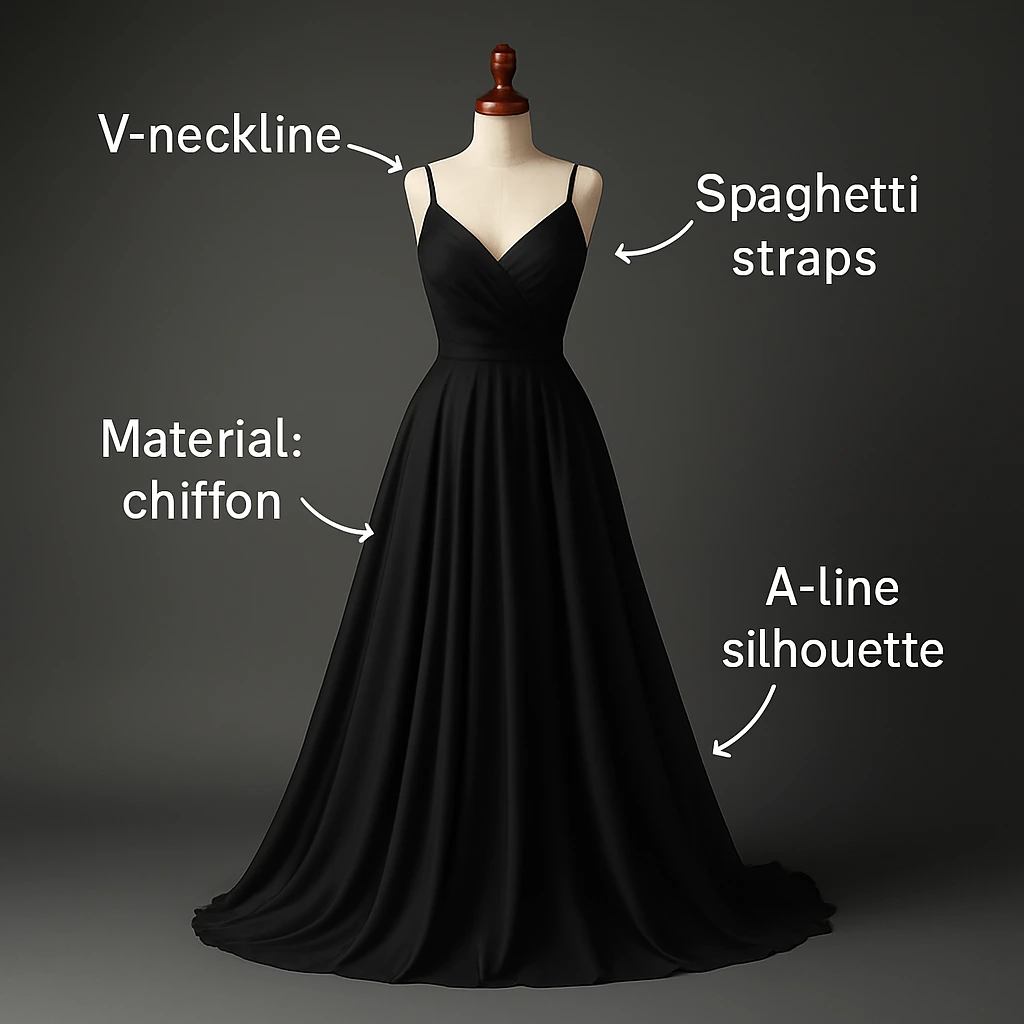
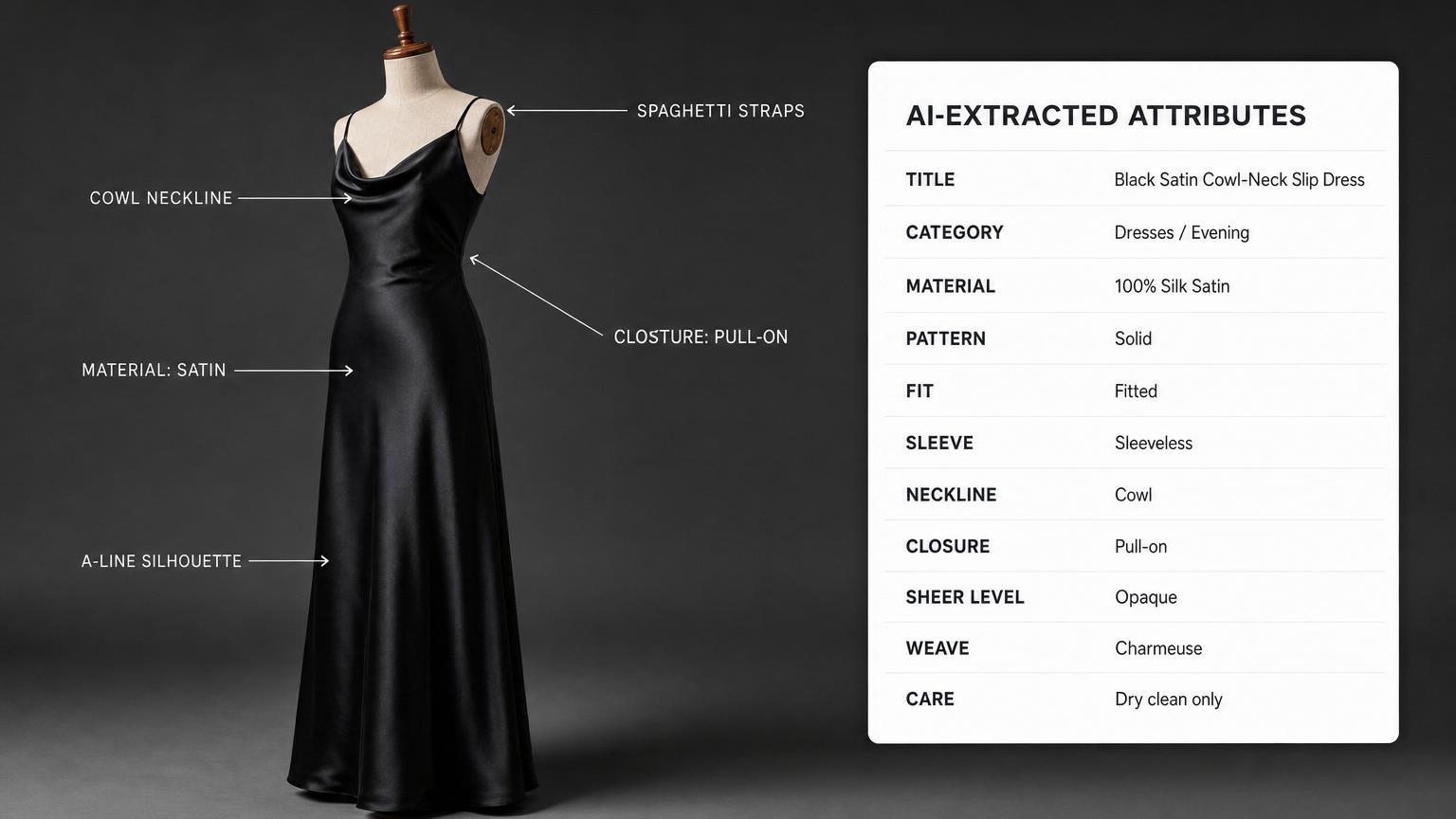
Every product upload returns thirteen AI-extracted attributes ready for your CSV import: SEO-friendly title, category, 3-4 sentence description, exactly 4 feature bullet points, material/fabric, pattern/print, fit/silhouette, sleeve type, neckline, closure type, sheer level/opacity, weave pattern, and care instructions.
The computer vision model is fine-tuned on fashion-product imagery specifically — it identifies fabric structure, stitch type, and closure hardware from a single photo with the precision a manual catalog editor needs hours to match.
Critical for brands whose on-site search is broken because attribute data was entered by three different freelancers across two years.
See the Attribute List
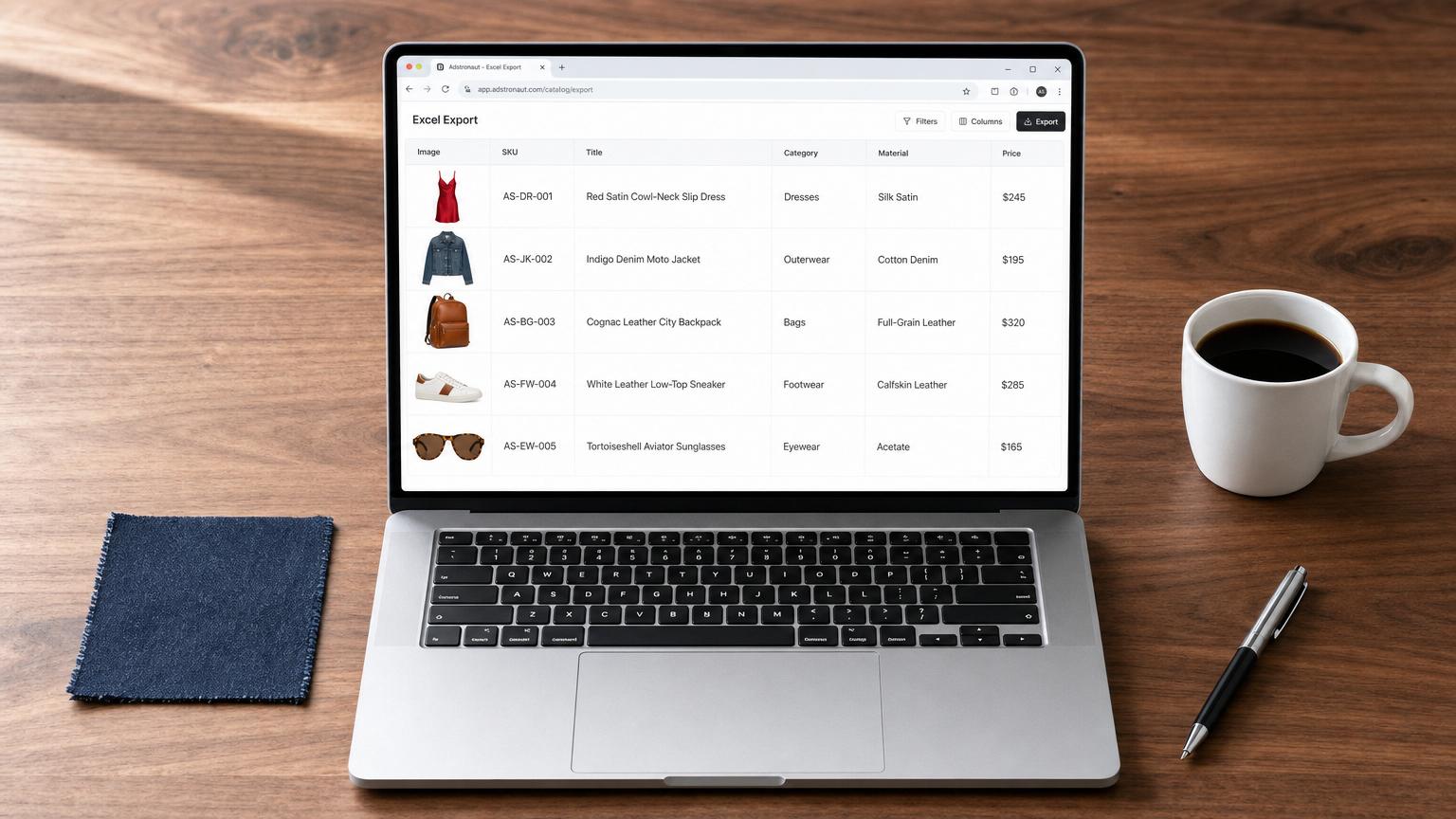
Excel export with embedded thumbnails — CSV-importable everywhere.
Once your catalog is tagged, export as an Excel workbook with product thumbnails embedded directly in the rows (80×80 per row) so your buyer or merchandiser can scan and verify visually. Or export as CSV with image URLs if your importer prefers that.
The output is platform-agnostic — column headers map cleanly to Shopify product imports, Amazon flat files, WooCommerce CSV, BigCommerce templates, Faire, Joor, or any custom catalog system.
No platform-specific lock-in. Critical for multi-channel sellers who push the same catalog to three different storefronts.
Try the Excel Export
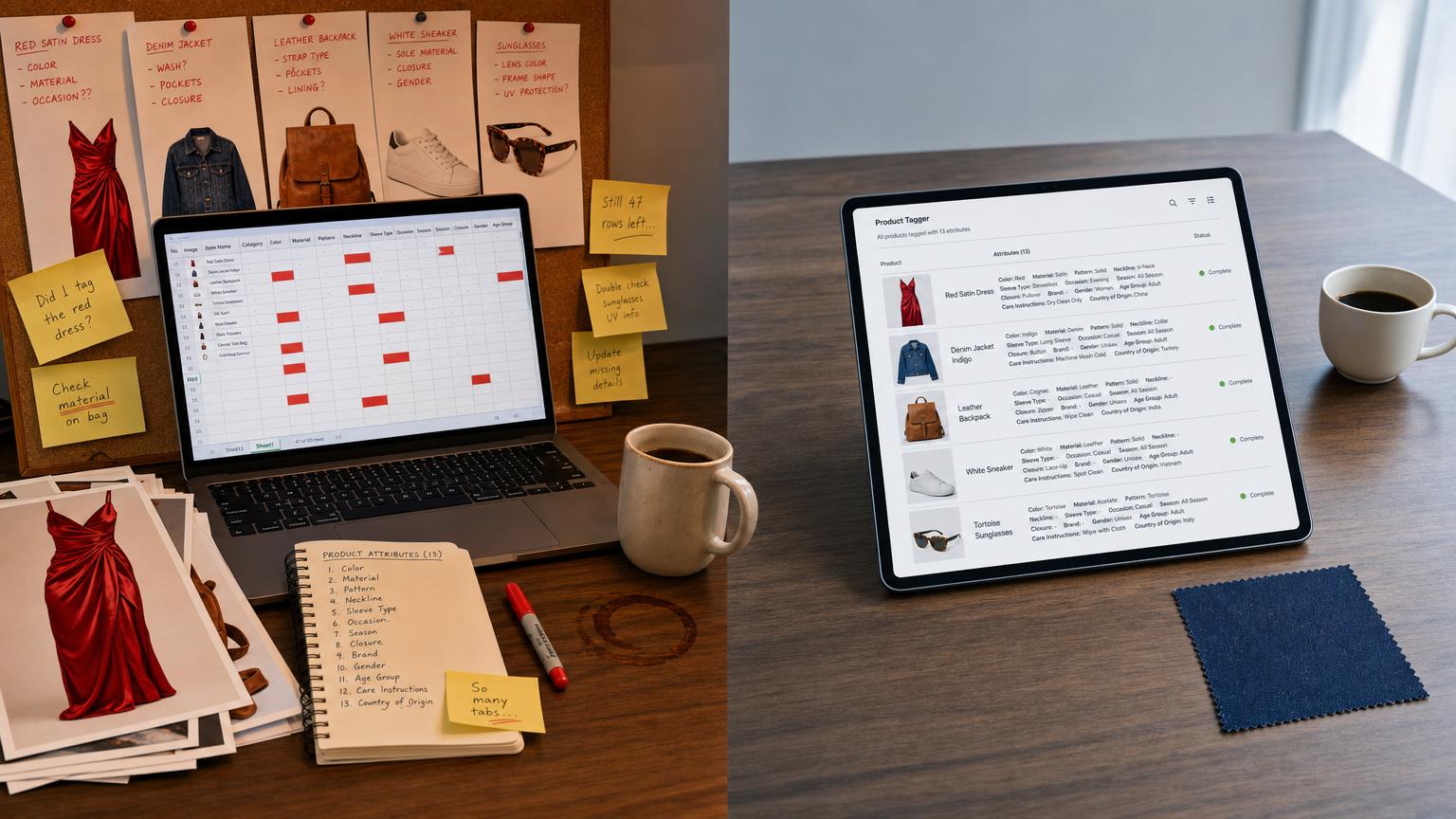
Replaces 10-hour manual cataloging sessions.
The old workflow: open a spreadsheet, look at each product image, type the title, write a description, fill in material/fit/neckline/closure dropdowns, paste the bullet points, save, repeat 49 more times.
A 50-SKU catalog runs 4 to 12 hours of focused work — or $500–$2,000 if you outsource to a copywriter.
Adstronaut absorbs the loop. Two credits per ten products (about $0.40 per product on most plans). A 50-product catalog tagged and ready to export in under five minutes.
Need the visuals too? The Lookbook Creator renders multi-angle galleries from the same product photos — pair the two for a complete PDP that ships in one afternoon.
Best for Shopify store owners, marketplace operators, e-commerce managers shipping seasonal drops, and anyone whose on-site search filters are broken because the attribute taxonomy is a mess.
Read the Cost Breakdown
Product Tagger questions, answered straight.
Real questions from Shopify store owners, marketplace sellers, e-commerce managers, and operations teams running multi-channel catalogs.
How many products can I tag at once?
Up to 50 products per batch on paid plans (1 on free). The AI processes them in groups of 5 in parallel, so the whole batch typically finishes in 2 to 4 minutes — not 50 × single-product time.
What attributes does the AI extract?
Thirteen attributes per product: title (SEO-optimized), category, 3-4 sentence description, exactly 4 feature bullet points, material/fabric, pattern/print, fit/silhouette, sleeve type, neckline, closure type, sheer level/opacity, weave pattern, and care instructions. You manually add SKU, price, and stock quantity (the three required fields for a complete listing) plus optional brand, package dimensions, available sizes, and return policy.
How accurate is the AI?
The computer vision model is fine-tuned on fashion-product imagery specifically and runs at over 95% accuracy on most attribute fields. Material, pattern, sleeve type, neckline, and closure are typically perfect from a single clear photo. Fit and description benefit from a quick human review. The Excel editor shows every field with a yellow flag if anything looks ambiguous.
Can I edit the AI-generated attributes before exporting?
Yes. Every field is inline-editable in the catalog editor — change a title, refine a description, swap a category, edit a bullet, adjust care instructions. Changes autosave every 1.5 seconds. You can also bulk-edit attributes across selected products (e.g., apply the same Brand or Return Policy to 20 products at once).
What export formats are supported?
Excel (.xlsx) with embedded product thumbnails (80×80 per row) — ideal for buyer review, merchandising QA, or any importer that handles structured data with images. CSV (.csv) with image URLs as fallback — works with every catalog importer. The column headers map cleanly to Shopify, Amazon flat files, WooCommerce, BigCommerce, Faire, Joor, and any custom catalog system.
Does it generate platform-specific templates for Shopify, Amazon, etc.?
Not yet — the export is a clean, structured Excel or CSV with universal column names. Most catalog importers (Shopify, WooCommerce, BigCommerce, Faire, Amazon Seller Central CSV uploader) accept the format directly. Platform-specific template exports (Shopify product import format with exact column names) are on the roadmap. For now the universal format imports cleanly to every major platform we've tested.
How much does tagging a product cost?
Two credits per ten products (about $0.40 per product on most plans). A 50-product batch runs about 10 credits ($2). For comparison, hiring a freelance e-commerce copywriter runs $10–$40 per product, and the time investment doesn't include the consistency-checking pass at the end. The break-even on Adstronaut is typically your second product.
What kind of product photos work best?
Clear, well-lit single-product photos. Flat-lay, mannequin, or hero shots all work. JPG, PNG, or WEBP up to 3MB (auto-optimized to 2048×2048). Photos with multiple products visible, heavy lifestyle styling, or busy backgrounds produce lower-confidence attribute extraction. Clean product-only shots produce the cleanest catalog data.
Is the tool only for fashion, or does it work for other categories?
Built and fine-tuned for fashion-product cataloging — apparel, footwear, bags, accessories, headwear, eyewear. The attribute model (sleeve type, neckline, fit, weave, etc.) maps cleanly to fashion taxonomy. For non-fashion categories (beauty, home, tech), the basic fields (title, description, bullets, material, care) still extract well but the fashion-specific fields don't apply.
Will the AI-written copy be unique to my products, or is it template content?
Unique to each product. Every title and description is generated from that specific product's image. Two similar t-shirts will have different titles and different descriptions — same product family, distinct language. The structure is consistent (so your catalog reads as a single brand voice) but the content is product-specific.