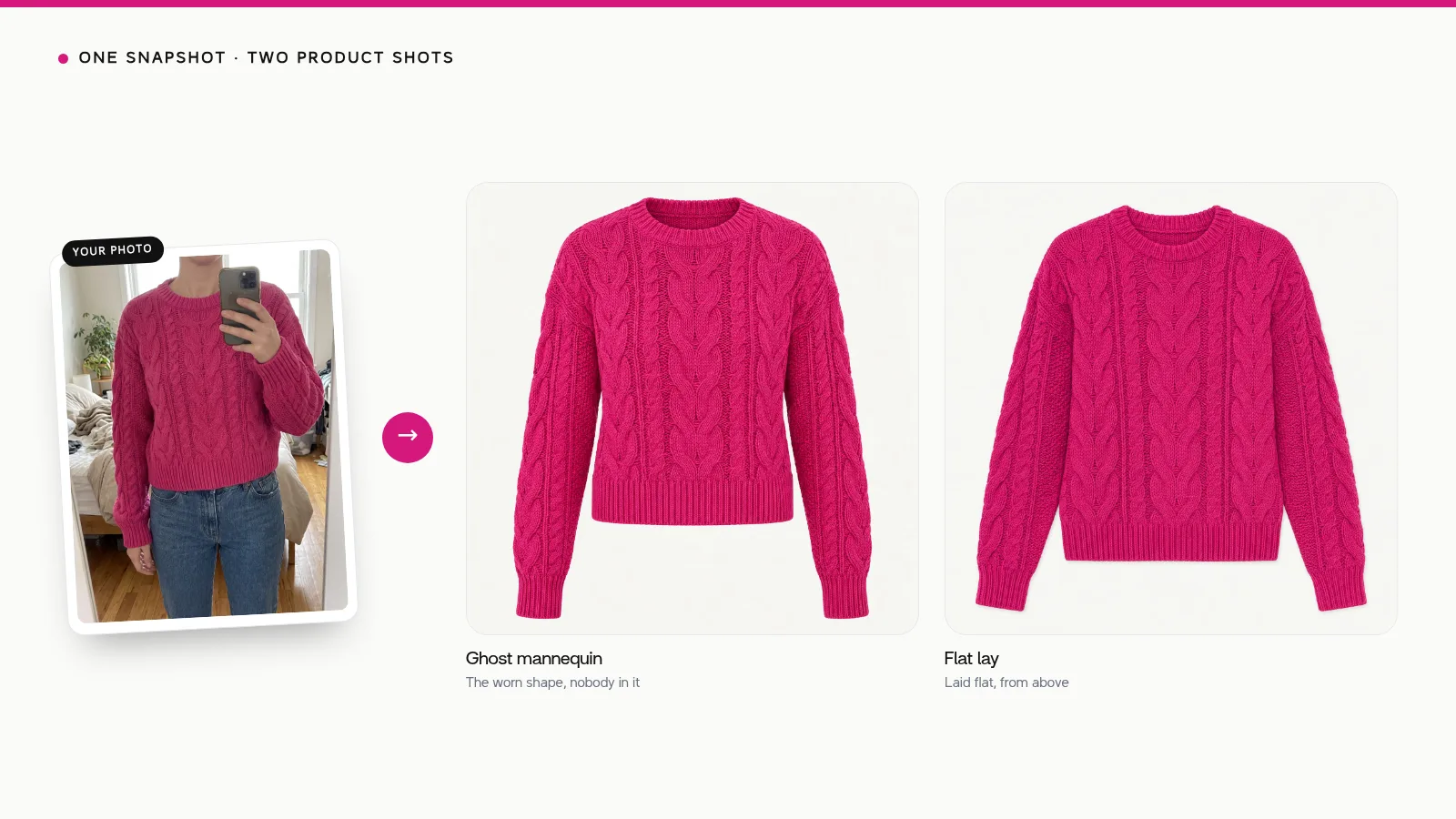
One snapshot in. Two kinds of product shot out.
The photo you have is rarely the photo a store needs. It is a jacket on a door, a sweater in a mirror, a shirt on a bed.
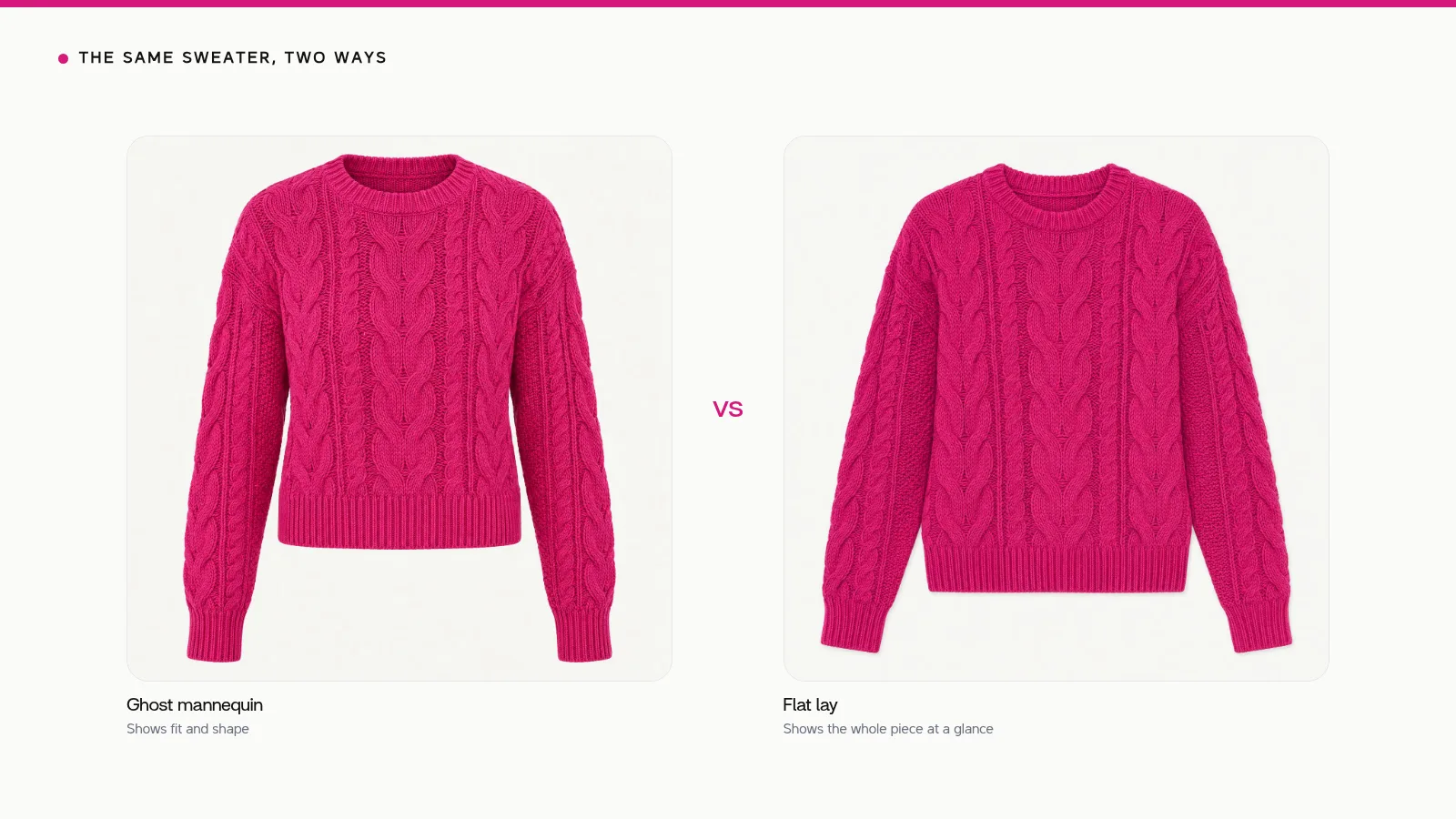
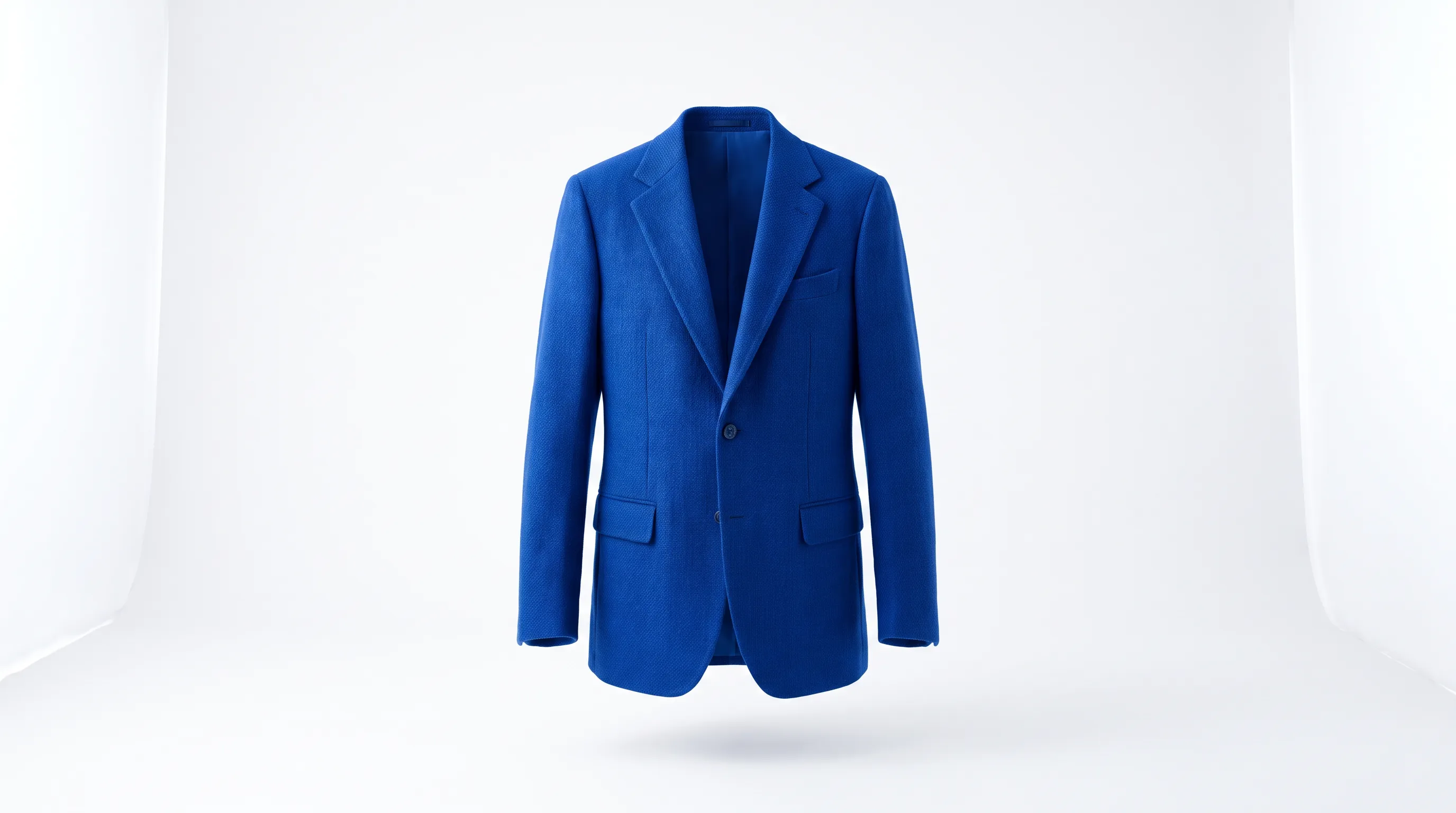
Adstronaut AI takes that photo and returns the product on its own: as a ghost mannequin shot, which keeps the worn shape with nobody in it, or as a flat lay, photographed from above.
The product stays your product. Colour, knit, print, labels and trims are kept as they are in your photo.
Make a product shot
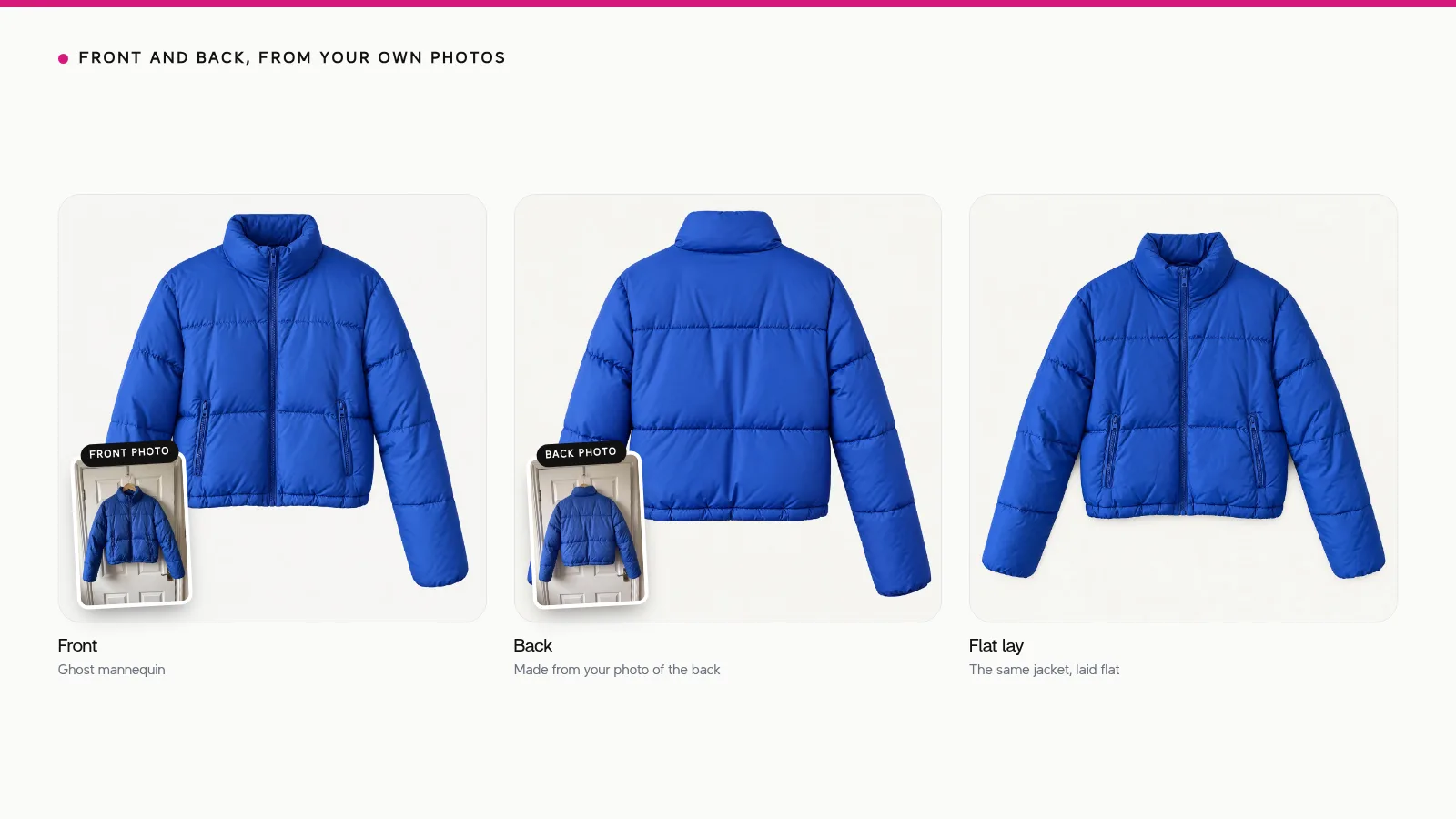
The back is made from your photo of the back.
A back view that a tool makes up is a risk: the wrong seam, a pocket that is not there, a customer who sends it back.
So a back shot is only made when you give a photo of the back. Add it next to the front and both views come out as a matching pair.
Ghost mannequin also offers an angled view. Flat lay offers a folded view for clothing, the way it sits on a shop shelf.
Try front and back
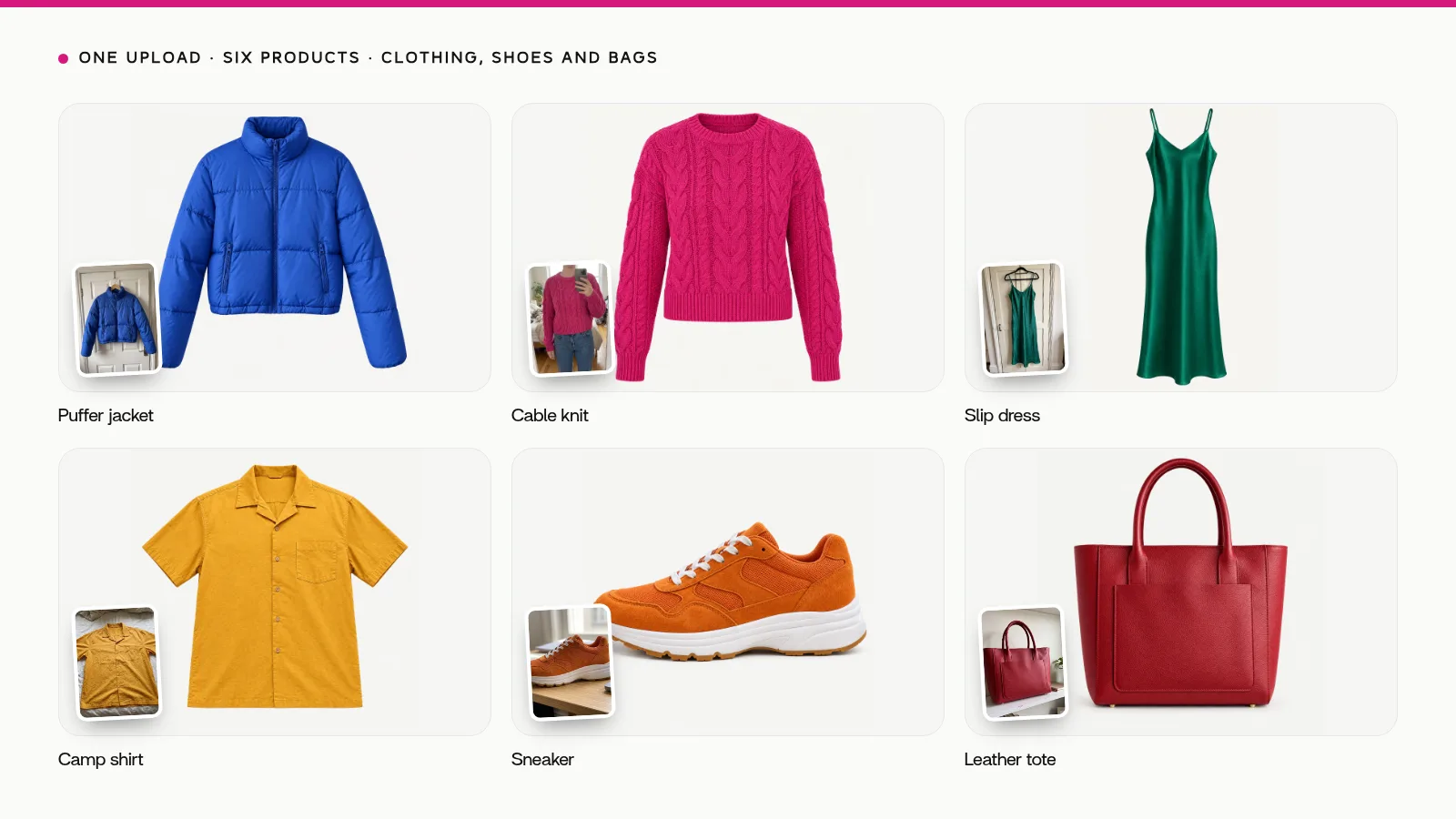
A whole rail in one upload.
Shooting a collection is slow because every piece is handled one at a time.
Here you upload everything together, up to 100 photos. Adstronaut AI works out which photos show the same product, names each one, and makes the whole set in one run.
It works for more than clothing. Shoes, bags and accessories come back as clean product shots too. Paid plans run 10, 25 or 50 products at once.
Upload your products
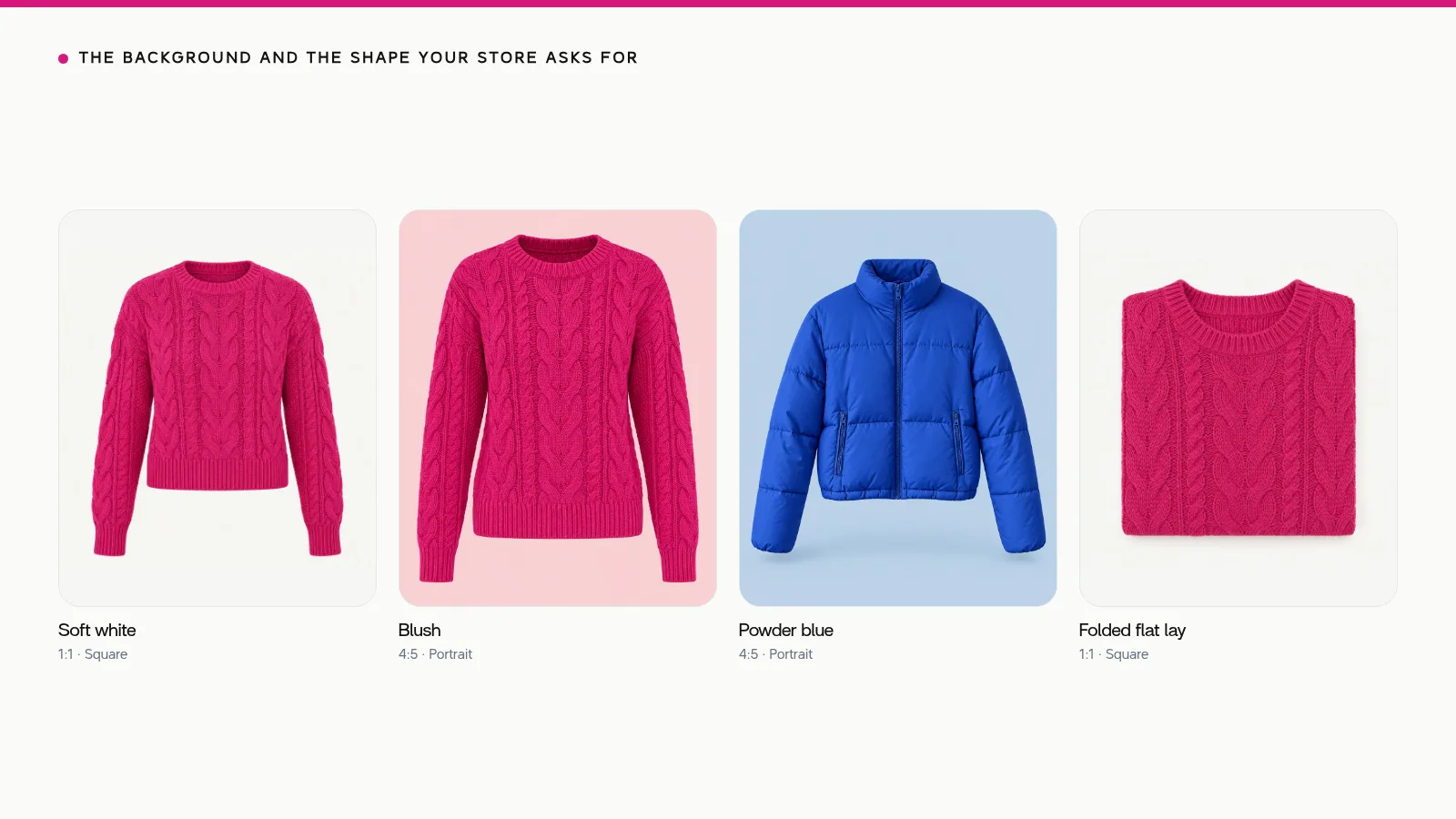
The background and shape your store asks for.
Marketplaces want pure white. Your own site may want a brand colour.
Pick from nine plain backgrounds, from pure white (#FFFFFF) to blush, sage and charcoal, and five shapes: square, 4:5, 3:4, 2:3 and 9:16.
Change your mind later and make another set from the same photos. When you want the product on a person, send the shot to AI Photoshoots.
Pick a background
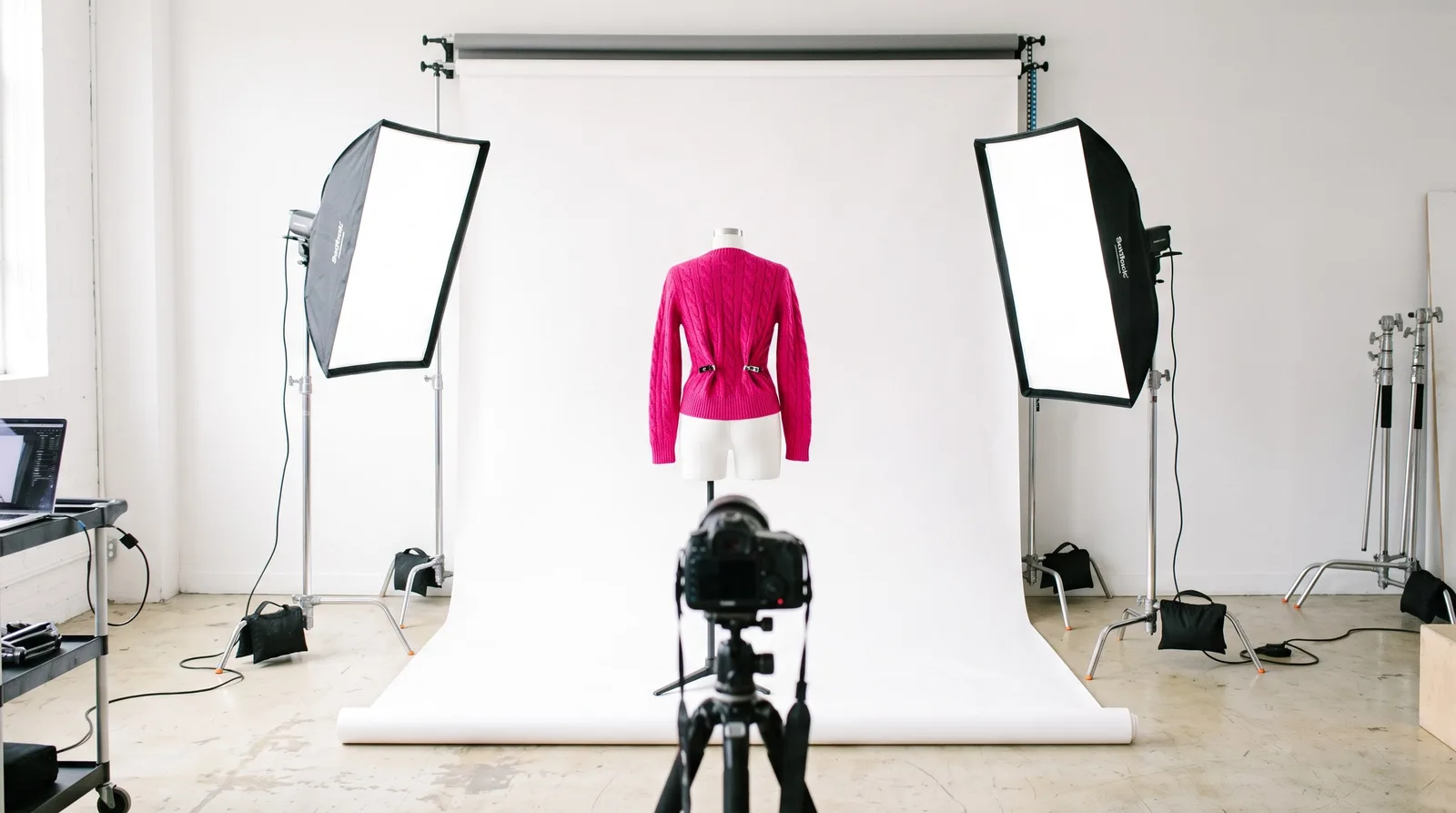
Replaces the mannequin, the pins and the neck edit.
The traditional ghost mannequin shot is two photos and an edit. You dress a mannequin, shoot it, shoot the inside of the collar, then join the two in Photoshop.
One studio puts it at 15 to 30 minutes to shoot a garment and 20 to 45 minutes to edit it. A retouching service does the edit for about a dollar an image, after you have done the shoot.
Here there is no shoot. See what product photos cost the traditional way.
Read the comparison
Four ways to get a ghost mannequin shot
The same finished image, made four ways. The traditional routes all start with a mannequin and a camera.
| Adstronaut AI | Studio shoot | Retouching service | Photoshop yourself |
|---|
| What you need | A phone photo of the product on a hanger, worn or laid down | The product sent to a studio with a mannequin and lights | Your own mannequin photos, plus a shot of the inside collar | Two photos per garment and masking skill |
| Cost per image | 2 credits, about $0.25 to $0.46 on paid plans | About $25 to $80 | $0.89 to $1.79 for the edit only | Your time and a Photoshop subscription |
| Time | Usually under a minute an image | 15 to 30 minutes to shoot and 20 to 45 minutes to edit a garment | Files back in 6 to 48 hours, after your shoot | 15 to 30 minutes a garment |
| Back view | From your photo of the back | A second set-up | A second edit | A second edit |
| Flat lay of the same piece | Yes, from the same photo | A separate shoot | No, it needs its own photo | No |
| Many products | One upload, sorted into products for you | One piece at a time | One order, per-image price | One piece at a time |
Studio per-image range from our product photography cost guide. Studio timings from Squareshot's ghost mannequin guide. Retouching prices and turnaround as listed by Path and Pixelz. Photoshop timing from WearView's Photoshop tutorial. Adstronaut AI plans and other prices checked 24 November 2026.
New to the terms? Read what ghost mannequin photography is and what a flat lay is, or compare them in ghost mannequin vs flat lay.
Ghost mannequin and flat lay questions, answered straight.
What sellers ask before they stop booking a studio for product-only shots.
Can AI make a ghost mannequin photo from a hanger photo?
Yes. Upload a photo of the garment on a hanger, on a person or lying flat, and Adstronaut AI returns it as a ghost mannequin shot: the worn shape, filled out, with nobody in it. You do not need a mannequin, a second photo of the inside collar or any editing.
Do I need Photoshop for the ghost mannequin effect?
Not here. The traditional effect is made in Photoshop by joining a mannequin photo with a photo of the inside of the garment, which takes 15 to 30 minutes a piece. Adstronaut AI makes the finished image from one ordinary photo, so there is nothing to mask or join.
Can I get a ghost mannequin shot and a flat lay from the same photo?
Yes. Both styles are made from the same upload. Make the ghost mannequin set first, then switch the style to flat lay and make a second set from the same photos. Flat lay also has a folded view for clothing.
Will the product look exactly like mine?
The image is made from your photo, and the request is to keep every detail as it is: colour, fabric, print, labels, trims. Check each result before you list it, as you would check a retoucher's work. If one is off, make it again; an image that fails is not charged.
How do I get the back of the product?
Upload a photo of the back with the front. Back views are made only from a real photo of the back, never invented, so the seams and details are the true ones. Without a back photo the back view is not offered for that product.
Does it work for shoes and bags?
Yes. Shoes, bags and accessories come back as clean product-only shots on the background you choose. A shoe is shown from the side. Folded flat lays are offered for clothing, because nobody folds a shoe.
How many products can I do at once?
One product at a time on the free plan, 10 on Standard, 25 on Pro and 50 on Studio. You can drop in up to 100 photos together and they are sorted into products for you, with up to six photos for each product.
What does it cost?
Two credits an image. On paid plans a credit works out at about 12 to 23 cents, so an image costs roughly $0.25 to $0.46. New accounts can try it free; free images carry a small Adstronaut AI signature, and paid plans remove it.
Can I use the images on Amazon, Shopify and Etsy?
The images are yours to use in your listings. You can choose a pure white background (#FFFFFF) and a square shape, which is what most marketplaces ask for. Each marketplace has its own rules for the main image of each category, so check the style guide for yours.