
What is a flat lay?
Updated June 10, 2026
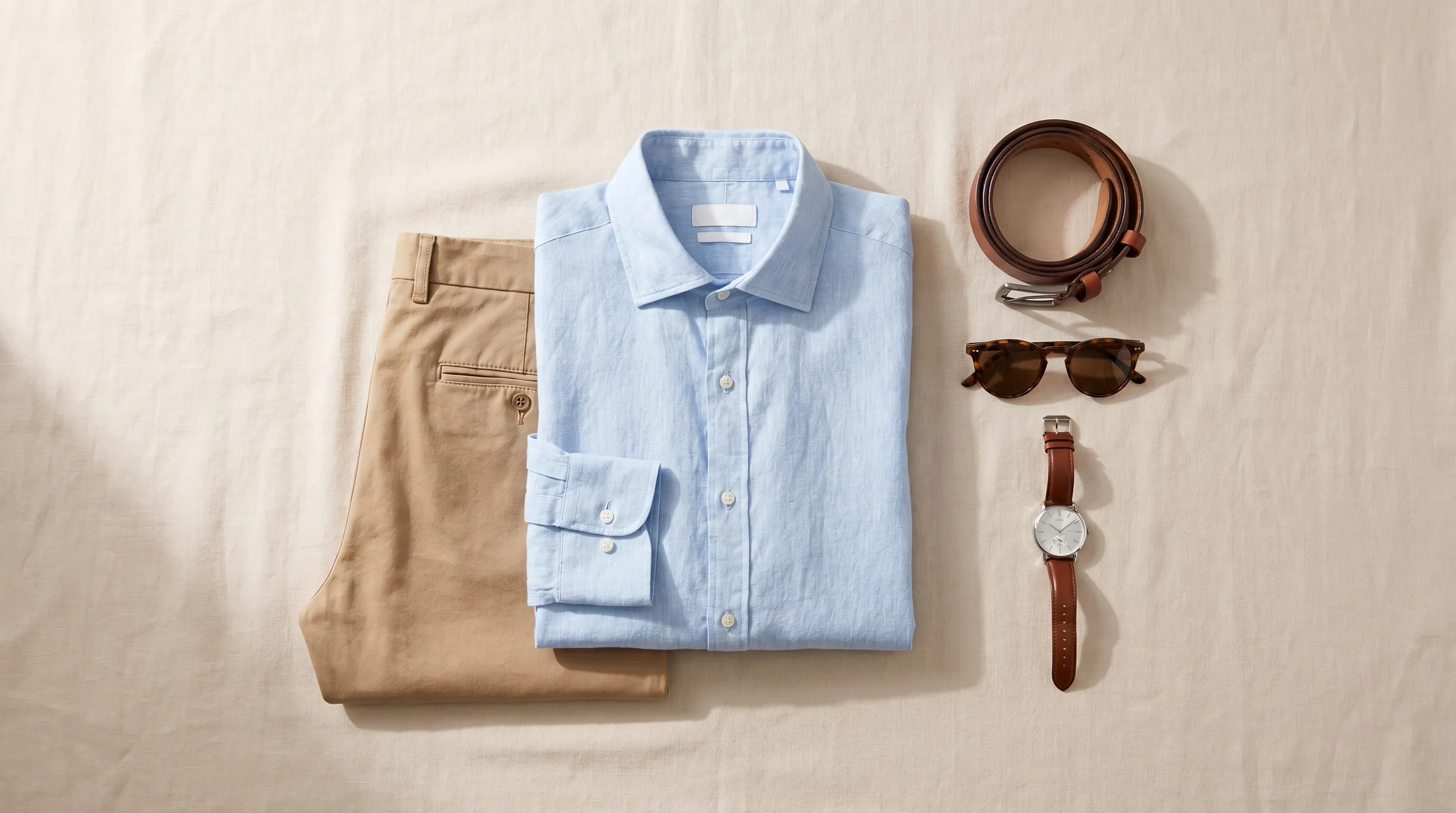
A flat lay (or flatlay) is a photograph of one or more products arranged on a flat surface and shot from directly overhead at a 90° angle — the camera looks straight down for a clean bird's-eye view. In apparel e-commerce it is the fastest, cheapest way to show a garment's cut, fabric, color, and styling without a model, a mannequin, or a studio.
What is a flat lay?
A flat lay — also written flatlay and sometimes called top-down or bird's-eye photography — is a shooting style where objects are arranged on a flat surface and photographed from directly above, with the camera pointed straight down at roughly 90 degrees (Adobe). The result is a clean, map-like view of everything below: a folded garment, the accessories styled around it, and the texture of the surface it rests on.
The term covers two slightly different jobs. A catalog flat lay lays a single garment out neatly — often symmetrically, a discipline called knolling — so a shopper can read its shape, length, and seams. A styled or lifestyle flat lay groups a garment with props (shoes, jewelry, a coffee cup, a magazine) to tell a mood story for social feeds. Both are shot the same way; they differ only in styling intent.
The key nuance: a flat lay is two-dimensional by design. Because the garment lies flat, the camera never sees how fabric drapes, how a shoulder sits, or how a hem falls on a body. That is the trade-off that defines the format — and the reason flat lays are usually paired with an on-model or ghost-mannequin shot rather than used alone for fitted apparel.
Worked example: shooting one shirt as a flat lay
From bare table to e-commerce-ready frame
You want a catalog flat lay of a linen shirt. You lay it on a smooth, wrinkle-free surface near a north-facing window (soft, even daylight with no direct sun), or set a single softbox at a 45° angle to the side with a white reflector opposite to fill the shadows — flat lays are lit from the side, never from straight above, because overhead light flattens texture. The camera goes on a tripod with a horizontal arm or a C-stand so the lens points straight down at 90°, hands out of frame. A longer lens — around 85mm — compresses the scene and avoids the edge distortion a wide-angle gives. Manual settings of about ISO 200–400, f/5.6–f/8, 1/125s keep the whole garment sharp. You smooth the collar, align the sleeves symmetrically, and shoot. Total cost: a table, one light, and ten minutes — versus the four-figure day rate of a model shoot.
Flat lay vs ghost mannequin vs on-model
The three dominant ways to photograph apparel for e-commerce, and where each one wins.
| Style | What it shows | Cost & effort | Best for |
|---|---|---|---|
| Flat lay | Garment laid flat, shot top-down — cut, fabric, color, styling; no fit or drape | Lowest — a table, one light, a camera; no model or mannequin | Accessories, flat-folding tees, soft goods, social/Instagram content |
| Ghost mannequin | Garment on a mannequin that is digitally removed — a hollow 3D shape showing fit and depth | Mid — mannequin, lighting, plus retouching to remove it | Structured items (shirts, jackets) where shape matters but a model is overkill |
| On-model | Garment worn by a person — true fit, drape, proportion, and how it reads on a body | Highest traditionally — model, photographer, studio, day rate | Fitted apparel, hero shots, brand storytelling, conversion-critical PDPs |
Flat lay is the most budget-friendly; ghost mannequin and on-model preserve depth and fit. Per Squareshot, Razor Creative Labs, and Uppix — most brands combine flat lay with one of the other two.

The flat lay setup at a glance
Why flat lays matter for e-commerce
Flat lays earn their place on a product page because they are cheap to produce and dense with information. For a clothing brand they highlight fabric texture, pattern, color variation, and styling possibilities without the expense of a full model shoot — and they are the format that performs best on Instagram and Pinterest, where creative, mood-driven layouts drive engagement (Squareshot).
But a flat lay rarely sells a fitted garment on its own, because shoppers buy on fit. Listings with 5+ images convert at roughly twice the rate of single-photo listings, and multi-angle sets are reported to deliver up to 65% more conversions (Rewarx). The recommended count for apparel is 8–12 images per product (Rewarx). The winning pattern is a mix: a clean flat lay to read the garment, plus an on-model or ghost-mannequin shot to show how it actually wears. That is the gap our AI Photoshoots tool closes — take the flat lay you already have and turn it into on-model photos across 22 named models, 8 poses, and 12 scenes at about $1 per image (5 credits), so a single flat lay becomes a full set of front, side, and detail angles without a studio booking. See one product, ten angles for the full workflow, and the Product View Generator for catalog views from a single garment.
Common flat lay mistakes (and what it is NOT)
Lighting from overhead. The single most common error. Light placed directly above the scene flattens texture and kills the subtle shadows that give fabric dimension. Flat lays are lit from the side — one softbox at ~45° with a reflector opposite.
Letting proportions distort. Without careful, symmetrical alignment, a flat-laid garment can look wider or shorter than it really is, misleading customers and driving up returns. Smooth wrinkles, square the shoulders, and use a longer lens to avoid edge distortion.
Over-styling the frame. It is tempting to pile on props, but clutter buries the product. Keep styled flat lays to a few complementary items that support one story.
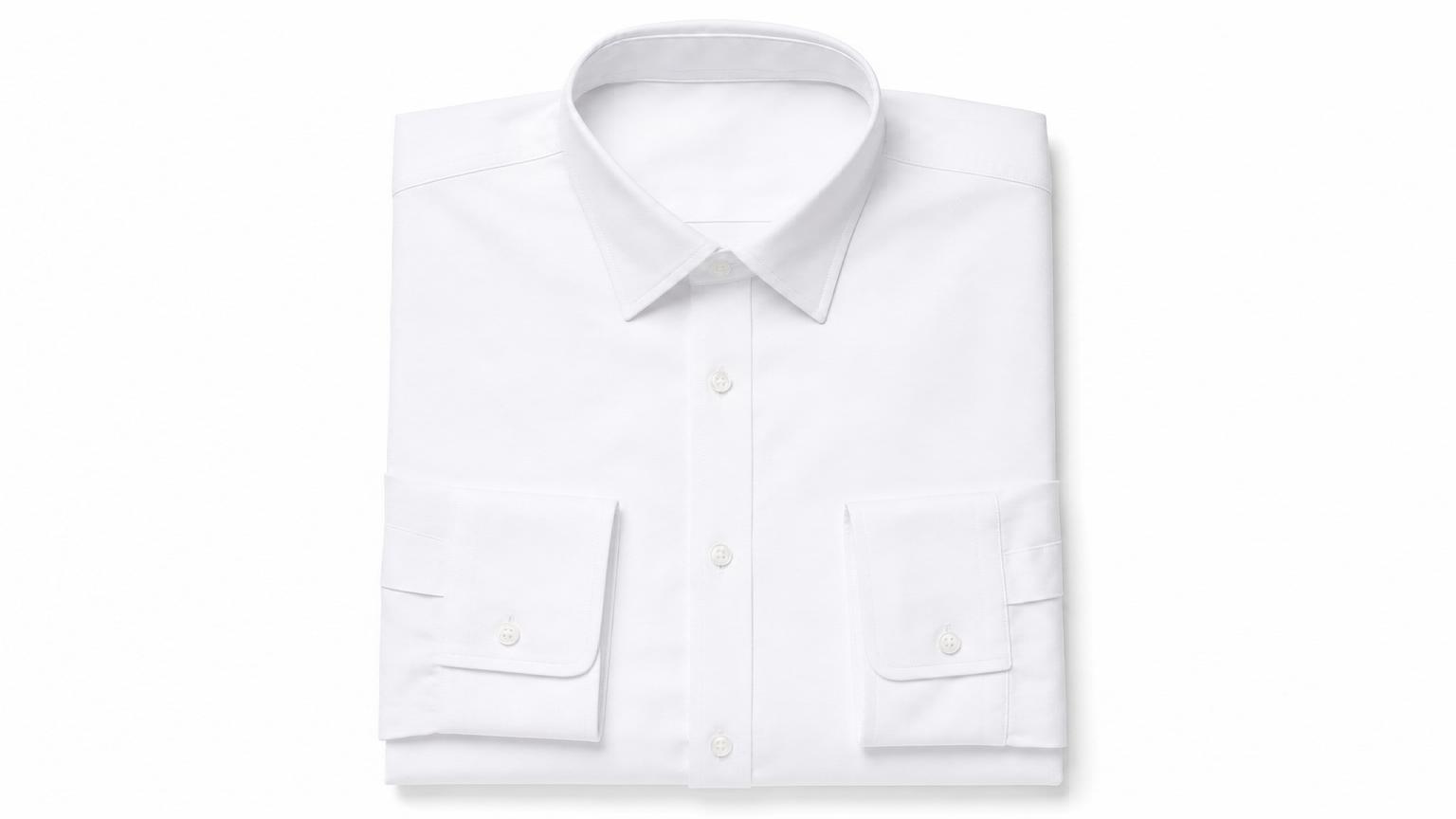
Treating it as a substitute for fit imagery. A flat lay is not a fit shot. It is two-dimensional, so it cannot show drape, volume, or how a garment sits on a body — that is the job of an on-model or ghost-mannequin image. And a flat lay is not the same as a hanging or mannequin shot: both add the third dimension a flat lay deliberately omits.
Camera not square. If the lens is even slightly off 90°, near edges loom larger than far ones (keystoning). A bubble level on the camera or tripod arm keeps the sensor parallel to the surface.
Frequently asked questions
What is a flat lay in photography?
A flat lay is a photograph of one or more objects arranged on a flat surface and shot from directly overhead at about a 90° angle, giving a clean bird's-eye view. In fashion it is used to show a garment's cut, fabric, color, and styling without a model or mannequin.
How do you shoot a flat lay?
Lay the garment flat on a smooth, wrinkle-free surface, light it from the side with one softbox at ~45° (or a north-facing window) plus a reflector opposite, and mount the camera on a tripod arm or C-stand pointing straight down at 90°. An 85mm lens at ISO 200–400, f/5.6–f/8, 1/125s keeps the whole frame sharp.
Why is flat lay lit from the side, not above?
Lighting placed directly overhead flattens texture and erases the subtle shadows that give fabric and objects dimension. Side lighting — a softbox at about 45° with a reflector opposite to fill the shadows — preserves depth and shows the material's surface.
What is the difference between flat lay and ghost mannequin?
A flat lay shows a garment laid flat and shot top-down, so it conveys cut, fabric, and color but not fit or drape. A ghost mannequin shoots the garment on a mannequin that is digitally removed, producing a hollow 3D shape that shows how the piece holds its form. Flat lay is cheaper; ghost mannequin preserves depth.
Flat lay vs on-model: which is better?
Neither replaces the other. Flat lay is the cheapest way to read a garment's design and works best on social feeds; on-model shows true fit, drape, and proportion and converts best on product pages. Most brands use both — a flat lay plus at least one on-model or ghost-mannequin image per product.
What products work best as flat lays?
Accessories, jewelry, shoes, soft goods, and flat-folding apparel like t-shirts, where a 3D shape isn't essential. Structured or fitted garments — tailored shirts, jackets, dresses — are better served by ghost-mannequin or on-model shots that show how they sit on a body.
What is knolling in a flat lay?
Knolling is a styling method where objects are arranged neatly at right angles, evenly spaced and parallel to the frame. It produces the clean, organized, symmetrical look common in catalog flat lays and 'what's in my bag' compositions.
How many product images should an apparel listing have?
Around 8–12 images per apparel product is the common recommendation. Listings with 5+ images convert at roughly twice the rate of single-image listings, and multi-angle sets are reported to lift conversions by up to 65%, so a flat lay is usually one image in a larger mix of angles and on-model shots.
Can I turn a flat lay into an on-model photo?
Yes. AI photoshoot tools can take a flat-lay or packshot image of a garment and render it on a model. Adstronaut's AI Photoshoots generates on-model images across 22 named models, 8 poses, and 12 scenes at about $1 per image (5 credits), so one flat lay becomes a full set of front, side, and detail angles without booking a studio.
What lens and camera settings are best for flat lays?
A longer lens around 85mm compresses the scene and avoids the edge distortion a wide-angle gives. A typical starting point is manual mode at ISO 200–400, f/5.6–f/8, and 1/125s or faster, with the camera levelled square to the surface to prevent keystoning.
Turn your flat lay into on-model photos
Upload the flat lay you already have and generate on-model images across 22 models, 8 poses, and 12 scenes — front, side, and detail angles for one product. About $1 per image, no studio or model booking. First shoot free as a watermarked preview.
Try AI PhotoshootsRelated reading
Sources and further reading
- Adobe — flat lay photography beginner's guide — definition, top-down 90° camera, bird's-eye view
- PicStack — flat lay composition, lighting & setup — side lighting at 45°, softbox + reflector, 85mm, ISO/aperture/shutter settings
- Squareshot — ghost mannequin vs flat lay — flat lay vs ghost mannequin trade-offs, social-feed performance
- Razor Creative Labs — flat lay vs on-model apparel — on-model shows fit/drape/proportion; complementary use
- Rewarx — e-commerce product photography conversion stats 2026 — 5+ images ≈ 2× conversion; multi-angle sets up to 65% more conversions
- Rewarx — how many product images a store needs — 8–12 images recommended for apparel