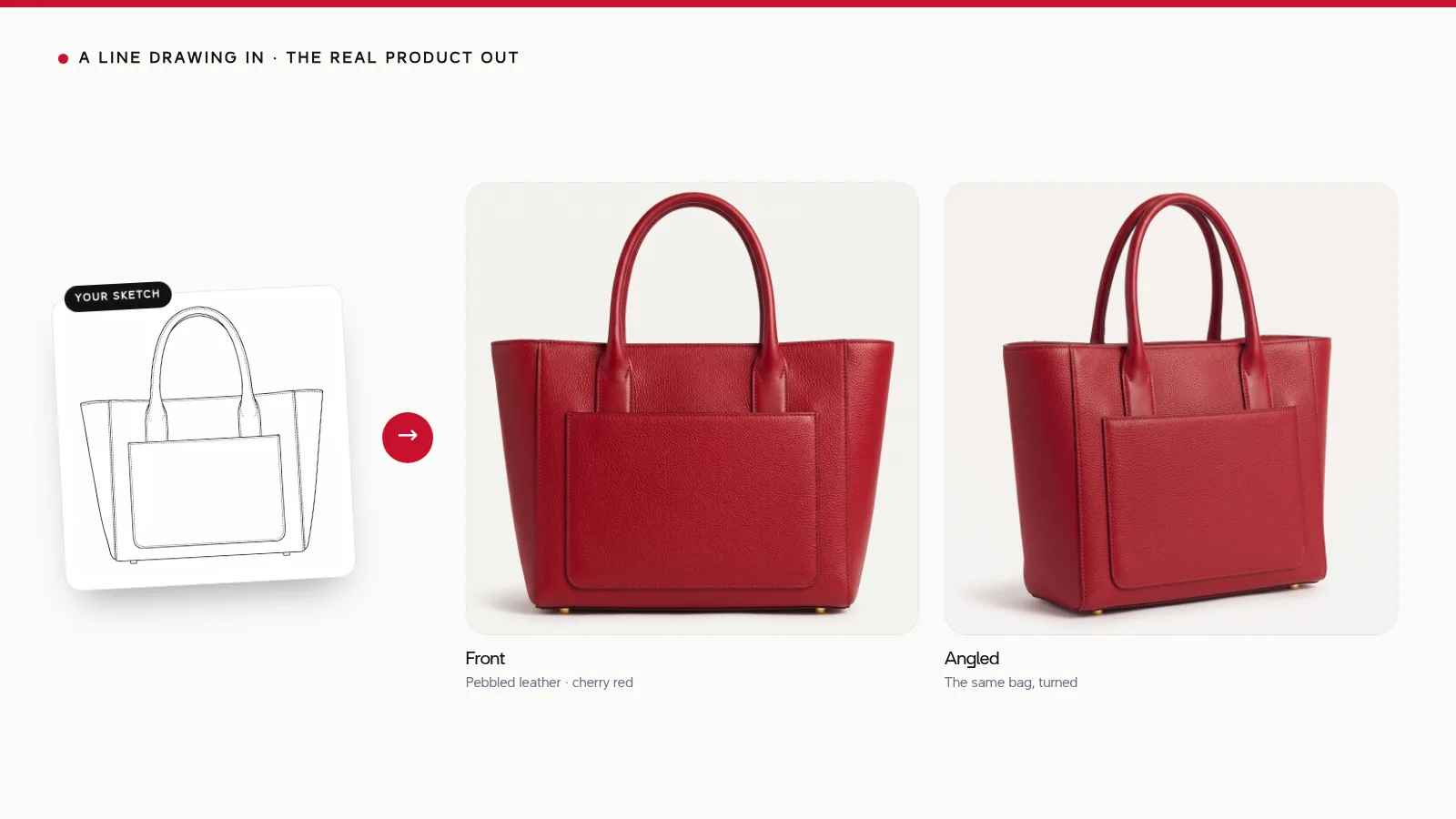
A line drawing in. The real product out.
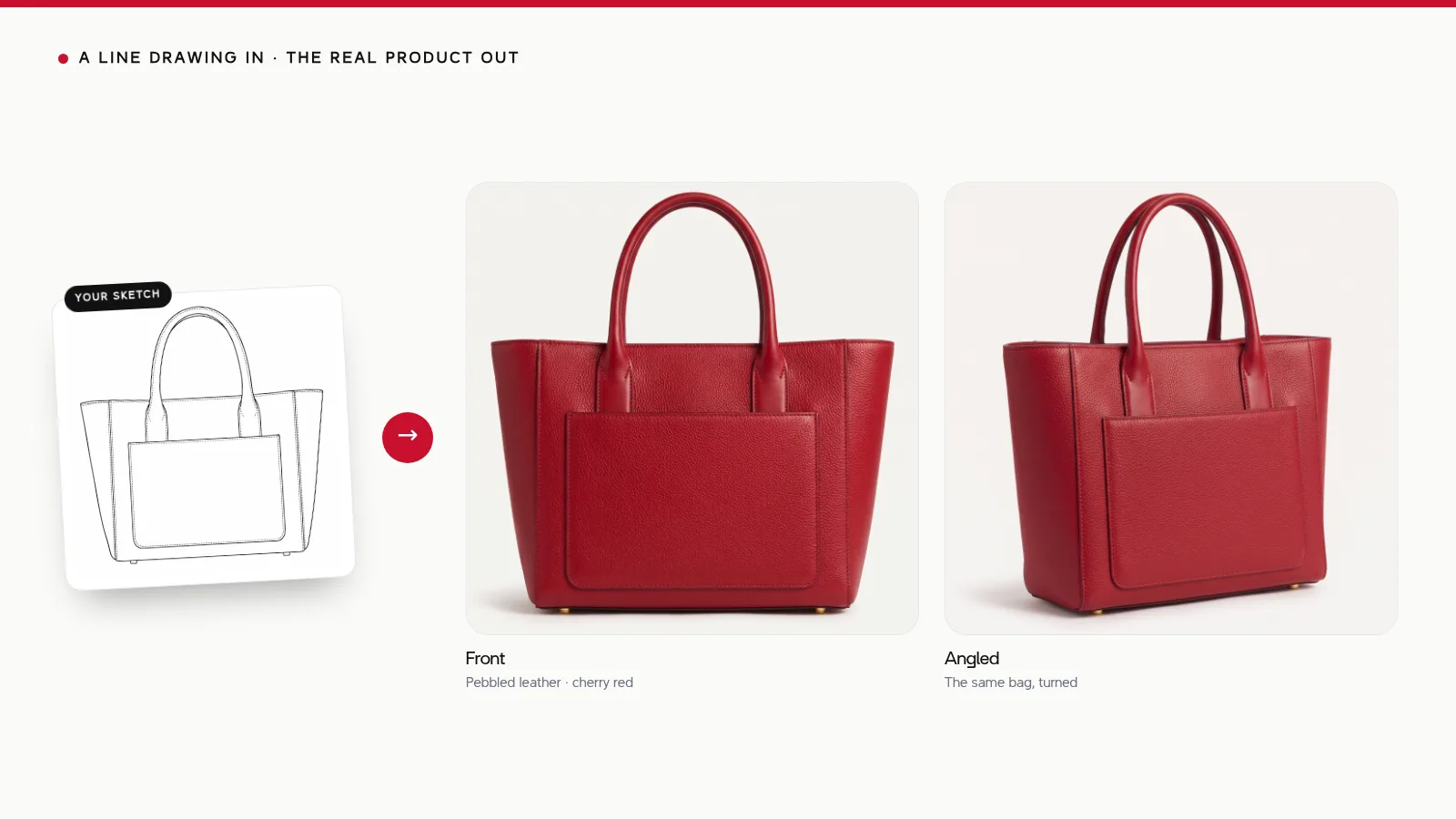
A sketch asks the person looking at it to imagine the rest: the leather, the weight, the shine of the hardware.
Buyers, backers and factories are not good at imagining. A sample fixes that, weeks later and for real money.
Adstronaut AI turns the sketch into a photoreal product image in about a minute, following your lines: the shape, the pocket and the handles stay where you drew them.
Render a sketch
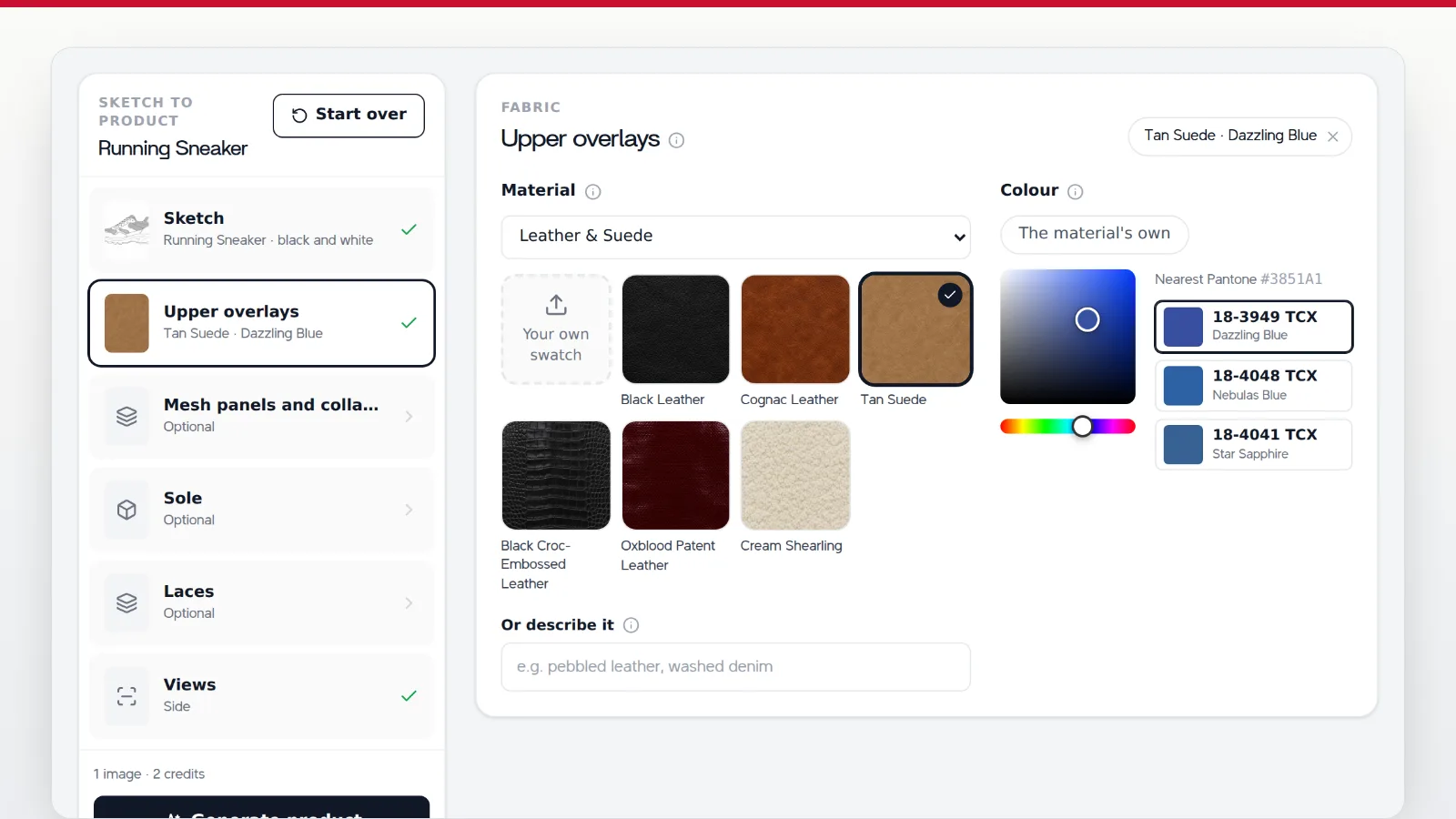
A material and a colour for each part.
Other tools ask you to describe everything in one sentence and hope.
Here the parts of your design are found on the sketch, and you make two choices for each: what it is made of and what colour it is.
Pick a fabric from the library, upload a swatch from your mill, or type it. Pick any colour and its nearest Pantone is shown, ready for your tech pack.
Pick your materials
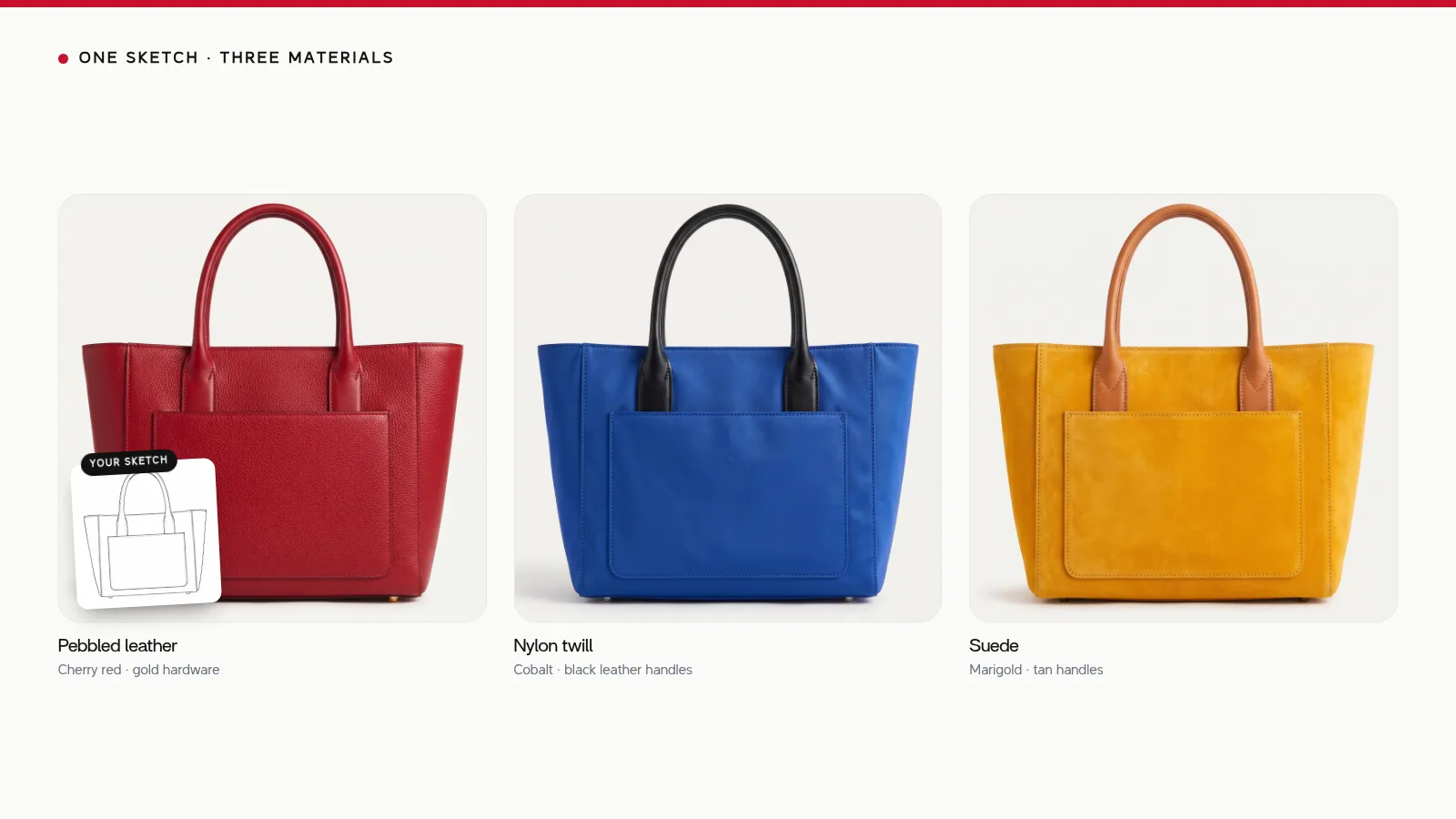
One sketch. Every option.
The question is rarely whether to make the bag. It is which bag: cherry leather or cobalt nylon, gold hardware or silver.
Make the first version, change a material or a colour, and make another set from the same sketch. Each set is saved next to the last.
Put three options in front of a buyer before a single sample is cut.
Try three materials
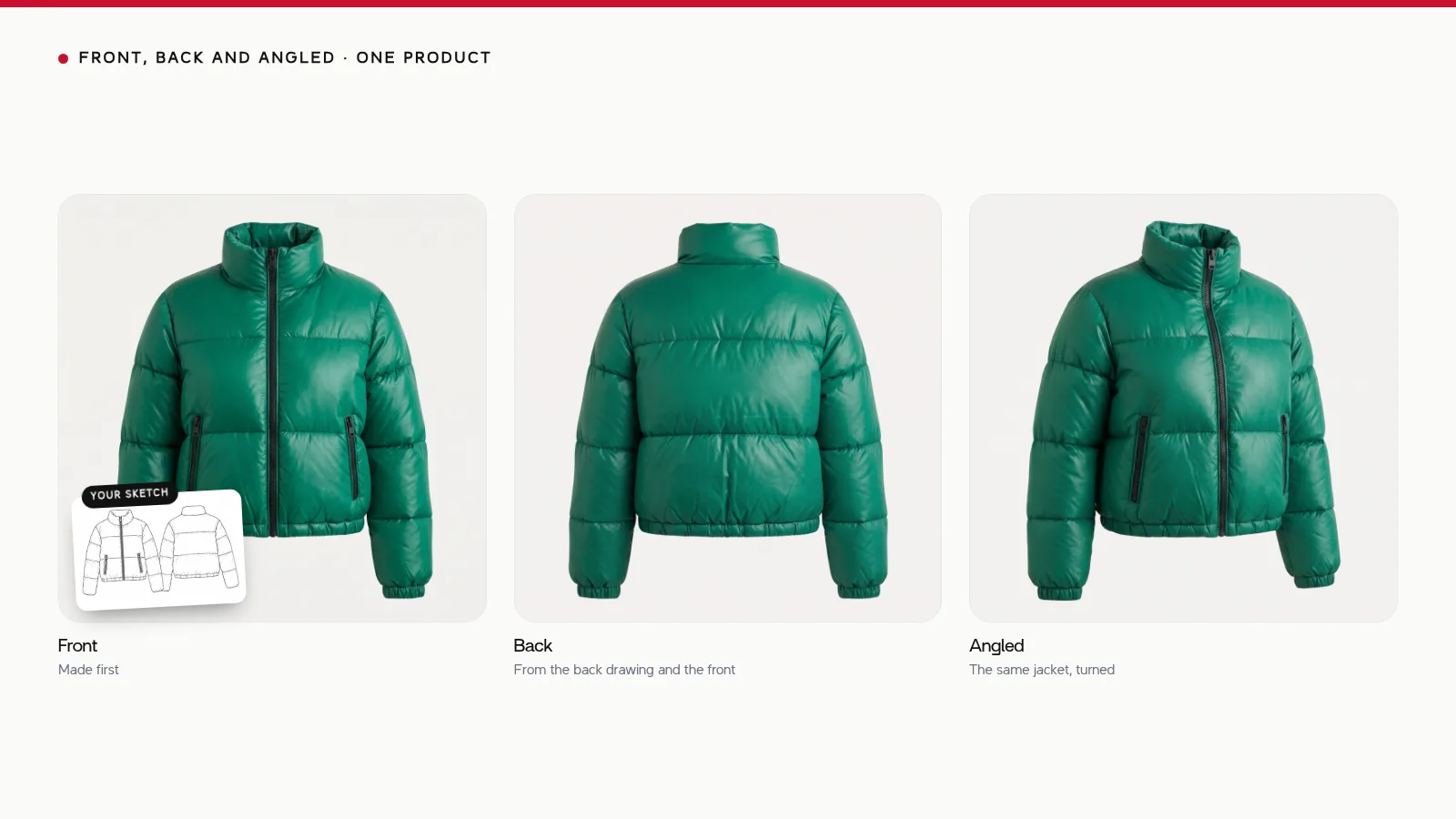
Front, back and angled. One product.
Three pictures made separately tend to drift: the zip changes, the green is not the same green.
So the first view is made on its own, and the other views are made from it. The back uses your drawing of the back, and the angled view turns the product you have already seen.
It works for clothing, shoes and bags. A shoe is shown from the side.
Make three views
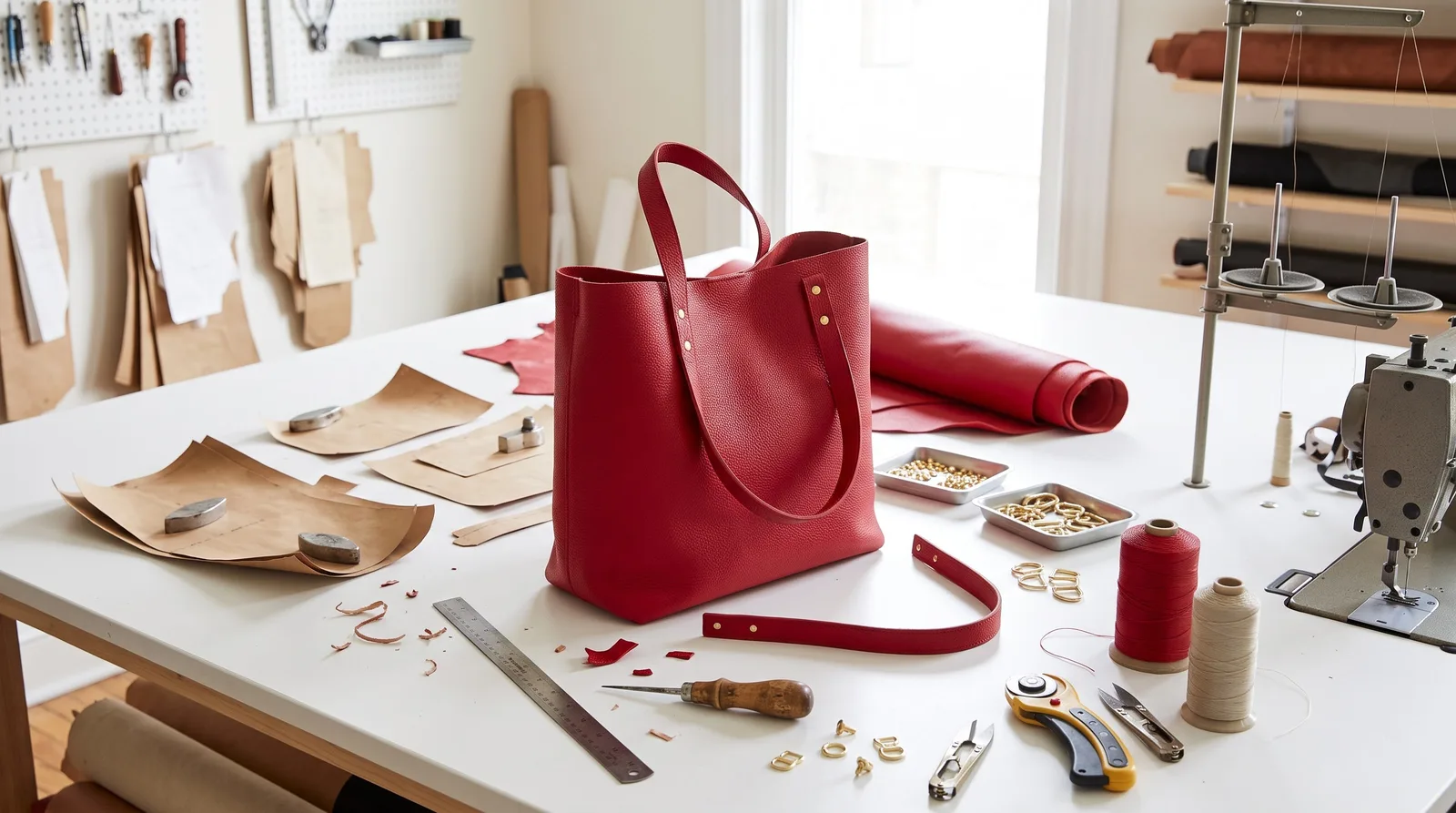
See it before you pay for a sample.
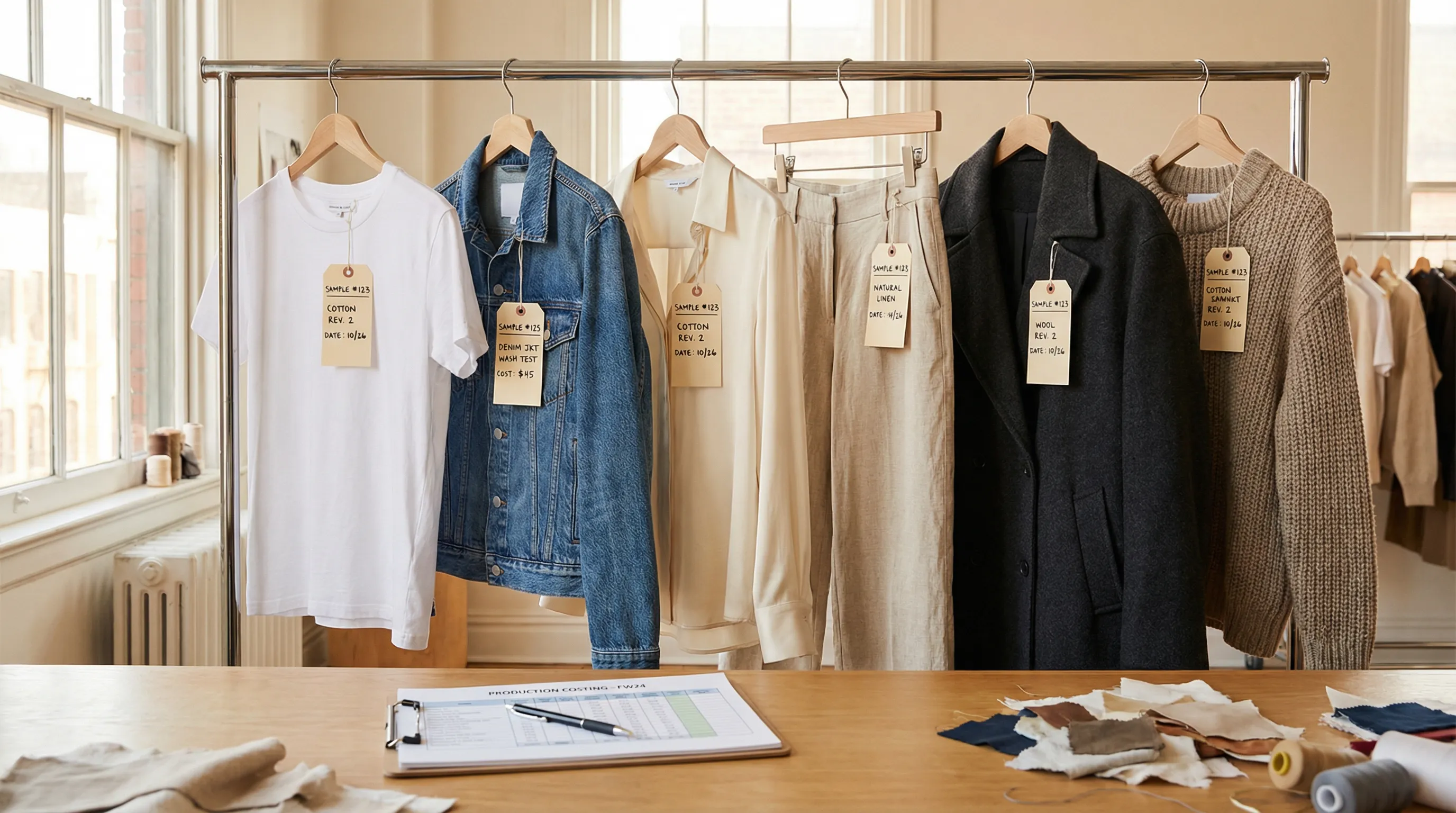
A first sample takes one to two weeks and costs from about $30 for a simple piece to $400 or more for a complex one. A handbag sample can cost far more.
A render does not replace the sample that proves fit. It replaces the samples you order only to find out the colour was wrong.
Decide on screen, then sample the version you mean to make. See what sampling costs.
Read the guide
Four ways to see a design before it exists
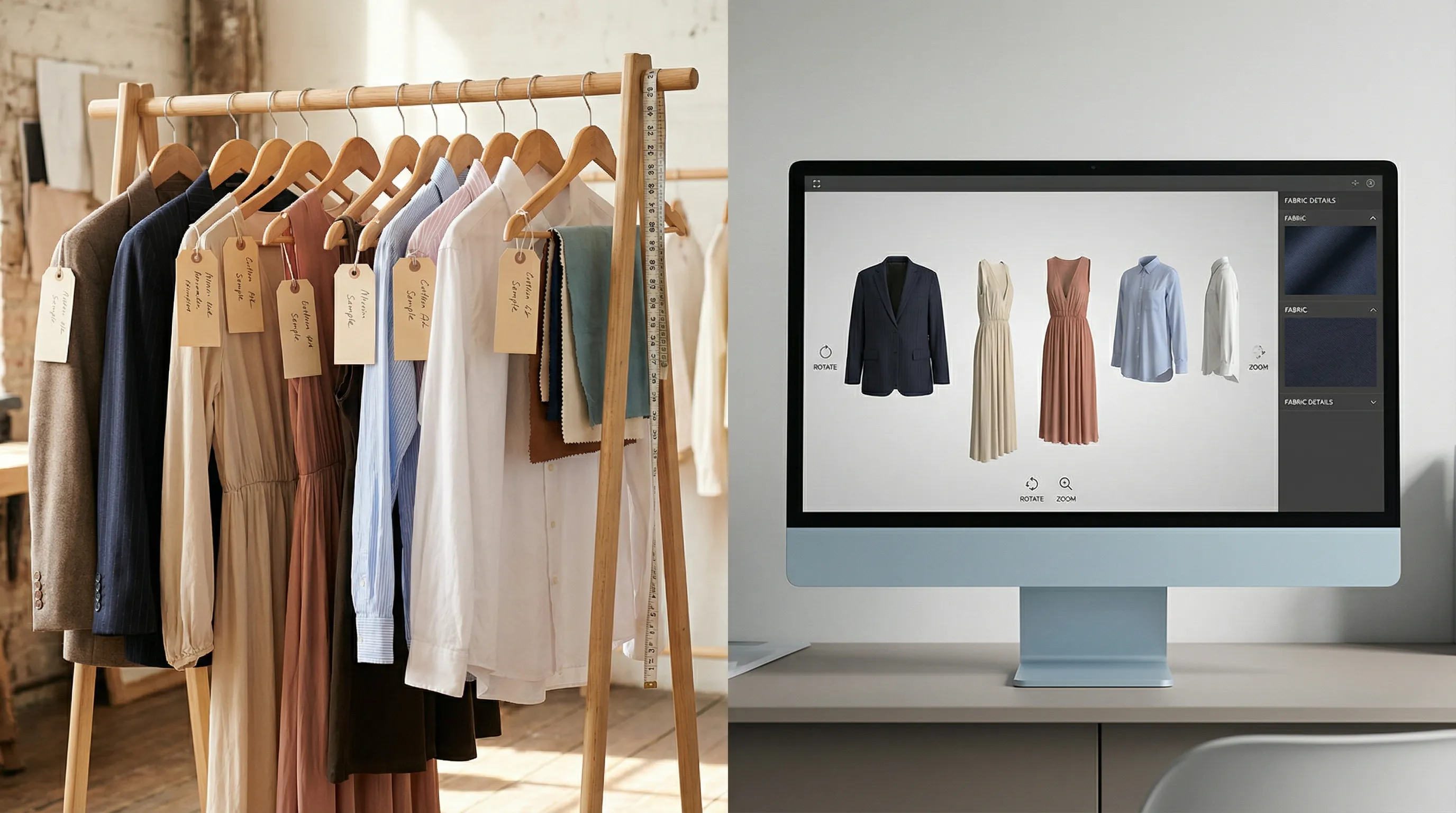
The same new style, shown four ways before production.
| Adstronaut AI | Physical sample | 3D garment software | Painting it in Photoshop |
|---|
| What you need | A sketch | A tech pack and a factory or sample maker | Pattern pieces and time to learn the software | Illustration skill |
| Cost | 2 credits an image, about $0.25 to $0.46 on paid plans | About $30 to $400 or more a sample | A subscription and training time | Your hours |
| Time | About a minute for three views | 1 to 2 weeks for a first sample | Hours to days a style | Hours a view |
| Another material or colour | Pick it and make another set | Another sample | Fast, once the style is built | Repaint it |
| Shows fit | No | Yes | Simulated | No |
| Bags and shoes | Yes | Yes | Mostly clothing | Yes, if you can paint them |
Sample prices from Fabrikn's sampling cost guide and sample lead times from Bomme Studio's sampling guide. Adstronaut AI plans checked 24 November 2026.
Read what digital sampling is, what physical sampling costs, or the full guide to turning a fashion sketch into a realistic image.
Sketch to image questions, answered straight.
What designers ask before they show a line drawing to a buyer.
Can AI turn a fashion sketch into a realistic image?
Yes. Upload a sketch of a garment, a shoe or a bag and Adstronaut AI renders it as a photoreal product image that follows your lines. You choose the material and colour of each part, and can get the front, the back and an angled view in about a minute.
What kind of sketch works best?
A clean line drawing of the product on its own, such as a flat sketch, gives the most faithful result. Hand drawings and rougher sketches work too. A sheet with a front and a back is cut into its drawings for you. You can upload up to three sketches of one product.
Can I upload a photo instead of a sketch?
No. A photograph is turned away with a note, because this tool starts from a drawing. If you have a photo of a product, turn it into a flat sketch first with Photo to Sketch, then bring that sketch here.
Do I need to write a prompt?
No. The parts of your design are found on the sketch and you pick a material and a colour for each one. If the material you want is not in the library, upload a swatch of your own or describe it in a few words.
Can I use a coloured sketch?
Yes. If your sketch is already in colour, the colours can be kept as drawn, and you only choose what you want to change. A black and white sketch needs a material or a colour for its main part.
Can I see the back of my design?
Yes, when you give a drawing of the back. The back is made from your drawing of the back and is not invented. Without a back drawing you can still get the front and an angled view.
Can a render replace a physical sample?
Not the sample that proves fit and construction. It replaces the earlier rounds: choosing between fabrics, colours and trims, and showing a buyer the style before anything is cut. Most brands still make at least one sample of the version they pick.
Does it work for bags and shoes?
Yes. Parts are named for the product: a shoe has an upper, a sole and laces, a bag has a body, handles and hardware. Hardware takes a metal finish such as gold, silver or antique brass.
What does it cost?
Two credits an image, so a set of three views is six credits. On paid plans an image works out at about $0.25 to $0.46. New accounts can try it free.