
Botika vs Adstronaut AI for on-model fashion photography
Updated June 10, 2026
Botika is an AI on-model photography tool that swaps your flat-lay or mannequin shot onto one of 50+ stock AI models for roughly $0.17–$0.75 per image, depending on plan and source. Adstronaut AI renders the same on-model imagery with 22 named models, 8 poses, and 12 named scenes for about $1 per image (5 credits), and adds a multi-angle lookbook and a full design suite around it.
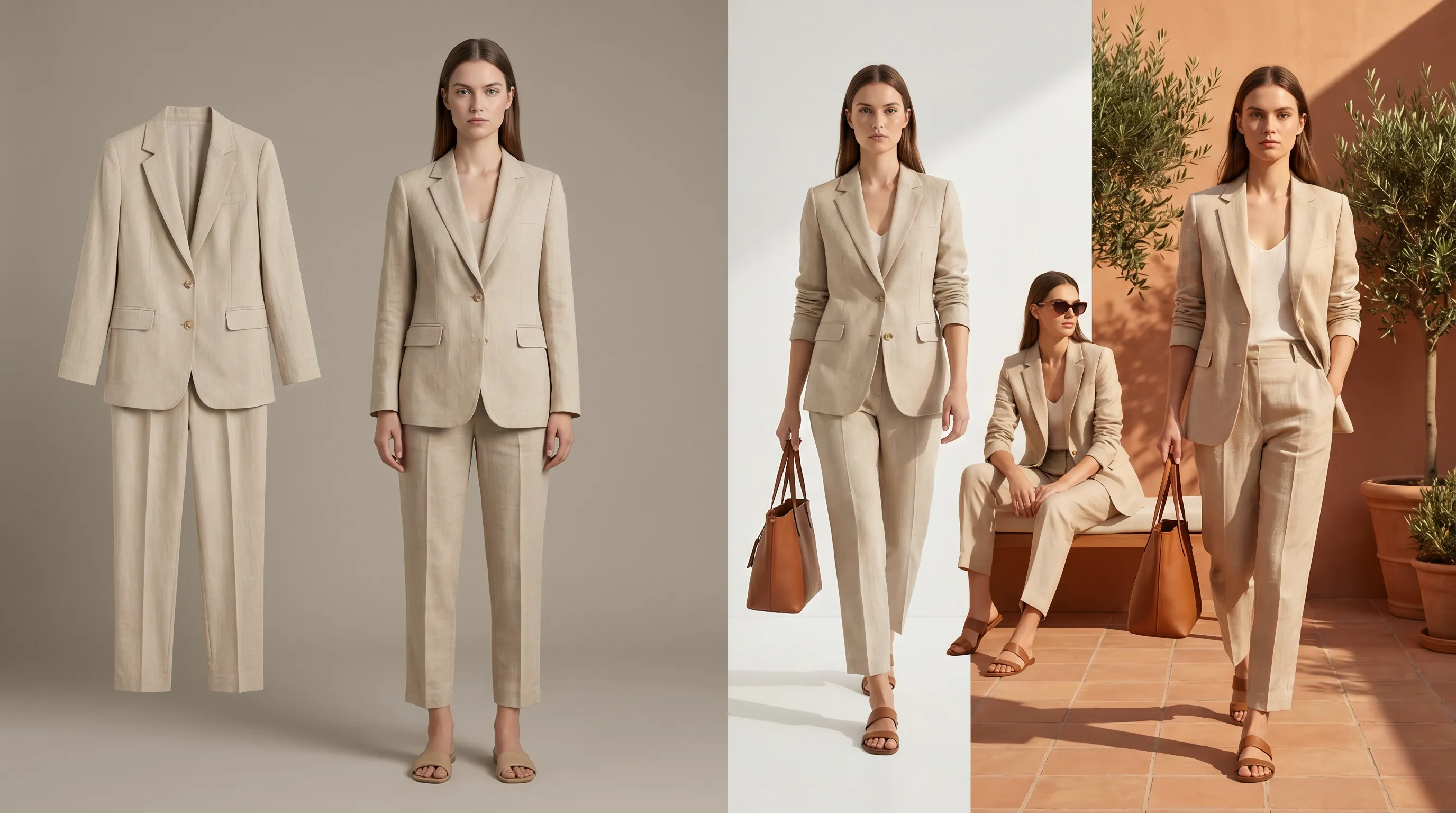
Botika vs Adstronaut AI: the quick verdict
Botika and Adstronaut AI both replace the studio shoot with AI on-model photography — you upload a garment photo and get it rendered on a synthetic model — but they aim at different buyers. Botika is the focused model-swap specialist: a deep, fashion-trained engine that takes your flat-lay, mannequin, or existing on-model shot and re-renders it on one of 50+ AI models, with a per-image price (~$0.17–$0.75) that is genuinely low at volume (Botika pricing; Photta review). Its weak spots are control and breadth: the pose library is fixed, you can't build a custom model, and its flat-lay-to-model path is still in beta and covers mainly tops, with documented trouble on dresses, swimwear, and complex prints (Style3D analysis).
Adstronaut inverts the priorities. The AI Photoshoots tool gives you a directed shoot — 22 named models (12 women, 10 men), 8 specific poses, 12 named scenes, plus 36 lifestyle presets — and wraps a multi-angle Lookbook and a full design suite (recoloring, fabric swaps, tech packs) around it, at about $1 per image. Choose Botika if you want the lowest per-image cost for high-volume model-swaps on simple garments. Choose Adstronaut if you need pose and scene control, multi-angle galleries, or non-apparel categories. The rest of this page is the evidence.
Botika vs Adstronaut AI, side by side
Botika's pricing is sold mostly as annual credit bundles and varies across review sources; we cite the ranges they publish. Adstronaut prices per credit, with a photoshoot image at 5 credits.
| Factor | Botika | Adstronaut AI |
|---|---|---|
| Price | Plans from ~$22–$33/mo; credits sold annually; ~$0.17–$0.75 per image by plan and source | Plans from $29/mo (125 credits); a photoshoot image is 5 credits — ~$1 each ($0.62–$1.16) |
| Free to try | 8 free credits on signup, no card | Free plan, 25 credits — 1 image/run, 6 models, watermarked preview |
| AI models | 50+ stock AI models, diverse ethnicities and body types; no custom model | 22 named models (12 women, 10 men), consistent face across every pose and scene |
| Poses | Fixed pose library; limited pose control per garment | 8 named poses (full-length, hands-on-hip, dynamic walk, side profile, detail close-up, over-the-shoulder, seated, leaning) |
| Scenes / backgrounds | Dozens of preset backgrounds | 12 named scenes + 36 lifestyle presets for social |
| Input types | On-model, flat-lay (beta), mannequin, video | Flat-lay, mannequin, dress-form, or amateur on-model — auto-detected |
| Multi-angle views | Single re-render per credit; no structured multi-angle set | Lookbook Creator: 35 view types across 10 product classes, batch up to 10 products |
| Outfit assembly | Per-garment swap | 4 outfit slots (top, bottom, full-body, footwear) assembled on one model |
| Garment fidelity | Fashion-trained; reviewers note inconsistency on complex prints, layers, swimwear | Fashion-tuned for pattern, color, texture, seam and hardware transfer |
| Non-apparel | Apparel-focused | Footwear, bags, eyewear, jewelry, beauty, home, tech via Lookbook |
| Video | AI fashion video, 5 credits each | Not offered — stills only |
| Beyond photography | Photography only | Recolor, fabric swap, tech packs, product tagging, design variations |
| Best for | High-volume model-swaps on simple garments at the lowest per-image cost | Brands needing pose/scene control, multi-angle PDPs, or non-apparel categories |
Botika pricing and model count per Botika's pricing page and FAQs (50+ models, 8 free credits, 1 credit/photo) and the Photta 2026 review; per-image range reflects the spread across published reviews. Adstronaut figures per its pricing page and AI Photoshoots configuration.
Choose Adstronaut if… / Choose Botika if…
Choose Adstronaut AI if…
- ✓You need to direct the shot — pick one of 8 poses and one of 12 scenes — instead of accepting a fixed pose library.
- ✓You want a multi-angle PDP: the Lookbook Creator renders 35 view types across 10 product classes, not a single re-render per credit.
- ✓You sell dresses, bottoms, outerwear, swimwear, or layered looks — categories where Botika's flat-lay-to-model beta and NSFW filter still struggle.
- ✓You sell beyond apparel — footwear, bags, eyewear, jewelry, beauty, home — and want class-correct views from one tool.
- ✓You want photography plus recoloring, fabric swaps, and factory-ready tech packs in the same credit balance.
Choose Botika if…
- ✓Your catalog is simple tops and basics that the flat-lay-to-model engine handles cleanly today.
- ✓You ship very high image volume and the ~$0.17 per-image floor on an annual bundle is your dominant cost.
- ✓You want the largest stock roster — 50+ AI models — and don't need to direct poses or scenes.
- ✓You want AI fashion video alongside stills (5 credits each), which Adstronaut doesn't offer.
- ✓You're already on Shopify and want Botika's native app in that workflow.
Some brands use both: Botika for high-volume basics, Adstronaut for the hero styles, the multi-angle galleries, and the non-apparel SKUs.
The per-image math, visualized
How much does each actually cost?
Botika sells its plans mostly as annual credit bundles and charges 1 credit per photo (Botika FAQs). The published numbers vary by source — its own pricing page frames entry around $22–$33/month with higher Pro and Advanced tiers, while third-party reviews report a per-image cost anywhere from ~$0.17 on a committed annual plan to ~$0.75 on lighter usage (Photta 2026 review; Modelia breakdown). That spread is real, and at high volume on simple garments Botika is the cheaper engine per image. New accounts get 8 free credits on signup, no card — eight test images.
Adstronaut prices per credit. A photoshoot image is 5 credits: on Standard ($29/month, 125 credits) that is 25 images at about $1.16 each; on Pro ($69/month, 375 credits) about $0.92; on annual Studio about $0.62. Call it ~$1 per image, $0.62–$1.16. The free plan includes 25 credits — enough to preview real output (1 image per run, 6 models, watermarked) before paying. The honest read: Botika undercuts Adstronaut on the raw image price, but Adstronaut's credit also buys directed poses, named scenes, and access to the recoloring, fabric-swap, and tech-pack tools in the same balance. The fashion photoshoot cost guide puts both against the $5,000–$15,000-per-day studio baseline.
Models, poses, scenes and control
This is where the two tools diverge most. Botika leads on roster size — 50+ stock AI models across ethnicities and body types, all 100% AI-generated rather than licensed from real people (Botika FAQs). But the control stops there: reviewers note a fixed pose library, no custom-model creation, and limited ability to adjust a model's stance to a specific garment (Style3D analysis). You pick a model and a background; you don't direct the shot.
Adstronaut trades roster size for direction. There are 22 named models (12 women, 10 men), each with a consistent face and proportions across every render, so a whole collection reads as one shoot. You then choose from 8 named poses — full-length front, hands-on-hip, dynamic walk, side profile, detail close-up, over-the-shoulder, seated, leaning — and 12 named scenes (Studio Mocha Mousse, Tropical Greenhouse, Santorini Sunscape, Villa Poolside and more), plus 36 lifestyle presets for social. The E-commerce workflow also assembles a full outfit from 4 slots (top, bottom, full-body, footwear) onto a single model. Where Botika gives you breadth of faces, Adstronaut gives you breadth of direction.
Multi-angle galleries and garment fidelity
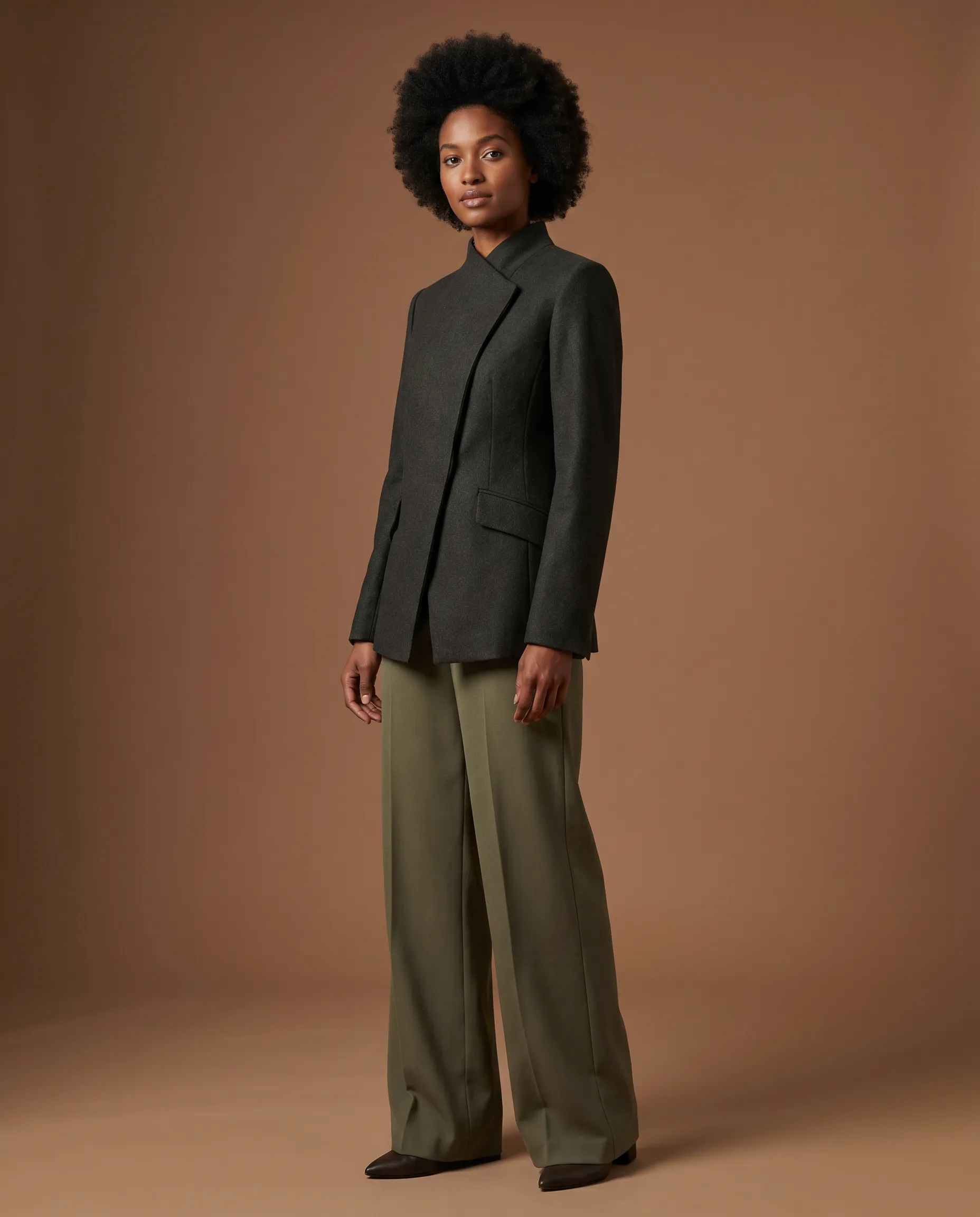
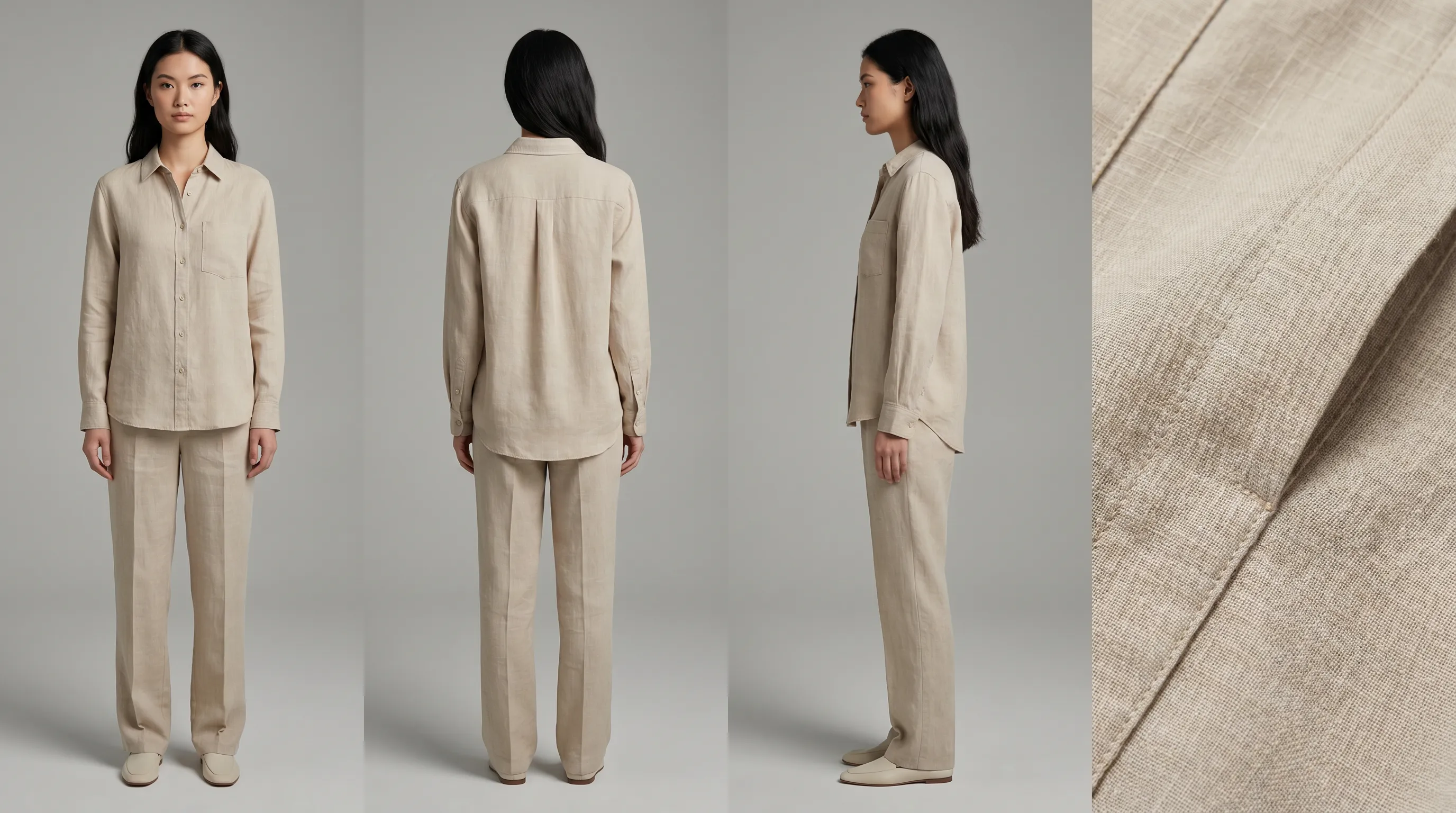
Botika returns one re-rendered image per credit. To build a full product-detail page you re-run it per angle, and there is no structured multi-angle set tied to a product class. Adstronaut's Lookbook Creator is purpose-built for that gap: 35 view types across 10 product classes, batching up to 10 products with up to 3 reference images each, so a footwear SKU gets lateral and medial profiles, front toe and back heel, while a bag gets hardware detail and scale reference — all in one consistent gallery.
On fidelity, both tools are fashion-trained, but the honest distinction is breadth. Botika reviewers report inconsistent results on complex prints, layered outfits, and detailed garments, and its flat-lay-to-model path is still in beta and skewed to tops — dresses, bottoms, outerwear and swimwear hit workarounds, and the NSFW filter regularly rejects standard swimwear photos (Style3D analysis). Adstronaut transfers pattern, color, texture, seam placement and hardware across apparel and non-apparel classes, with the same caveat every AI tool shares: the model drafts from what it can see, so a hidden construction detail is something you confirm against your sample. If color accuracy is the priority, the per-zone Color Changer holds Pantone references across the recolor.
When Botika is the better choice
Adstronaut does not win every scenario, and saying so keeps this page honest. Botika is the better tool when your catalog is high-volume basics — tops, tees, simple knits — and per-image cost is the metric that matters. At ~$0.17 per image on a committed annual bundle, nothing in Adstronaut's pricing matches that floor for a brand pushing thousands of simple model-swaps a month. Botika also offers AI fashion video (5 credits each), which Adstronaut doesn't, and a larger stock roster of 50+ models if face variety outweighs pose control for you. Its native Shopify app keeps the workflow inside the platform many sellers already live in.
The pattern several brands land on is hybrid: Botika for the high-volume basics, Adstronaut for the hero styles, the multi-angle galleries, and the non-apparel SKUs. If you want to weigh more than these two engines, the best AI photoshoot tools roundup scores the wider field — including Botika — on output quality, model diversity, and per-image cost.
Trying Adstronaut alongside Botika: the 4-step run
There's no migration — keep Botika running and test Adstronaut on the styles where pose, scene, or multi-angle control matters most.
- 1
Pick a hero style Botika struggles with
A dress, an outerwear piece, a layered look, or anything with a detailed print — the categories where Botika's flat-lay-to-model beta hits workarounds. - 2
Run an AI Photoshoot
Upload the garment to AI Photoshoots, pick a model, choose your poses (5 credits each) and a scene, and generate. The free plan gives you a watermarked preview first. - 3
Build the multi-angle gallery
Send the same product to the Lookbook Creator for front, back, side, and detail views — the structured PDP set in one batch. - 4
Compare and split your catalog
Keep Botika for high-volume basics if its per-image price wins there; route hero styles, multi-angle PDPs, and non-apparel SKUs to Adstronaut.
Which should you choose?
High-volume sellers of simple apparel — basic tops, tees, knits — get the most from Botika's per-image floor and 50+ model roster. Brands shipping varied catalogs (dresses, outerwear, swimwear, layered looks) or selling beyond apparel (footwear, bags, eyewear, jewelry, beauty) get more from Adstronaut, where pose and scene control and class-correct multi-angle views actually exist. Performance marketers who A/B-test creative benefit from Adstronaut's directed poses and 36 lifestyle presets; DTC founders building full PDPs benefit from the multi-angle Lookbook.
If photography is one job inside a larger pipeline — recoloring a drop, swapping fabrics per region, generating a tech pack — Adstronaut keeps it in one credit balance. For the wider field, see the best AI photoshoot tools roundup and the photoshoot cost breakdown.
Frequently asked questions
What is the difference between Botika and Adstronaut AI?
Both render garments on synthetic models. Botika is a focused model-swap engine — upload a flat-lay, mannequin, or on-model shot and it re-renders on one of 50+ stock AI models for ~$0.17–$0.75 per image, with a fixed pose library. Adstronaut gives you 22 named models, 8 directable poses, 12 named scenes, and a multi-angle Lookbook for ~$1 per image, plus recoloring, fabric swaps, and tech packs in the same tool.
Why do people switch from Botika to Adstronaut?
Three reasons recur: control (Botika's pose library is fixed and you can't direct the shot, while Adstronaut offers 8 poses and 12 scenes); breadth (Botika's flat-lay-to-model is still beta and skewed to tops, struggling with dresses, swimwear, and complex prints, while Adstronaut covers varied apparel and non-apparel categories); and multi-angle PDPs (Botika returns one re-render per credit, while Adstronaut's Lookbook Creator produces 35 structured view types across 10 product classes).
Is Botika cheaper than Adstronaut?
On raw per-image price, usually yes. Botika runs ~$0.17 per image on a committed annual bundle and ~$0.75 on lighter usage, against Adstronaut's ~$1 per image (5 credits, $0.62–$1.16). But Adstronaut's credit also buys directed poses, named scenes, multi-angle lookbooks, and the recoloring, fabric-swap, and tech-pack tools — so for varied catalogs the cost-per-usable-asset can favor Adstronaut even though the per-image sticker is higher.
How many AI models does each tool offer?
Botika offers 50+ stock AI models across ethnicities and body types, all fully AI-generated. Adstronaut offers 22 named models (12 women, 10 men), each with a consistent face and proportions across every pose and scene so a whole collection reads as a single shoot. Botika wins on roster size; Adstronaut wins on model consistency and shot direction.
Can Botika handle dresses, swimwear, and complex garments?
Partially. As of 2026, reviewers report Botika's flat-lay-to-model feature is still in beta and covers mainly tops, with documented workarounds for dresses, bottoms, outerwear, and swimwear, and a NSFW filter that frequently rejects standard swimwear photos. Adstronaut handles varied apparel categories and adds non-apparel classes (footwear, bags, eyewear, jewelry, beauty) through the Lookbook Creator.
Does either tool generate multiple angles of the same product?
Botika returns one re-rendered image per credit; building a full PDP means re-running per angle with no structured set. Adstronaut's Lookbook Creator is purpose-built for it — 35 view types across 10 product classes (front, back, side, detail, plus class-specific views like front toe and back heel for footwear), batching up to 10 products in one consistent gallery.
Do I need model release forms for either tool?
No. Both use synthetic AI models, not real people, so there are no model releases, likeness rights, or royalty fees. Botika states its images are free from usage-rights fees for commercial use; Adstronaut's outputs are commercially licensed on paid plans for storefronts, ads, social, and email.
What does Adstronaut offer that Botika doesn't?
Directed pose and scene control (8 poses, 12 named scenes, 36 lifestyle presets), a 4-slot outfit assembler, a multi-angle Lookbook (35 view types, 10 product classes), non-apparel categories, and a surrounding design suite — per-zone Pantone recoloring, fabric swaps, factory-ready tech packs, and product tagging — all in one credit balance. Botika focuses narrowly on model-swap photography and adds AI fashion video, which Adstronaut doesn't.
What does Botika offer that Adstronaut doesn't?
A lower per-image floor (~$0.17 on annual bundles) for high-volume simple garments, a larger stock model roster (50+ vs 22), AI fashion video (5 credits each), and a native Shopify app. For a brand pushing thousands of simple model-swaps a month where per-image cost dominates, Botika is the cheaper engine.
Can I try both for free?
Yes. Botika gives 8 free credits on signup with no card — eight test images. Adstronaut's free plan includes 25 credits and lets you preview real output (1 image per run, 6 models, watermarked) before choosing a paid plan from $29/month.
Run your first AI photoshoot free
Skip the fixed pose library. Upload one garment photo, pick a model, choose your poses and a scene, and Adstronaut renders directed on-model imagery in minutes. First photoshoot free as a watermarked preview, then about $1 per image in credits.
Try AI PhotoshootsKeep comparing
Sources and further reading
- Botika pricing and plans — tiered plans (Lite/Pro/Advanced/Enterprise), annual credit bundles, no-watermark on paid (2026)
- Botika FAQs — 50+ AI models, 1 credit/photo, 5 credits/video, 8 free credits on signup, commercial usage included
- Photta — Botika pricing & reviews 2026 — per-image cost range and plan entry pricing across usage levels
- Modelia — Botika pricing breakdown — plan-by-plan credit and per-image cost analysis
- Style3D — Botika analysis 2026 — fixed pose library, no custom model, flat-lay-to-model in beta (mainly tops), swimwear/print limitations
- Botika product overview — flat-lay, mannequin, on-model and video inputs; fashion-trained foundation models