Your Amazon listing image was rejected — here's how to fix it to spec
Updated June 10, 2026
Amazon suppresses an apparel main image when it breaks one of five hard rules: the background isn't pure white (RGB 255,255,255), the product fills under 85% of the frame, the longest side is under 1,000px (no zoom), it carries text, logos, watermarks, borders or props, or the garment is a flat-lay instead of on a live model or ghost mannequin. Fix the exact trigger first — re-shoot or re-edit to spec. If you can't shoot a compliant on-model frame, generate one: Adstronaut renders white-background on-model imagery at about $1 per image, but Amazon also requires it to accurately represent the product you ship.
Why Amazon rejected your image: five rules, one trigger
A suppressed or rejected main image is rarely a mystery — Amazon enforces a short, public list of main-image rules through automated systems, and a rejection almost always traces to one of them. Per the Amazon Seller Central product image guide, the main image must sit on a pure white background (RGB 255,255,255) — off-white, cream, or light grey trips automated suppression — with the product filling 85% or more of the frame, at 1,000 pixels or larger on the longest side so the zoom function activates, and carrying no text, logos, watermarks, borders, badges, or props.
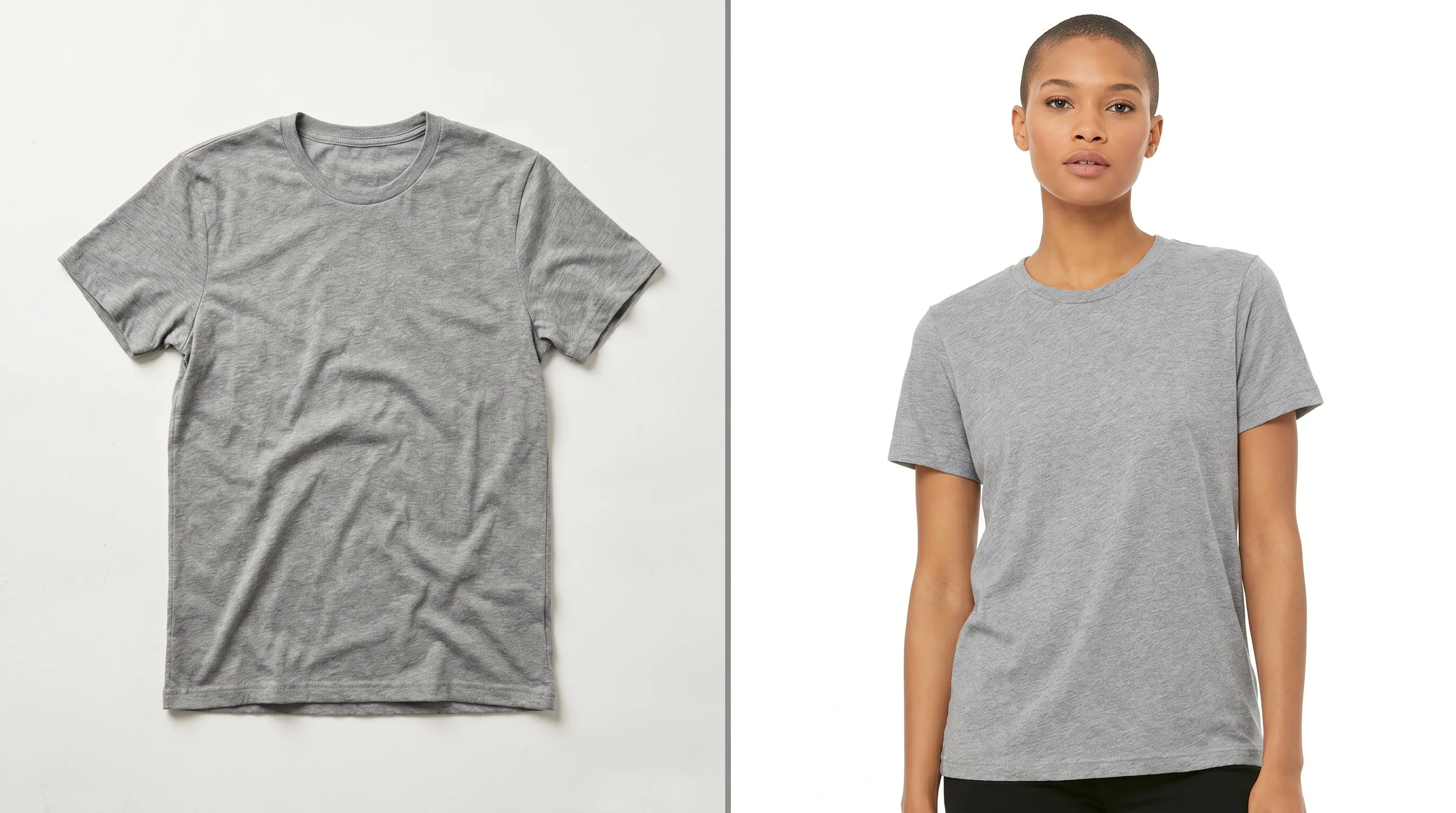
For apparel there's a sixth, category-specific rule that catches a lot of sellers: an adult-clothing main image must be shown on a live model or via the ghost-mannequin technique — a flat-lay or hanger shot is not allowed as the main image, even on white (Seller Labs 2026 spec guide). The cost of getting it wrong is direct: the listing's image is suppressed, the product becomes nearly unbuyable in search, and sales stall until you re-upload a compliant file.
The good news is that this is a specification problem, not a creative one. Diagnose which of the five-plus rules you broke, fix that exact thing, and the listing clears. The rest of this page walks the diagnosis, the honest re-shoot/re-edit fixes, and — when you can't produce a compliant on-model frame any other way — how to generate one to spec.
Diagnose the exact rejection trigger
Amazon's suppression message is often generic. Match your image against each rule below — the first one that fails is almost certainly the trigger.
| Rule | What Amazon requires | Common failure that gets rejected |
|---|---|---|
| Background | Pure white, RGB 255,255,255 | Off-white, cream, light grey, a gradient, or a visible studio seam/shadow |
| Frame fill | Product fills ≥85% of the frame | Garment floats small with wide margins, or is cropped off an edge |
| Resolution | ≥1,000px longest side (2,000–3,000px ideal) | Under 1,000px — zoom won't activate, image flagged |
| No add-ons | No text, logos, watermarks, borders, badges, props, inset images | Brand logo, 'BEST SELLER' badge, size chart, or a prop accessory in frame |
| Apparel format | Adult clothing on a live model or ghost mannequin | Flat-lay, hanger, or folded shot used as the MAIN image |
| Accuracy | Image must represent the actual product shipped | Edited-in feature, wrong color, or scale that misleads the buyer |
Main-image rules per the Amazon Seller Central product image guide, Seller Labs (2026), and Squareshot (2026). Secondary gallery images are allowed flat-lays, lifestyle shots, and infographics — only the MAIN image carries the strict rules.
Fix one: re-edit the image you already have
If your photo is fundamentally compliant — on a model or mannequin, sharp, well-lit — and the rejection is a background or framing issue, you don't need a new shoot. You need an edit.
Force the background to true white. Mask the garment and replace the background with a flat RGB 255,255,255 fill, then check the corners with an eyedropper — a background that looks white on your monitor is frequently 248–252, which is enough to suppress. Amazon explicitly permits AI-assisted background removal, color correction, and lighting adjustment, so a clean cut-out to pure white is fully within policy (Nightjar's 2026 AI-photography legal guide).
Re-crop to hit 85% fill. Tighten the canvas so the garment occupies at least 85% of the frame without clipping any edge. Up-res or re-export so the longest side is at least 1,000px — ideally 2,000px or more, which is where Amazon's pinch-zoom looks crisp (Squareshot). Strip every overlay: delete logos, promotional badges, size charts, and watermarks; those belong in secondary gallery slots, never the main. One disciplined edit pass clears the large majority of background-and-framing rejections.
Fix two: re-shoot the main image to spec
If the rejection is the apparel-format rule — your main image is a flat-lay or hanger shot — editing can't save it. Amazon wants the garment worn. You have two honest re-shoot routes.
Ghost mannequin (invisible mannequin). Shoot the garment on a mannequin against white, then edit the mannequin out so the clothing holds its 3D shape with no visible form inside. It satisfies the on-body requirement without a model fee and reads cleanly on white. Expect studio time plus the cut-out edit per garment.
Live model on white. Book a model and shoot full-length against a seamless white cyclorama, lit to blow the background to true white at capture so retouching is minimal. This is the most convincing main image, and the most expensive — a live apparel day stacks photographer, model, studio, styling, and retouching into thousands per day, which is its own acute pain when you're fixing a single rejected SKU under deadline.
Either route produces a compliant frame. The question is whether a one-off re-shoot is worth it for a listing you need live today — which is where generation comes in.
Fix three: generate a compliant on-model image at about $1
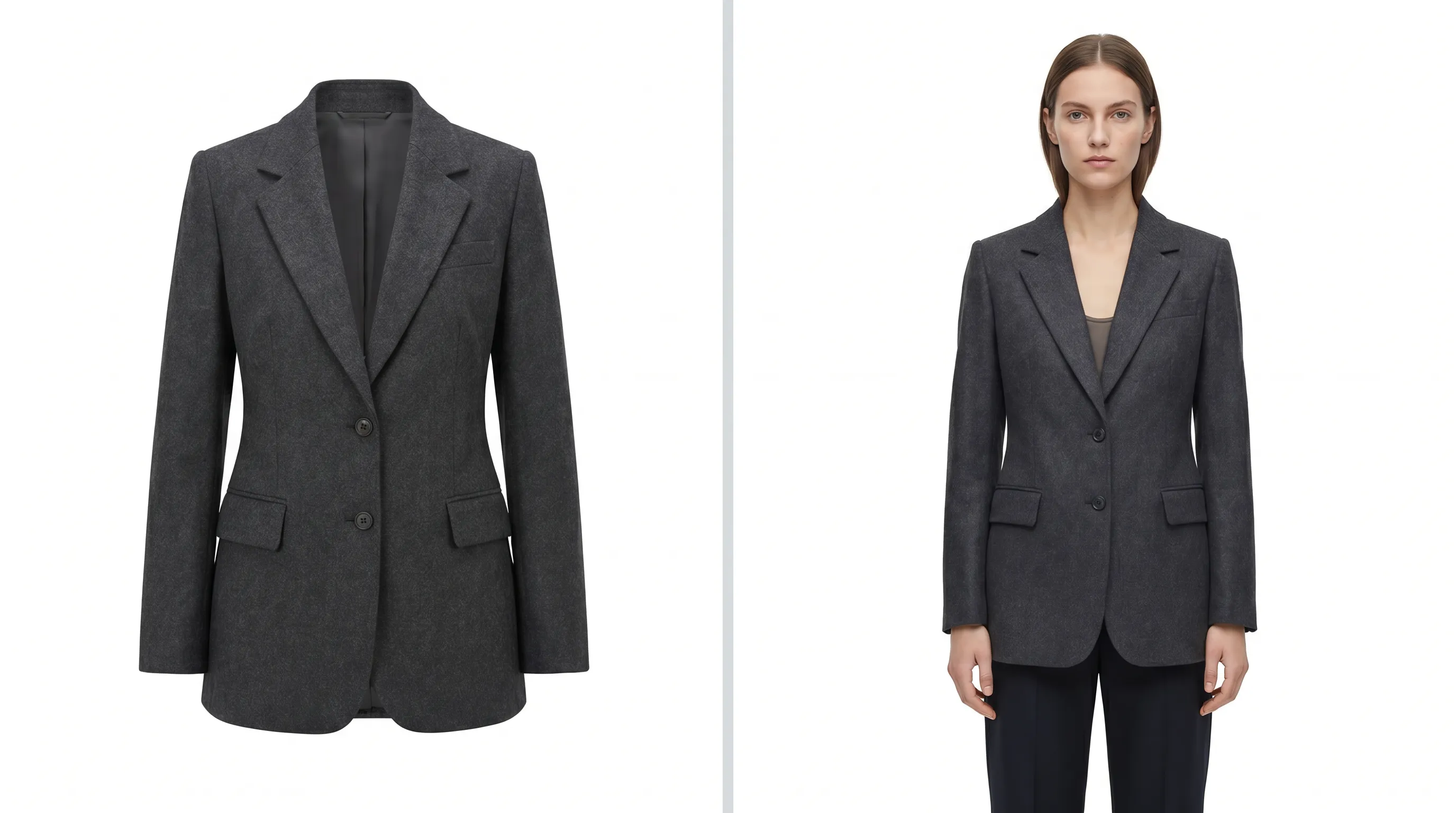
When you can't get to a studio, can't afford a model day for one SKU, or only have a flat-lay to work from, you can generate the compliant frame. Adstronaut AI Photoshoots renders editorial on-model imagery from a single garment photo — flat-lay, mannequin, or an existing shot — at 5 credits per pose, about $1 per finished image, in minutes. Pick a clean studio scene to land the pure-white background Amazon requires, choose a full-length front pose that fills the frame, and export at high resolution to clear the 1,000px zoom threshold comfortably.
For the strict marketplace main image, the practical recipe is: one of the 22 named, consistent models, a full-length front-view pose (one of 8), and a studio scene (the Lookbook Creator covers the multi-angle secondary gallery — front, back, side, detail — across 35 view types for the rest of the PDP). Output on paid plans is commercially licensed and the models are synthetic, so there are no model releases to manage. You can recolor a single source against the Color Changer and re-render the same model for compliant colorway listings without a new sample.
Generation is the fast lane, not a loophole — which is exactly why the accuracy rule below matters.
The accuracy rule you can't edit around
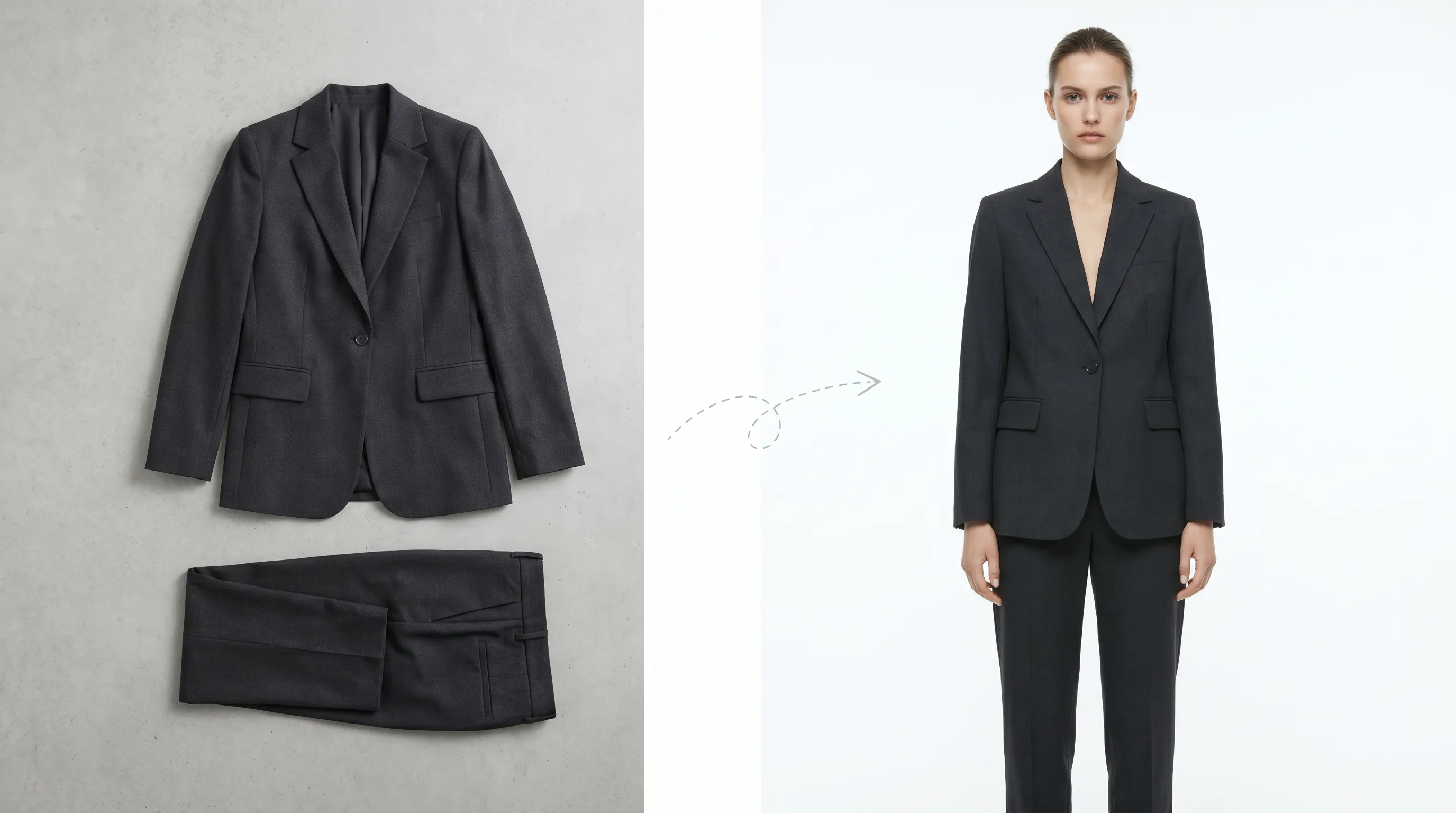
Passing the white-background and on-model checks is only half the policy. Amazon's broader image rule is that the image must accurately represent the actual product the customer receives. The platform permits AI-assisted edits — background removal, color correction, lighting, resizing — but prohibits generating features the product doesn't have, misrepresenting its scale, or fabricating before-and-after or review imagery (Nightjar legal guide). Amazon reportedly rejected roughly 23% of AI-enhanced images from third-party sellers in early 2026 over authenticity, and updated its 2026 seller guidelines to require disclosure when content is substantially created or modified with generative AI (Rewarx AI image policy guide).
What this means in practice: the garment in the render must match the garment you ship — same pattern, color, fabric, and construction — which is why garment fidelity is Adstronaut's design priority, and why the model is a presentation choice rather than a fabrication. Don't invent a pocket, a print, or a fit the real product doesn't have, and don't recolor to a shade your stock isn't. Used that way, generation is a compliant on-model main image; used to fake the product, it's a faster route to a second, harder suppression.
Three fixes, compared
Clear the suppression: a 5-step action plan
Work these in order — most rejections clear by step 3.
- 1
Identify the failing rule
Eyedropper the background corners (must read 255,255,255), measure frame fill (≥85%), check the longest side (≥1,000px), and scan for any text, badge, watermark, or prop. If the main image is a flat-lay or hanger shot, that's the trigger. - 2
Re-edit if it's background, fill, resolution, or an overlay
Cut the garment out to a flat pure-white fill, re-crop to 85%+, up-res to 2,000px on the long side, and delete every overlay. Re-upload — this clears most rejections. - 3
Produce an on-model frame if it's the apparel-format rule
A flat-lay can't be the main image. Re-shoot on a model or ghost mannequin, or generate a compliant on-model frame from your existing photo via AI Photoshoots — full-length front pose, studio (white) scene, exported large. - 4
Verify accuracy before re-uploading
Confirm the image's pattern, color, fabric, and construction match the unit you ship — Amazon suppresses misrepresentation. Don't add features or shift color away from real stock. - 5
Build the rest of the gallery
Secondary slots allow flat-lays, lifestyle, detail, and infographic images — add back, side, and detail views (the Lookbook Creator covers them) so the PDP is complete once the main image clears.
When a real photographer is still the right call
Editing and generation fix the spec problem, but they don't replace a photographer for every situation, and pretending otherwise would cost this page its usefulness. Hire the studio when the hero campaign frame is the product — a flagship listing where named-talent or genuine fabric movement carries the brand. Hire it for fit-scrutiny categories where the buyer is judging drape on a real body, like bridal or tailored suiting. And shoot live when a trusted, repeatable studio setup already produces compliant white-background frames at a per-SKU cost you're happy with — if your existing pipeline clears Amazon every time, a single rejection is a process tweak, not a reason to change tools.
The efficient pattern for most marketplace sellers is hybrid: shoot the hero frames live, and route the recurring volume — compliant main images for new SKUs, colorways, and restocks — through generation at about $1 each. That keeps the catalog clearing Amazon's rules without re-booking a studio for every rejection.
Who this fix is built for
Amazon apparel sellers whose flat-lay main image got suppressed and who need an on-model frame live today. Shopify-and-Amazon multichannel brands adding SKUs and colorways faster than a studio calendar allows. Marketplace operators standardizing thousands of legacy listings to the white-background, on-model spec in batches. Indie founders fixing a single rejected listing without a five-figure shoot, who'd rather put the budget into inventory.
If that's you, the path is the same: find the failing rule, fix that exact thing, and verify the image still represents the real product. For the platform spec end-to-end, see AI product photos for Amazon; for the full listing build, the perfect e-commerce listing guide maps every image slot.
Frequently asked questions
Why was my Amazon listing image rejected?
Almost always one of Amazon's hard main-image rules: the background isn't pure white (RGB 255,255,255), the product fills under 85% of the frame, the longest side is under 1,000px so zoom won't activate, the image carries text/logos/watermarks/borders/props, or — for adult apparel — it's a flat-lay instead of a shot on a live model or ghost mannequin. Match your image against each rule; the first failure is the trigger.
What exact white background does Amazon require?
Pure white, RGB 255,255,255, per the Amazon Seller Central image guide. Off-white, cream, light grey, or a gradient — even values like 250,250,250 that look white on screen — can trip automated suppression. Eyedropper the corners of your file to confirm true 255 before re-uploading.
Can a flat-lay be my Amazon main image for clothing?
No. Adult-apparel main images must show the garment on a live model or via the ghost-mannequin (invisible mannequin) technique. A flat-lay, hanger, or folded shot is allowed in secondary gallery slots but not as the main image. If that's your rejection, no edit fixes it — you need an on-model or ghost-mannequin frame.
What size does an Amazon product image need to be?
At least 1,000 pixels on the longest side for Amazon's zoom function to activate; off-spec smaller files get flagged. Amazon recommends larger, and the practical sweet spot is 2,000–3,000px on the longest side, where pinch-zoom stays crisp on a product detail page.
Can I use AI-generated images on Amazon?
Yes, within policy. Amazon permits AI-assisted edits — background removal, color correction, lighting, resizing — and AI-generated imagery, provided the final image accurately represents the physical product shipped. It prohibits inventing features the product lacks, misrepresenting scale, or faking review/before-after imagery, and updated its 2026 guidelines to require disclosure when content is substantially AI-created. Keep the garment true to your real stock and you're compliant.
How do I fix an off-white background rejection without a reshoot?
Mask the garment and replace the background with a flat RGB 255,255,255 fill, then verify the corners read true 255 with an eyedropper. Background removal and replacement is an explicitly permitted edit. Re-crop to 85%+ fill, strip any overlays, export at 2,000px, and re-upload. No new shoot is needed if the garment is already on a model or mannequin.
How much does it cost to generate a compliant Amazon image?
About $1 per finished on-model image with Adstronaut AI Photoshoots — 5 credits per pose. Pick a model, a full-length front pose, and a studio (white) scene, and export large to clear the 1,000px zoom threshold. A live re-shoot for one rejected SKU stacks photographer, model, studio, and retouching into thousands per day by comparison.
What should NOT be in my main image?
No text, logos, watermarks, brand badges, borders, inset/inset-thumbnail images, or props (accessories the buyer isn't purchasing). Those belong in secondary gallery slots, which allow flat-lays, lifestyle shots, size charts, and infographics. The main image is product-only, on white, on a body for apparel.
Will Amazon suppress an image that doesn't match my product?
Yes. Beyond the white-background and on-model rules, Amazon requires the image to accurately represent the actual product shipped, and reportedly rejected around 23% of AI-enhanced seller images in early 2026 over authenticity. The garment's pattern, color, fabric, and construction must match what you ship — don't recolor beyond real stock or edit in features the product doesn't have.
Do the other gallery images follow the same rules?
No — only the main image carries the strict white-background, 85%-fill, on-model, no-overlay rules. Secondary gallery slots allow flat-lays, lifestyle and in-context shots, detail close-ups, size charts, and infographics. So you only need to bring the main image to spec; build out the rest of the PDP with multi-angle and lifestyle frames once it clears.
Generate a compliant Amazon main image in minutes
Pure-white background, on a model, filling the frame, exported large enough for zoom — from a single garment photo, about $1 per image. Just keep it true to the product you ship.
Try AI PhotoshootsKeep going
Sources and further reading
- Amazon Seller Central — product image guide — primary: RGB 255,255,255 white, 85% fill, 1,000px zoom, no text/logos/props, apparel on model/ghost mannequin
- Seller Labs — Amazon product image requirements (2026) — apparel main image must be live model or ghost mannequin; flat-lay not allowed as main
- Squareshot — Amazon image dimensions (2026) — 1,000px minimum for zoom; 2,000–3,000px recommended range
- Nightjar — AI product photography legal guide (2026) — permitted AI edits (background, color, lighting); image must represent the actual product
- Rewarx — Amazon AI-generated image policy (2026) — ~23% of AI-enhanced seller images rejected Q1 2026; 2026 AI-disclosure requirement