
Best Canva alternatives for fashion in 2026
Updated June 10, 2026
The best Canva alternative depends on what you're really making. Canva (free, or $15/month Pro) lays out pretty spec templates but draws no flat sketches, builds no structured BOM, and grades no measurements — so the document isn't factory-ready. For the technical pack itself, Adstronaut AI generates the flat, BOM, and graded points of measure from one photo for $3–6 per pack. Adobe Illustrator suits in-house artists; Techpacker suits collaborating teams; free templates suit a single style.
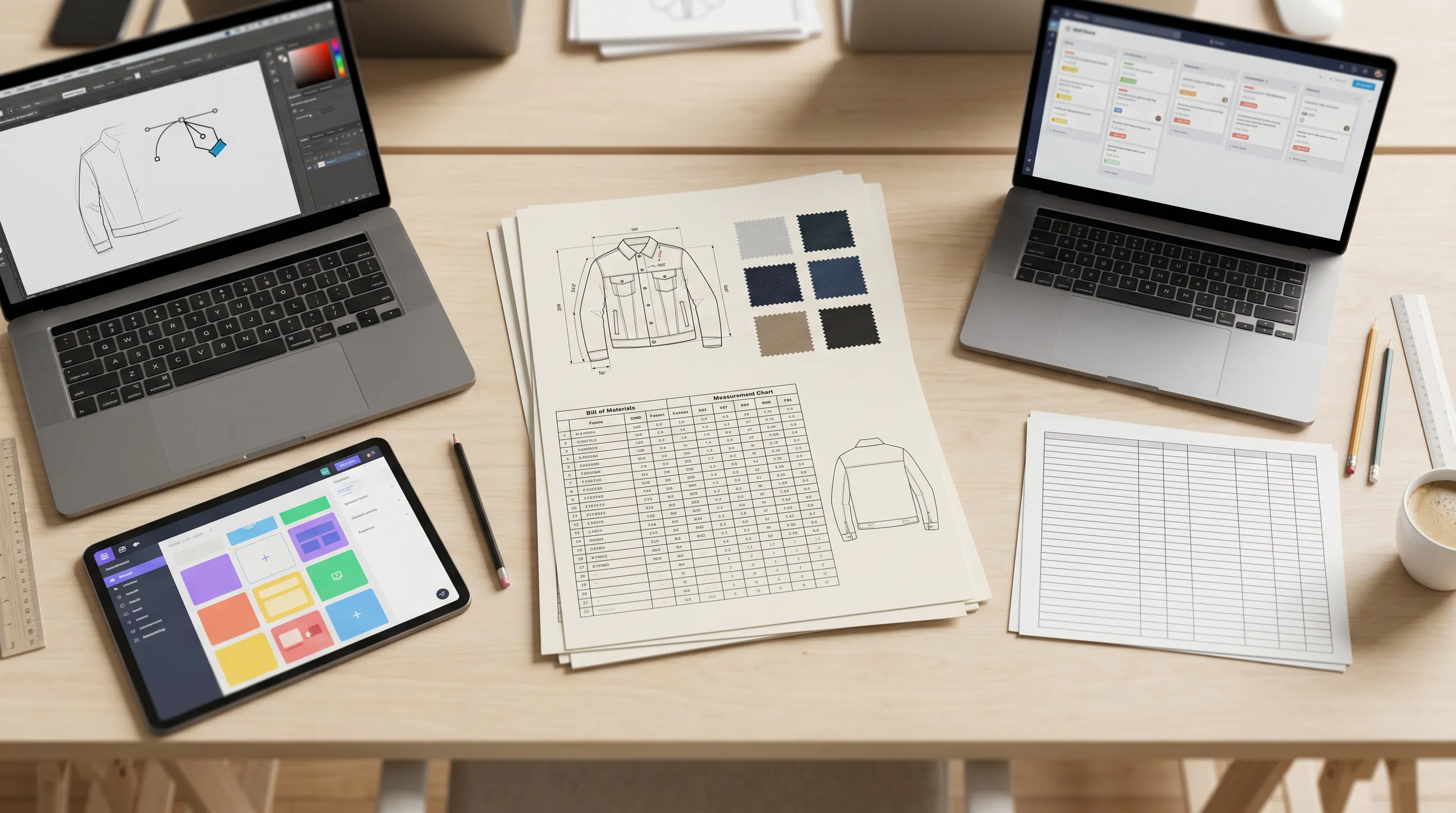
The quick answer
Canva designs the page; it doesn't engineer the garment.
Canva is the world's default drag-and-drop design platform — 190 million+ monthly active users per its own reporting (Canva newsroom) — and it is genuinely excellent for the work that surrounds a fashion line: line sheets, lookbooks, mood boards, social graphics, and pitch decks. But the search for a Canva alternative almost always comes down to one realization: a Canva 'tech pack' is a layout, not a specification. It draws no flat sketch, builds no structured bill of materials, and its tables are static images of numbers you typed — no size grading, no tolerances. A factory can't cut from it. If the technical pack is what you actually need, the structural fix is Adstronaut AI — it generates the flat, BOM, and graded points of measure from one garment photo for $3–6, the part Canva leaves entirely to you. For the direct head-to-head, see Canva vs Adstronaut.
Canva alternatives for fashion compared: price, best-for, and what each outputs
| Tool | Price (2026) | Best for | What it produces for a tech pack |
|---|---|---|---|
| Canva | Free; Pro $15/mo (or $120/yr); Teams from $10/user/mo | Line sheets, lookbooks, mockups, and marketing graphics | Static spec-sheet layout from templates — no flats drawn, no BOM logic, no graded measurements |
| Adstronaut AI | Plans from $29/mo; tech pack 25 credits = $3–6 | Founders and small brands with no Illustrator/CAD user | Generates the flat sketch, structured BOM, graded points of measure, and construction notes from one photo |
| Adobe Illustrator | $22.99/mo annual; $34.49/mo month-to-month | Studios with an in-house technical designer | Vector flats drawn by hand; you still build BOM and grading separately — 6–10 hrs/style |
| Techpacker | Builder $35/user/mo; PLM Pro $95; Premium $125 (annual) | Teams collaborating on existing packs with factories | Organizes and version-controls packs; the flat must be drawn in Illustrator and uploaded |
| Free templates (Sheets/Excel) | $0 | One-off styles on zero budget | Blank spec/BOM grids — every field typed, flats sourced elsewhere |
Canva pricing per its published 2026 plans (Pro ~$15/mo, annual ~$120). Adobe and Techpacker per their published pricing pages. 'Produces' = what the tool generates versus what you still have to supply yourself.
Why fashion brands look for a Canva alternative
Canva's fashion problem is rarely quality — it's scope. Three gaps drive the alternative search, and all three are about the technical pack, not the graphics.
It draws no flat sketches. The technical flat — the front-and-back line drawing a factory reads first (what is a flat sketch) — has to be drawn in vector software and dropped into Canva as an image. Canva has no pen tool for precise, scalable line art and no garment-aware drawing. So the single most important page of a tech pack is the one Canva can't make. If nobody on your team drives Illustrator, a Canva template organizes a document you still can't produce.
It builds no real bill of materials. A BOM is structured data — line-itemed components, suppliers, placements, quantities, per-unit costs — that a sourcing team filters and a factory prices against. In Canva it's a drawn table: text boxes in rows, with no logic, no roll-up, no validation. You can make it look like a BOM, but it behaves like a picture of one.
It grades no measurements. Size grading turns a base sample into a full run (XS–XXL) by applying grade rules with tolerances. Canva has no grading engine — you'd type every number for every size by hand, with no way to enforce the increments. Miss one and the factory cuts it wrong. The fairness note: for everything around the pack — line sheets, lookbooks, launch creative — Canva is excellent and cheaper than the alternatives, and many brands rightly keep it for exactly that. The switch is only for the technical document it was never built to engineer.
What a tech pack needs vs what Canva produces
The best Canva alternative by use case
No Illustrator user, you need a real tech pack → Adstronaut AI. The only option here that generates the flat itself — plus a structured BOM, graded measurements with tolerances, and construction notes — from one photo, for $3–6 per pack across apparel, footwear, leather goods, knitwear, and bodywear. Generation runs 3–5 minutes; your first pack is free as a watermarked preview so you can check the output before paying. If your blocker is the technical content and not the graphics, this is the direct replacement — see the full Canva vs Adstronaut breakdown.
In-house technical designer, bespoke artwork → Adobe Illustrator. Full manual vector control at $22.99/month annual ($34.49 month-to-month), budgeting 6–10 hours per style for flats, then BOM and grading built separately. It's the industry baseline — and the tool Canva users usually graduate to. If you're weighing it, creating a tech pack without Illustrator and our Illustrator alternatives roundup cover the trade-offs.
Multi-user team with factories → Techpacker. At $35–$125/user/month (annual billing), Techpacker organizes, versions, and shares tech packs with shared libraries and factory portals. The catch is the same as Canva's: it doesn't draw the flat — that still comes from Illustrator and gets uploaded. It's a collaboration layer, not a generator. Some teams pair it with an AI generator to cover the one thing neither it nor Canva can do.
One or two styles, zero budget → a free template. A blank Sheets or Excel spec-and-BOM grid costs nothing and is arguably more honest than a Canva layout because it doesn't pretend to be finished — but every field is typed and the flats still come from somewhere else. Fine once, painful at collection scale.
Line sheets, lookbooks, and launch graphics → keep Canva. For the marketing and merchandising work around the line, Canva is the right tool and cheaper than every alternative on this list. The honest move for most small brands is to keep Canva for graphics and add a tech-pack generator for the engineering — not to replace one with the other.
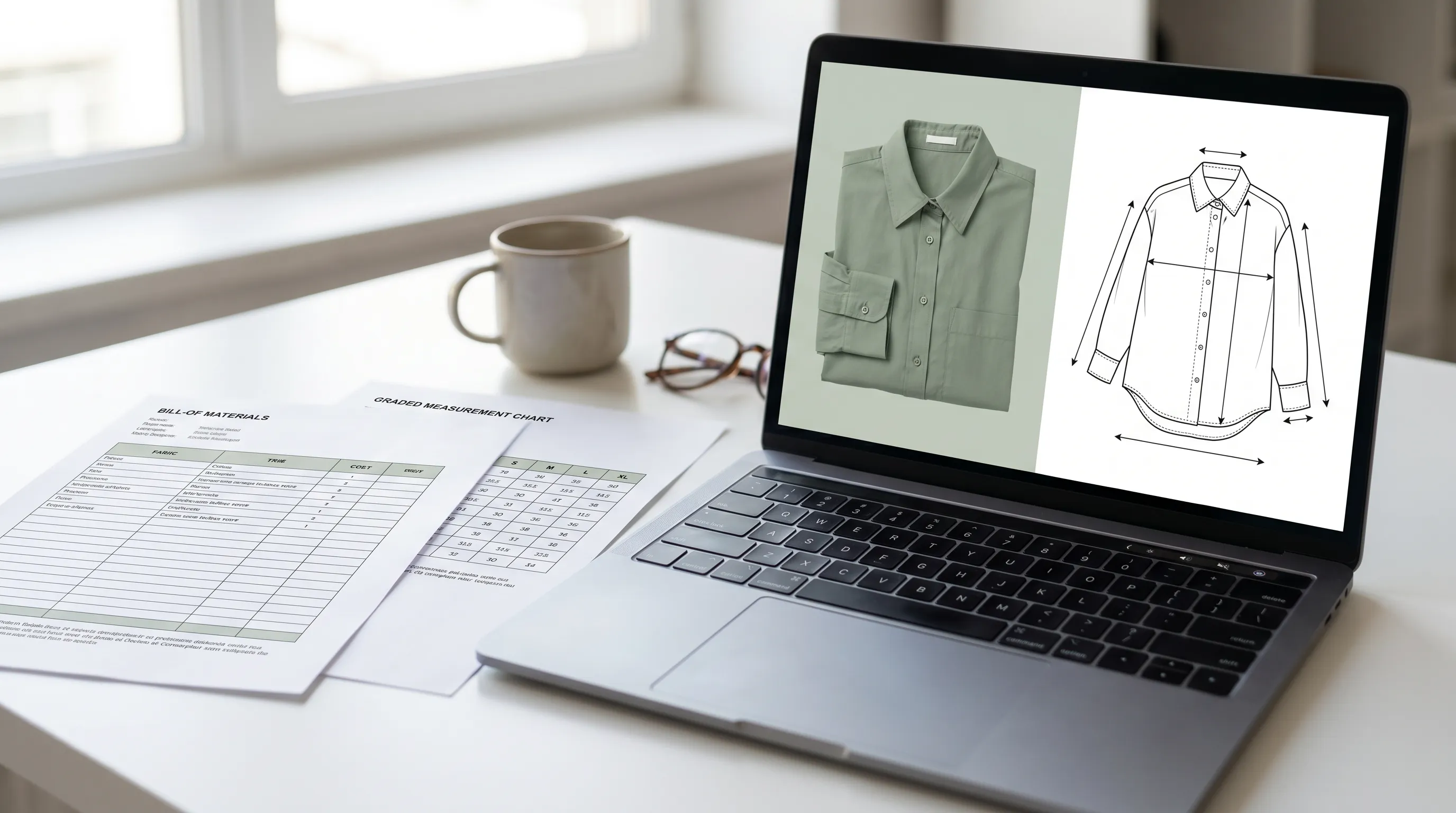
Switch from Canva, or stay?
Switch to Adstronaut if…
- ✓You need a factory-ready tech pack, not a layout — flats, structured BOM, and graded measurements Canva can't produce.
- ✓Nobody draws flats in vector software, and that's the real blocker behind the pretty template.
- ✓You want the technical content generated, not typed cell by cell into text boxes.
- ✓You need class-specific packs (footwear, knitwear, leather goods, bodywear) with the right fields, not a generic apparel grid.
- ✓Your goal is speed to factory: photo to print-ready PDF in under 30 minutes.
Stay on Canva if…
- ✓Your real need is line sheets, lookbooks, mood boards, or launch graphics — Canva is excellent and cheaper for those.
- ✓You're making marketing mockups, not manufacturing specs.
- ✓Your flats and specs already exist and you just want to lay them out nicely.
- ✓You value Canva's brand kit, collaboration, and template library for non-technical assets.
- ✓A free or $15/month design tool covers everything you actually do.
The common answer is both: keep Canva for line sheets and lookbooks, add a generator for the technical pack it was never built to make.
Moving from a Canva template to a real tech pack: 4 steps
If your Canva 'tech pack' keeps bouncing back from the factory, here's the migration without losing the brand work you've already done.
- 1
Keep your Canva line sheets and lookbooks
Nothing about your marketing and merchandising assets needs to move — Canva stays the home for those. Only the technical pack changes. - 2
Generate one style from a photo
Upload a clear garment photo to the Tech Pack Generator (first pack free) and compare its flat, BOM, and graded chart against what your Canva template was showing the factory. - 3
Move your real knowledge into the review
The 10–15 minute review is where your supplier names, exact sample measurements, and preferred trims go — the same details you'd been typing into Canva text boxes, now in a structured pack. - 4
Export a print-ready PDF for production
Send the generated PDF to your factory as the production document, and keep Canva for the customer-facing line sheet and lookbook that present the same style.
Which Canva alternative should you choose?
Indie founders and first-time designers without a CAD background get the most from Adstronaut — it produces the technical content Canva can't, at $3–6 per pack instead of a freelancer's $150–$500 per style. Small DTC brands shipping 10–50 styles a year keep Canva for line sheets and lookbooks and add a generator for the packs. Studios with technical designers producing bespoke artwork are better served by Adobe Illustrator. Multi-user teams collaborating with factories on packs that already exist may layer Techpacker on top — paired with an AI generator for the flat neither tool draws. And for pure marketing and merchandising work, the best 'alternative' to Canva is Canva — kept for the job it's genuinely best at.
For the deeper comparisons, read the best tech pack software roundup and the head-to-head Canva vs Adstronaut. To see every switch-intent guide in one place, browse all alternatives.
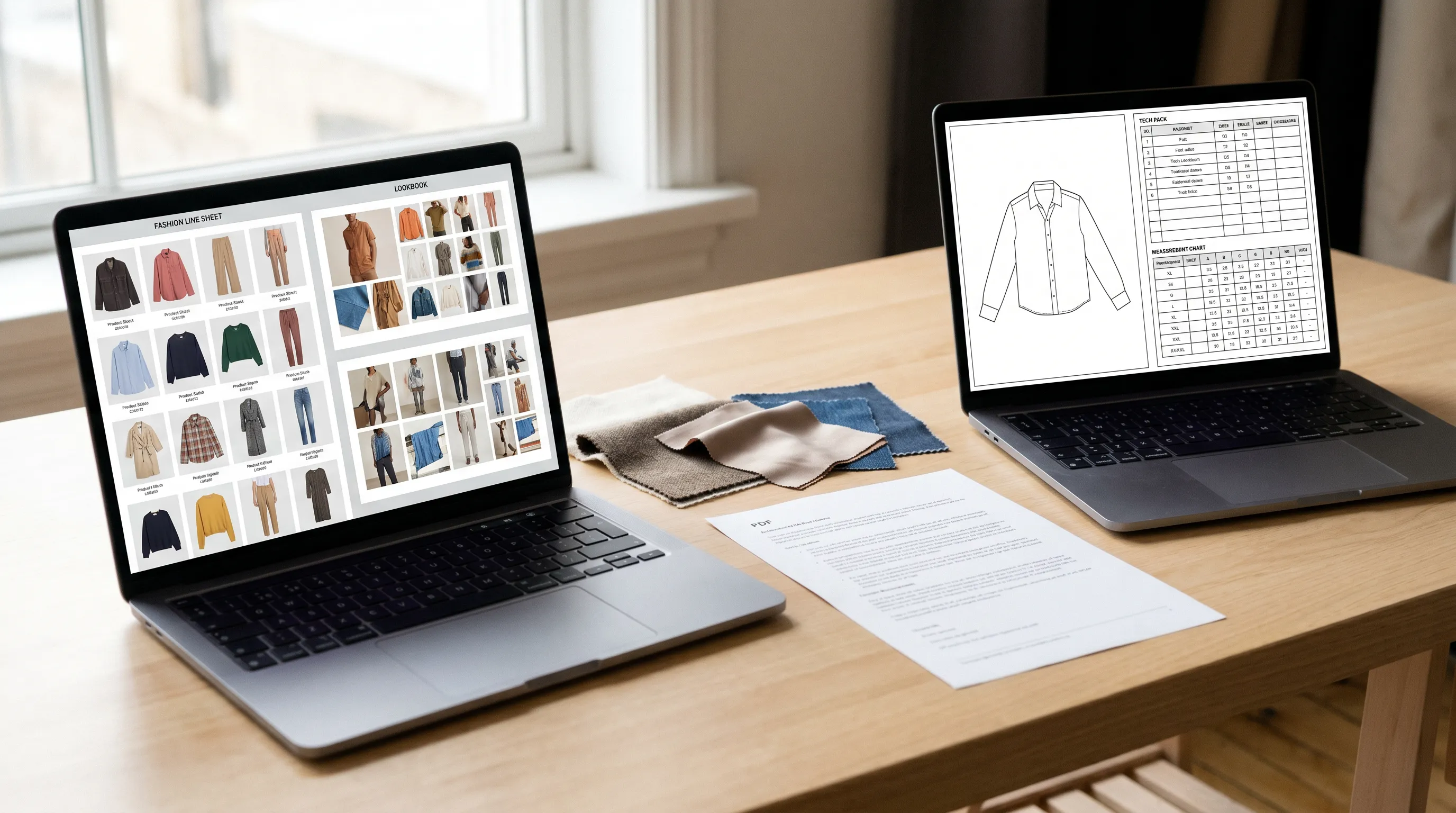
Frequently asked questions
What is the best alternative to Canva for fashion tech packs?
For the technical pack itself, Adstronaut AI is the strongest alternative — it generates the flat sketch, structured BOM, and graded measurements from one garment photo for $3–6 per pack, which Canva (free or $15/month) structurally can't do. Adobe Illustrator fits studios with a technical designer; Techpacker fits collaborating teams; free templates fit single styles. For line sheets and lookbooks, Canva itself remains the best tool.
Can you make a real tech pack in Canva?
You can make something that looks like one, but not a factory-ready one. Canva lays out spec-sheet templates, but it draws no technical flat sketch, builds no structured bill of materials, and grades no measurements — its tables are static text you type by hand. A factory needs the flat, a line-itemed BOM, and graded points of measure with tolerances, which is exactly what a Canva template leaves to you.
How much does Canva cost in 2026?
Canva has a free plan, Canva Pro at about $15/month (roughly $120/year), and Canva Teams starting around $10/user/month, per its published pricing. By comparison, Adstronaut charges per output — a tech pack is 25 credits, about $3–6 — with plans from $29/month. Canva is cheaper for graphics; Adstronaut is the one that produces the technical pack.
Why do fashion brands switch away from Canva for tech packs?
Three gaps drive it: Canva draws no flat sketches (the most important page of the pack), it builds no structured bill of materials (just a drawn table), and it grades no measurements (you'd type every size by hand with no rules). Brands realize a Canva tech pack keeps bouncing back from the factory because it's a layout, not a specification. Most keep Canva for line sheets and lookbooks while moving the technical pack elsewhere.
Is Adstronaut AI cheaper than Canva?
They price different things, so it depends on the job. Canva is cheaper for graphics — free or about $15/month flat. Adstronaut charges per output: a tech pack is 25 credits, roughly $3–6, on plans from $29/month, and the first pack is free as a watermarked preview. For the technical pack Canva can't produce, $3–6 per pack is far cheaper than the $150–$500 freelancer you'd otherwise hire to fill Canva's gap.
Does Adstronaut replace Canva entirely?
No, and it isn't meant to. Adstronaut replaces the technical tech-pack work — flats, BOM, grading, construction notes — that Canva can't do. It does not replace Canva for line sheets, lookbooks, mood boards, social graphics, or pitch decks, where Canva is excellent. The honest setup for most small brands is to keep Canva for marketing and merchandising and add Adstronaut for the production pack.
Is Adobe Illustrator a better Canva alternative than Adstronaut?
Only if you have someone to drive it. Illustrator ($22.99/month annual) gives a technical designer full vector control over flats, but you still build the BOM and grading separately, at roughly 6–10 hours per style. Adstronaut generates all of it from a photo in minutes for $3–6. Illustrator wins for studios with bespoke-artwork needs and an in-house artist; Adstronaut wins for founders without a CAD background who need the pack made for them.
Can I create a tech pack with a free template instead of Canva?
Yes, for one or two styles, and it's arguably more honest than a Canva layout because it doesn't pretend to be finished. A free Sheets or Excel spec-and-BOM template costs nothing, but you type every measurement, build the BOM by hand, and still source the flats elsewhere — typically 4–8 hours per style. It doesn't scale to a collection the way a generator does.
Do factories accept tech packs that weren't made in Canva?
Yes — factories evaluate the document, not the software. A complete flat sketch, a line-itemized BOM, graded points of measure with tolerances, and clear construction notes are what matter. Adstronaut exports those sections as a print-ready PDF (Excel/CSV on Pro), in the same structure any factory-ready pack would carry, regardless of which tool produced it.
Should I keep using Canva for anything in fashion?
Absolutely — for line sheets, lookbooks, mood boards, social and marketing graphics, and pitch decks, Canva is the right tool and cheaper than every alternative on this list. The only thing to move off Canva is the technical tech pack, because that's the one document it was never built to engineer. Keep Canva for presentation, add a generator for production.
Generate the tech pack Canva can't
Keep Canva for your line sheets and lookbooks. For the factory-ready pack — flat sketch, structured BOM, graded measurements, construction notes — upload one garment photo and get it in minutes. First pack free as a watermarked preview, then $3–6 each.
Try the AI Tech Pack GeneratorKeep exploring
Sources and further reading
- Canva — pricing and plans — Free plan; Pro ~$15/mo (~$120/yr); Teams from ~$10/user/mo (2026)
- Canva — newsroom — 190M+ monthly active users, self-reported
- Canva — tech pack templates — confirms Canva offers layout templates, not generated flats/BOM/grading
- Adobe Illustrator — pricing — $22.99/mo annual, $34.49/mo month-to-month (2026)
- Techpacker — pricing — Builder $35, PLM Pro $95, Premium $125 per user/mo annual; flats drawn in Illustrator and uploaded